
Answered
Warp preview glitch. No longer resembles image being transformed.
When applying the warp transformation (edit>transform>warp) as soon as I move a control node, the preview looks like this:
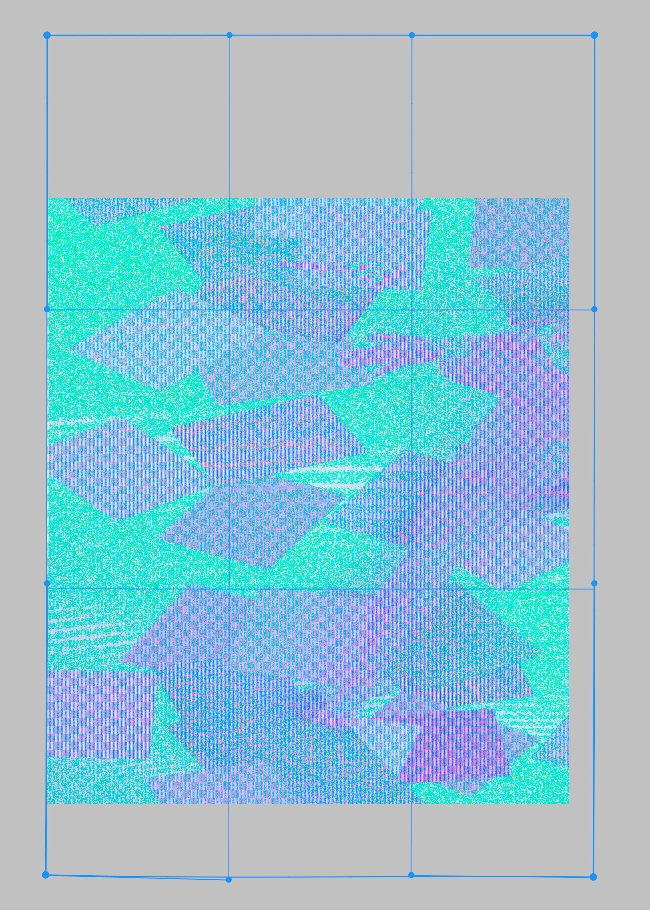
If I apply the warp, it seems to function normally. I just can't see what I'm doing during the process.
I'm using up-to-date Sonoma 14.6.1 MacOS on M2 Max Studio. I've tried current and previous versions of Photoshop going back a year and it happens consistently. I don't remember this being a problem before and wonder what might be a fix or workaround.
 AdChoices