miguelbogea
Participating Frequently
September 20, 2022
Question

warp text error

  • September 20, 2022
  • 4 replies
  • 1623 views

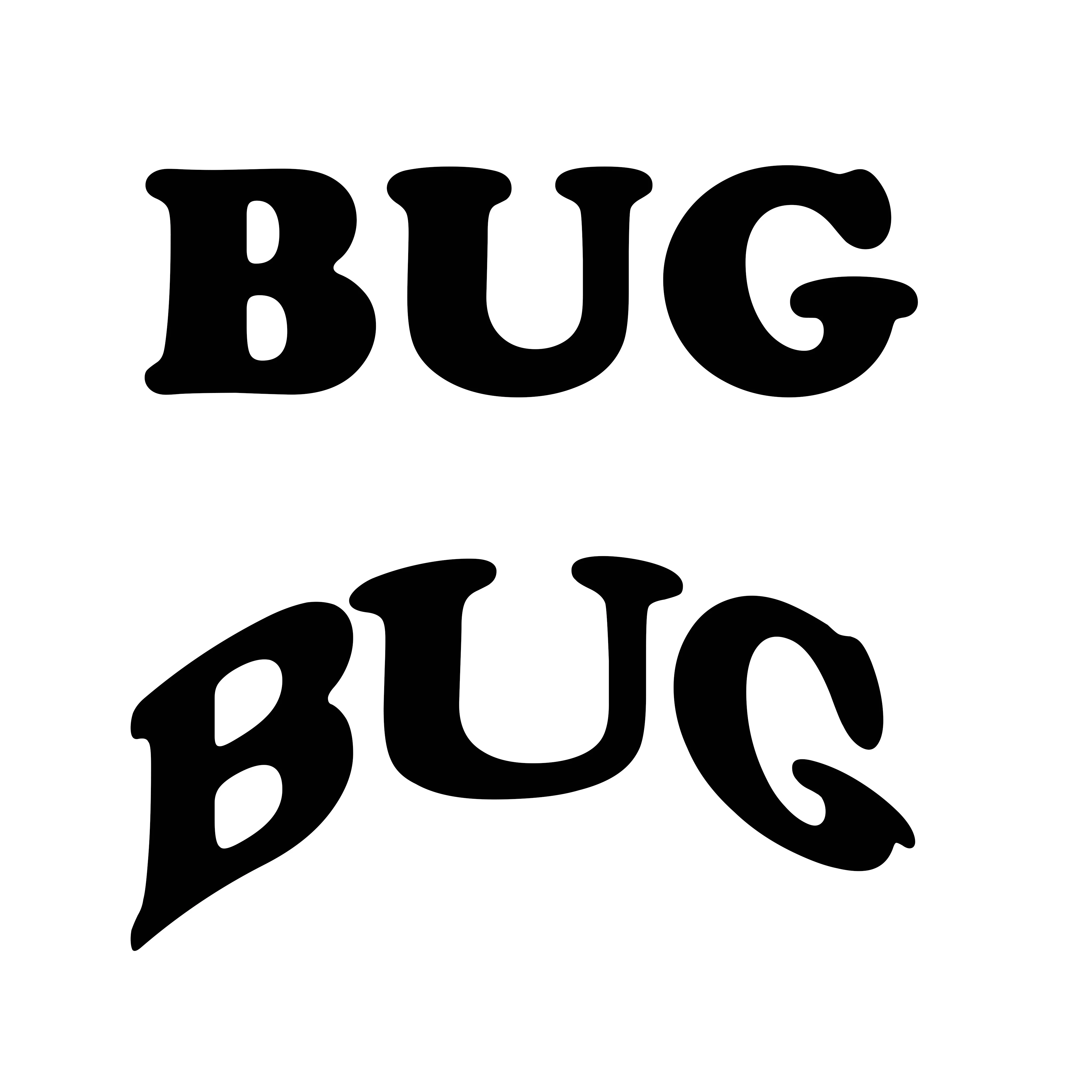
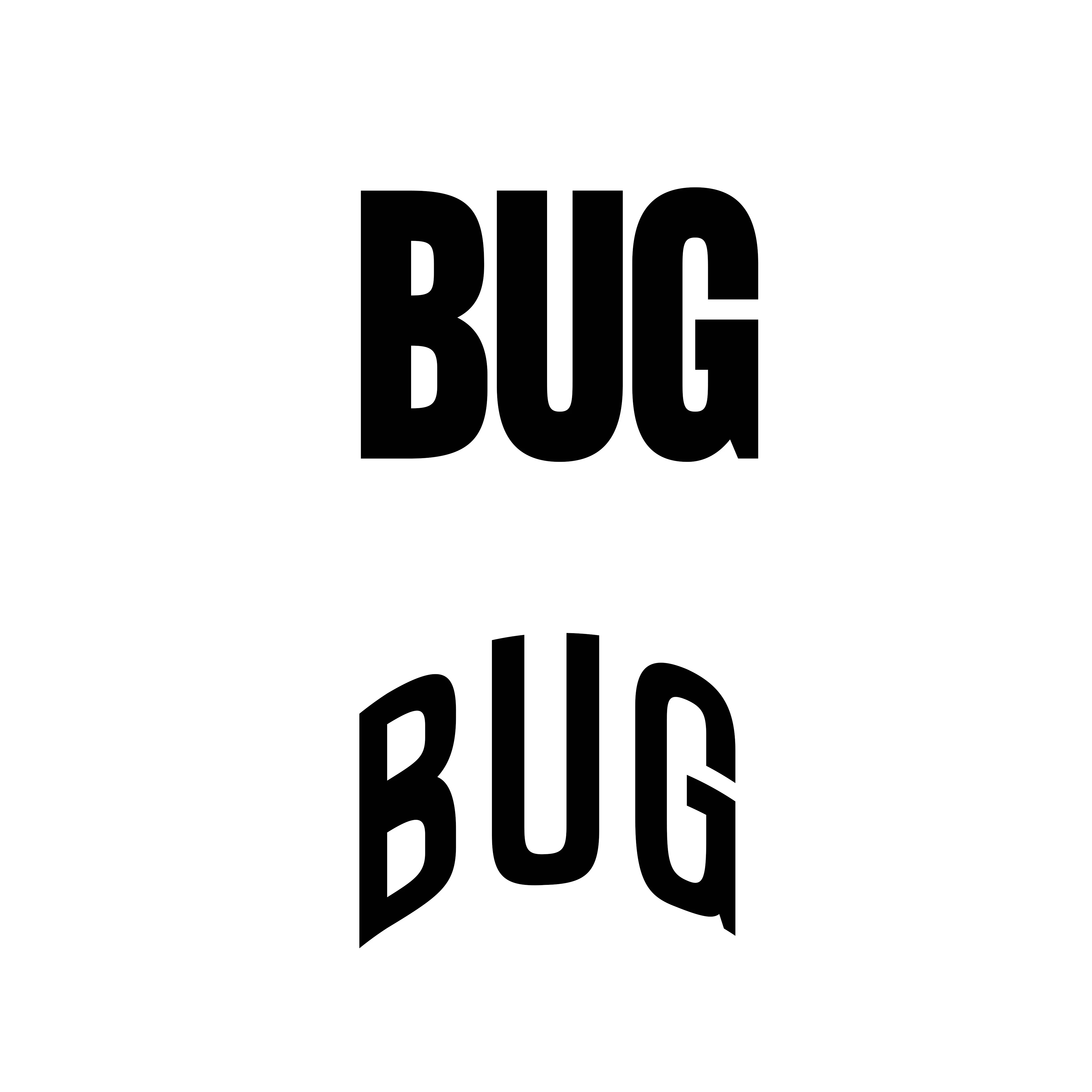
every time i try to apply warp text on a text (without converting it to a smart object) it makes the font totally distorted. i'll put some screenshots of it. 


its photoshop 23.5.1
This topic has been closed for replies.

4 replies

Jeff Arola
Community Expert
Community Expert
September 21, 2022

I would reset the photoshop preferences by going to Edit>Preferences>General, clicking on Reset Preferences On Quit and restarting photoshop.

Jeff Arola
Community Expert
Community Expert
September 21, 2022

Do you have Faux Bold applied from the Window>Character Panel?


miguelbogea
Participating Frequently
September 21, 2022

no, i dont

Community Expert
September 20, 2022

well the reason this is happening is because you are distoring the text, that is what text Warp does. However in this state it is still in Vector format, so its edges are clean, but in order to curve it, it has to be distorted a bit. 
If you just want text ON a curve you can create a new layer and either use the pen tool to create a path, or use the elliptical marquee to create a circle, and then right-click inside of it and select "Make work path" and then press ok.... then you can select the Text tool and hover over the path you will see a wiggly line show up, when you see that.... click where you want to add text... and Voila!

Hope that helps!

mark

headTrix, Inc. | Adobe Certified Training & Consulting
miguelbogea
Participating Frequently
September 21, 2022

no, i think you dont get it. it used to work perfectly, now it gets the caracters totally different from the original font. 

Community Expert
September 21, 2022

well then, why not just convert it to a smart object if that is working? Probably not a bad idea anyhow.

Not sure exactly what is happening or why, but I was just trying to help and give some solutions.


Good luck!
mark

headTrix, Inc. | Adobe Certified Training & Consulting
Jeff Arola
Community Expert
Community Expert
September 20, 2022

What font and settings for warp are you using?

miguelbogea
Participating Frequently
September 20, 2022

it happens with every font and every warp setting i try.