
Question
Weird bug with portable version of Photoshop CS6
Hi,
I've noticed a weird bug which happened to me when I wanted to drag the image to another place. I don't know what is going on with this, because Photoshop is opened with default settings. The "frame" appears only when I put image in place. It stays where I puted image. Please, help me fix this quickly, because working with this isn't really fun thing to do. Here's screenshot from portable Photoshop CS6: 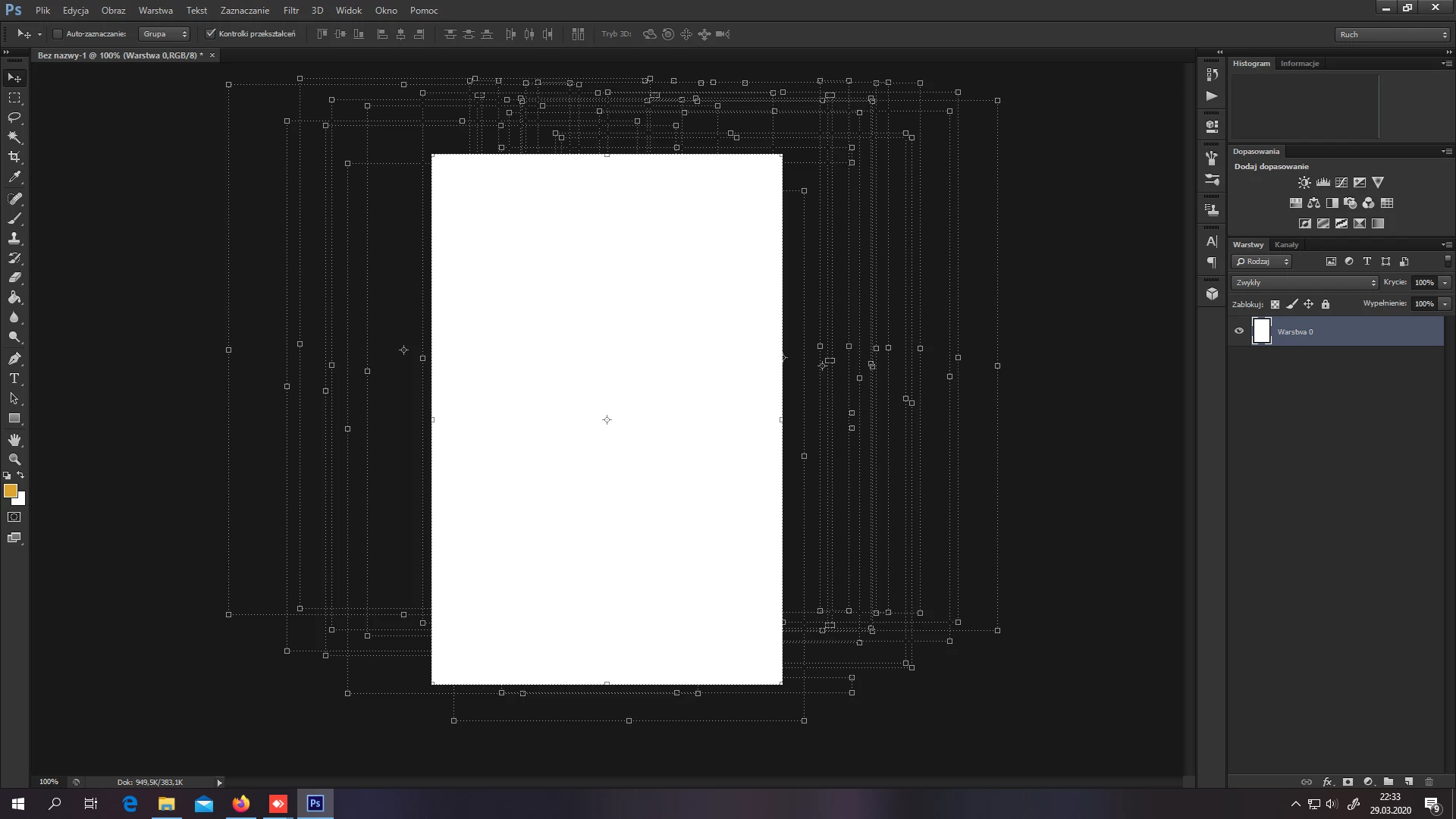
 AdChoices