

Question
Weird Problem when working off a server
(Mac OS Big Sur, Pshop 22.4.2)
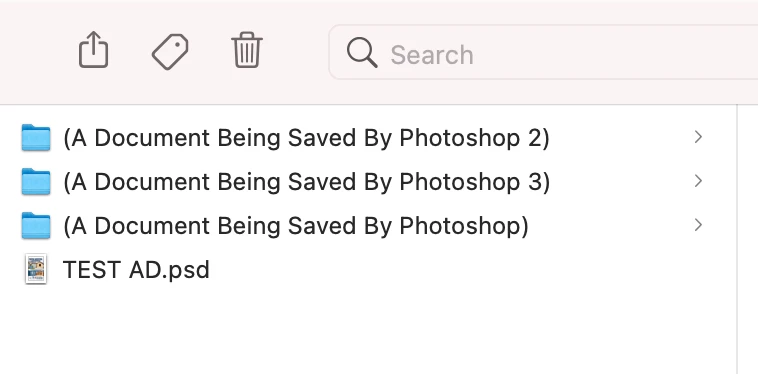
I get this weird issue whenever we work in Photoshop directly off our server (Windows server) where when I save the file in the course of my work, Photoshop generates an empty folder in the server directory (I can also see these folders on the actual server when viewed directly on the Windows computer.) . As you can see in the attached photo, I have saved this document three times. How can I get Pshop to stop doing this? It happens in any version of Pshop I use, so it's not a problem exclusive to the latest version. It was also doing it before I upgraded to OS Big Sur. I should also mention that Illustrator and InDesign do not do this.
 AdChoices