Rafaelis
Inspiring
January 8, 2025
Answered

Welcome screen

  • January 8, 2025
  • 2 replies
  • 410 views

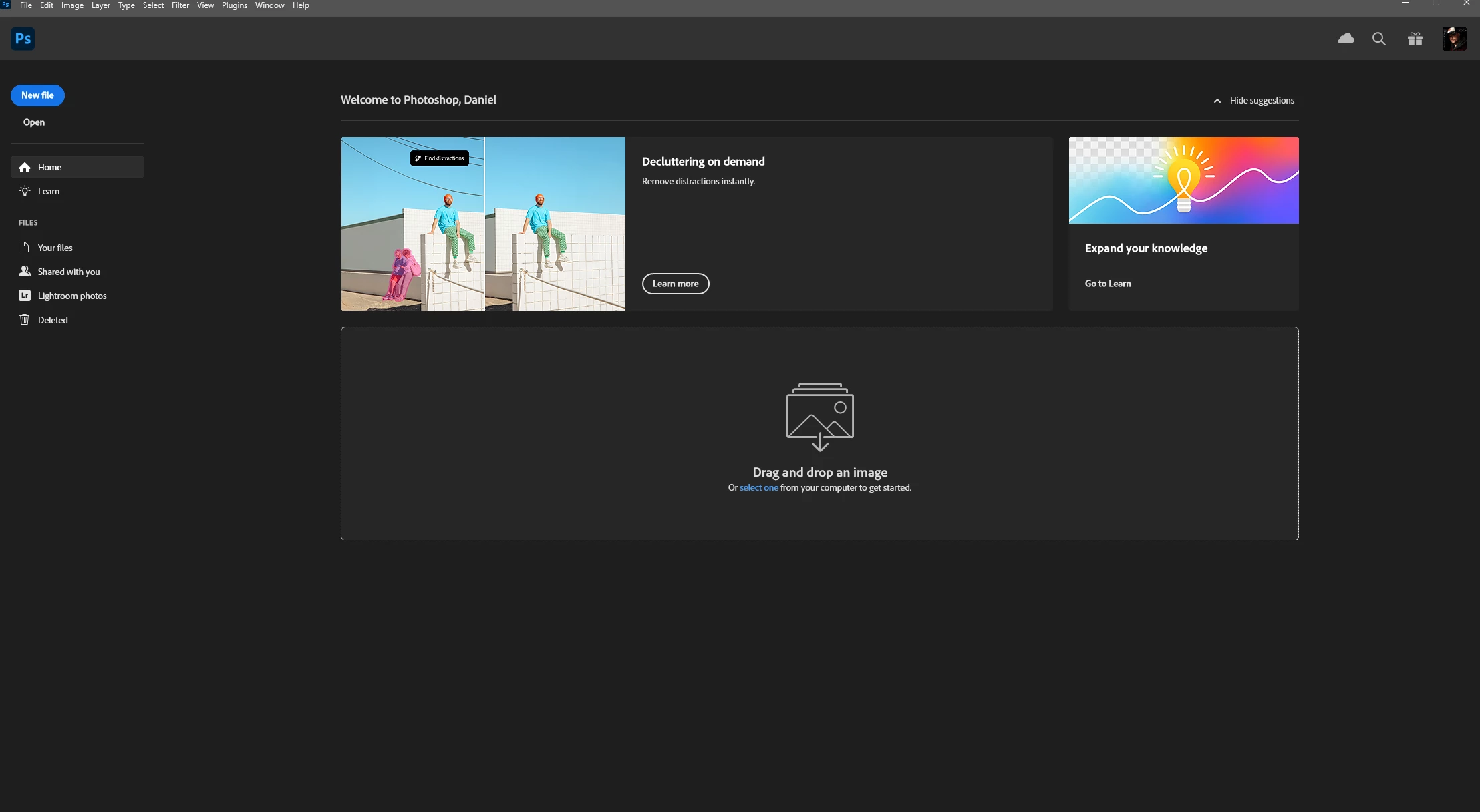
How do I turn off this atrocity?


Correct answer Ged_Traynor

@Rafaelis after unchecking "auto show the home screen" open a new document first before closing and reopening Photoshop for it to take effect

2 replies

Ged_Traynor
Community Expert
Ged_TraynorCommunity ExpertCorrect answer
Community Expert
January 8, 2025

@Rafaelis after unchecking "auto show the home screen" open a new document first before closing and reopening Photoshop for it to take effect

Rafaelis
RafaelisAuthor
Inspiring
January 8, 2025

Thanks, yeah it didn't go into effect at first. Works now ty. 

c.pfaffenbichler
Community Expert
Community Expert
January 8, 2025

Try unchecking 

Preferences > General > Auto show the Welcome Screen

Rafaelis
RafaelisAuthor
Inspiring
January 8, 2025

Thanks.