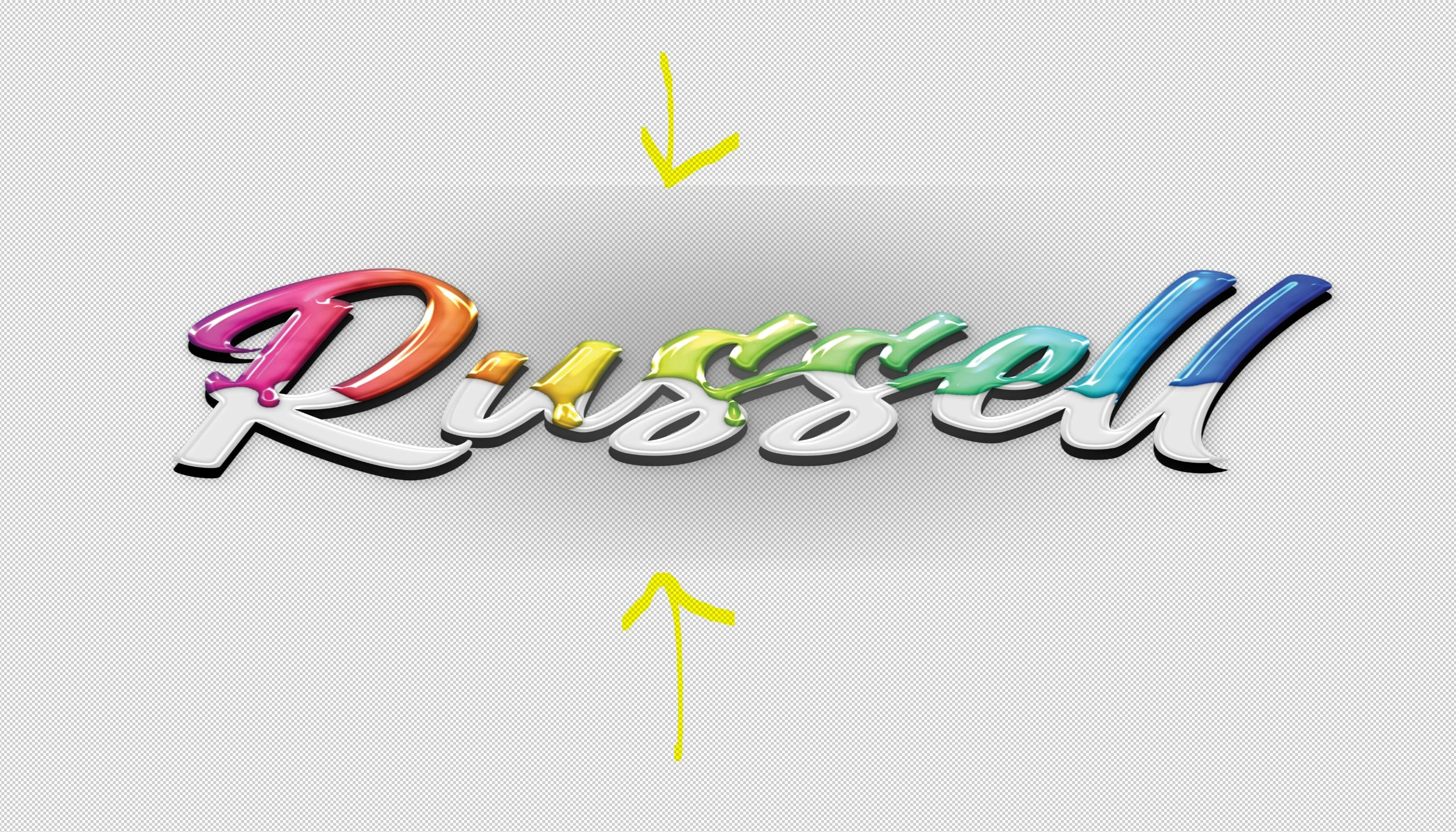
Thanks for a reply Stephen 😉 I just installed Photoshop 2024 and am getting used to it. I am currently working on creating a business card. While I've been creating it I have played with different styles and effects on the text. I found that I liked how the drop shadow looked on that lettering so I applied it. Well, for some reason now when I choose the same effect or Any effect, it leaves that background artifact or glow ect. It no longer just applies an effect to the letter, it has some kind of effect on the background too. I've played around ALL day long to try and rectify the issue, to no avail. Not sure what could have changed? Can't find any settings that have changed, and I certainly haven't messed with any. Everything was fine. I watched dozens of videos on youtube today and Nobody had my problem, all of the effects they applied only affected the Text itself, nothing else. Thx again for the reply, enjoy your Easter.
Hello Michelle and thank you for your time and effort 😉 All I am/was trying to do was apply some effects to some text on my card. But when I would try there was this artifact in the background that was also taking on the effect and creating defined edges {the ones I pionted out}. That's what I was seeing but didn't know why until a few moments ago. The paint drip font I was using has a glow effect behind the font that I couldn't see until I put it over a black background, then it was as plain as day! I'm sorry that I didn't test a little more before asking/posting, but I tried to problem solve it all day long,lol. Being such a rookie it took longer than it should have. All a learning process for me, Thanks for understanding and helping.
It is much more readable against the black! And, if that effect/style is associated with the font, is there anywhere you can turn it off?

 AdChoices