In addition to what Jane has said, the reason for the difference in file size, assuming you have used the same quality setting in both cases, is due to the presence of metadata in the Save As version, but not the Export As version.
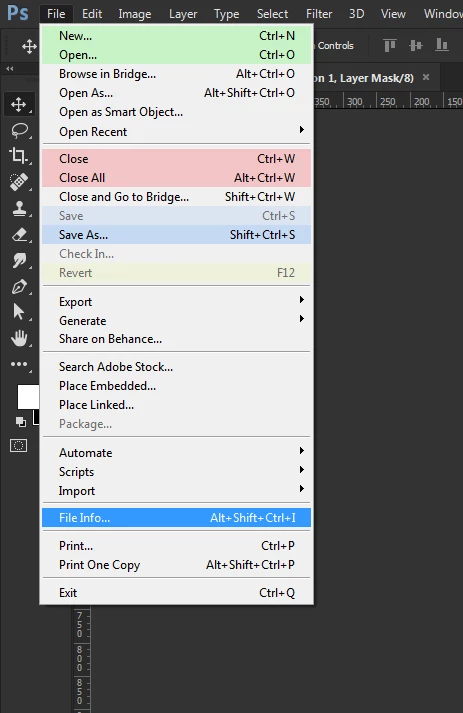
If you look at Jane's graphic you'll see the Metadata radio button 'none' is selected which tells the program to remove it. As you work in Photoshop on a PSD or other file types, the program records a history of all the things you do and stores them. This can result in a very large amount of effectively junk data getting recorded and the file size even of a PSD can really expand dramatically as the junk doesn't seem to be stored compressed. The longer you work on the document the more raw metadata accumulates. You can see this happening in Photoshop by selecting File Info
If you look on the Raw Data tab you see everything stored in an XML format. It doesn't mean much unless your an expert but I imagine someone finds it useful.
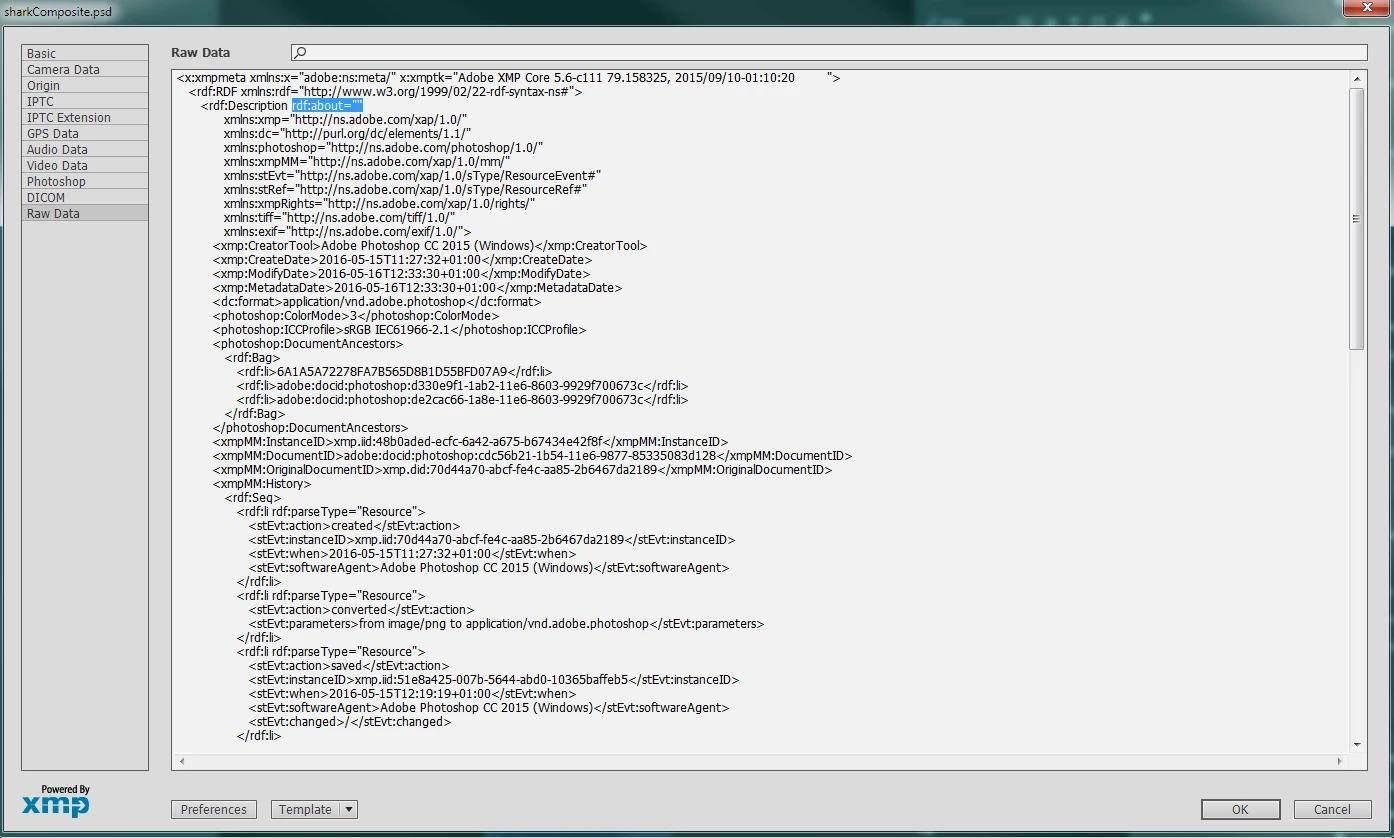
When Export As is used all that data is stripped out, reducing the file size. You can see that by taking a Jpeg exported that way and calling File Info again. What confuses some people is that data is still there when it shouldn't be, that occurs because the act of opening the file is recorded and dumped into raw data. It isn't really there in your file unless you save the file subsequently.
Hope that helps
Terri


 AdChoices