
Answered
What Is The Workflow For Installing Custom Workspace On Mac?
To install a custom workspace, I have tried using the Export/Import Presets option which goes through the motion and says Successful Install however, it appears to put it in the wrong place on a Mac and it never shows up under Windows Workspace in Photoshop
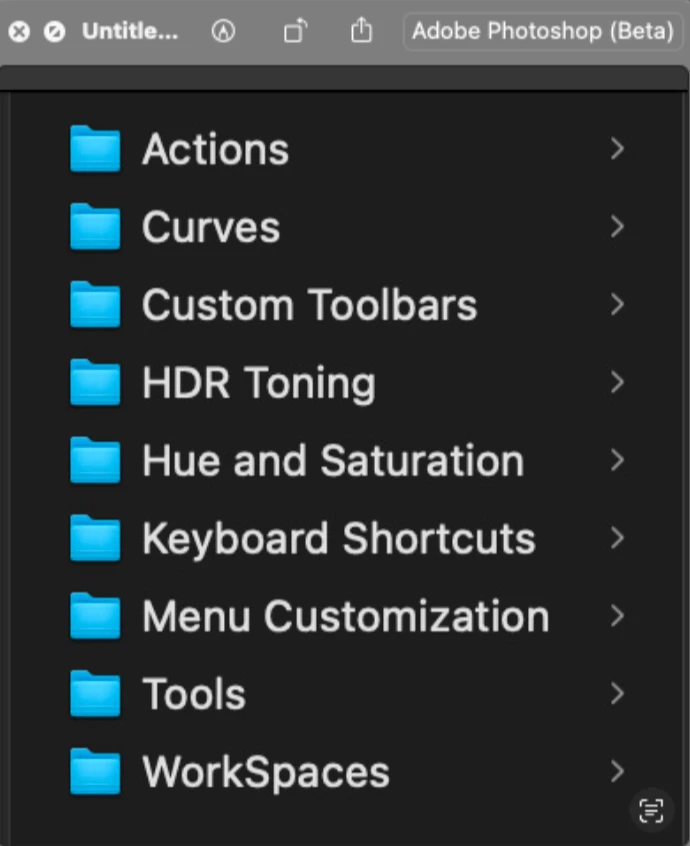
It places it in
/Users/USER_NAME/Library/Application Support/Adobe/Adobe Photoshop 2024/Presets/WorkSpaces
What is the correct workflow to get it to show up please
 AdChoices