
Question
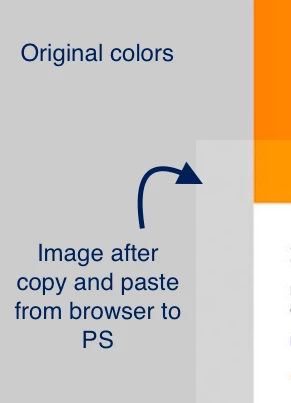
When copying and pasting image from web browser to photoshop, colors are different than original.
Originally, I edited a PDF that someone sent me using Photoshop, and used the JPGs in an HTML document. One of the images needed to be edited, so I just copied and pasted it from the browser back to Photoshop. The problem is, the pasted image colors look very different from the original.
I'd like to know how to convert the colors on my image back to their original state in photoshop:
 AdChoices