
Participating Frequently
April 1, 2022
Question

When using text, random elements appear and ruin my project

  • April 1, 2022
  • 13 replies
  • 3560 views

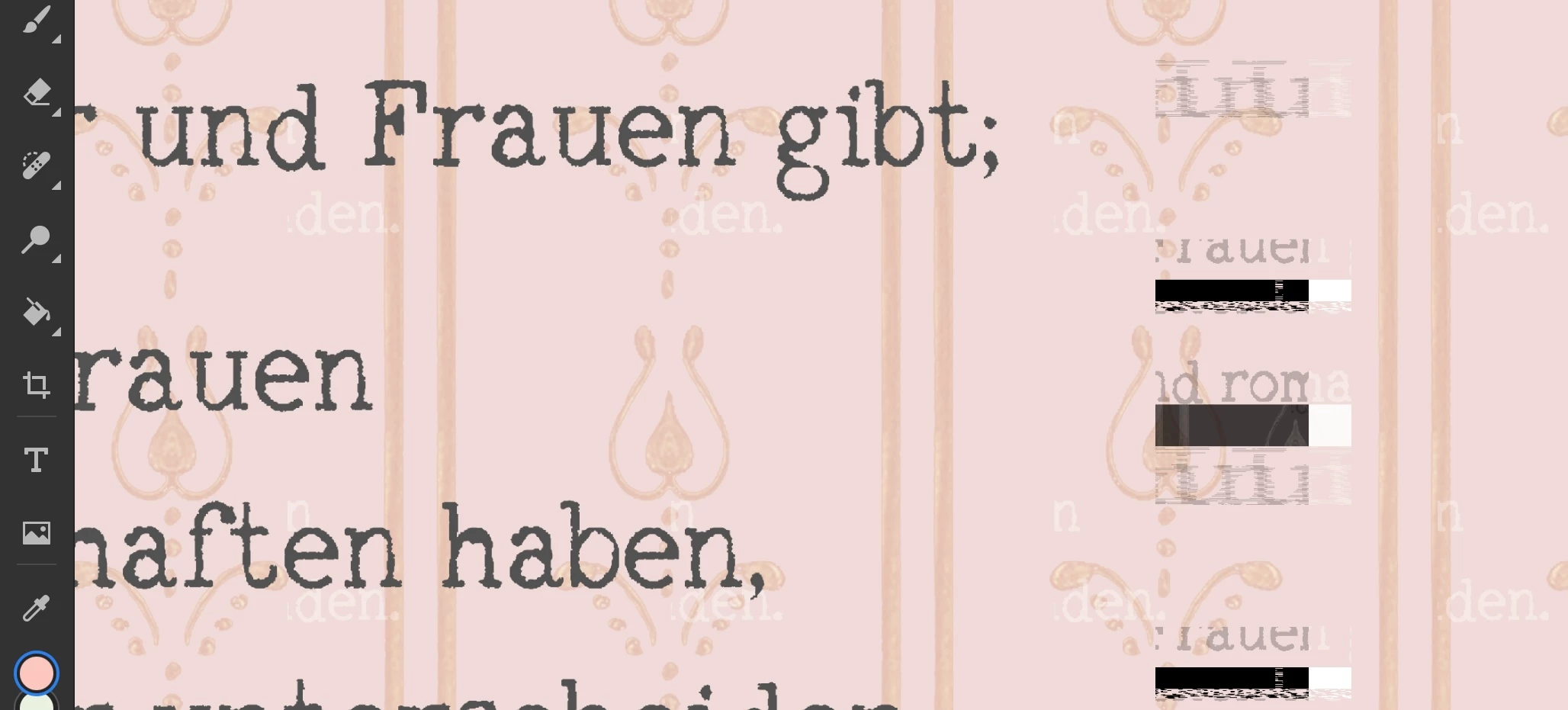
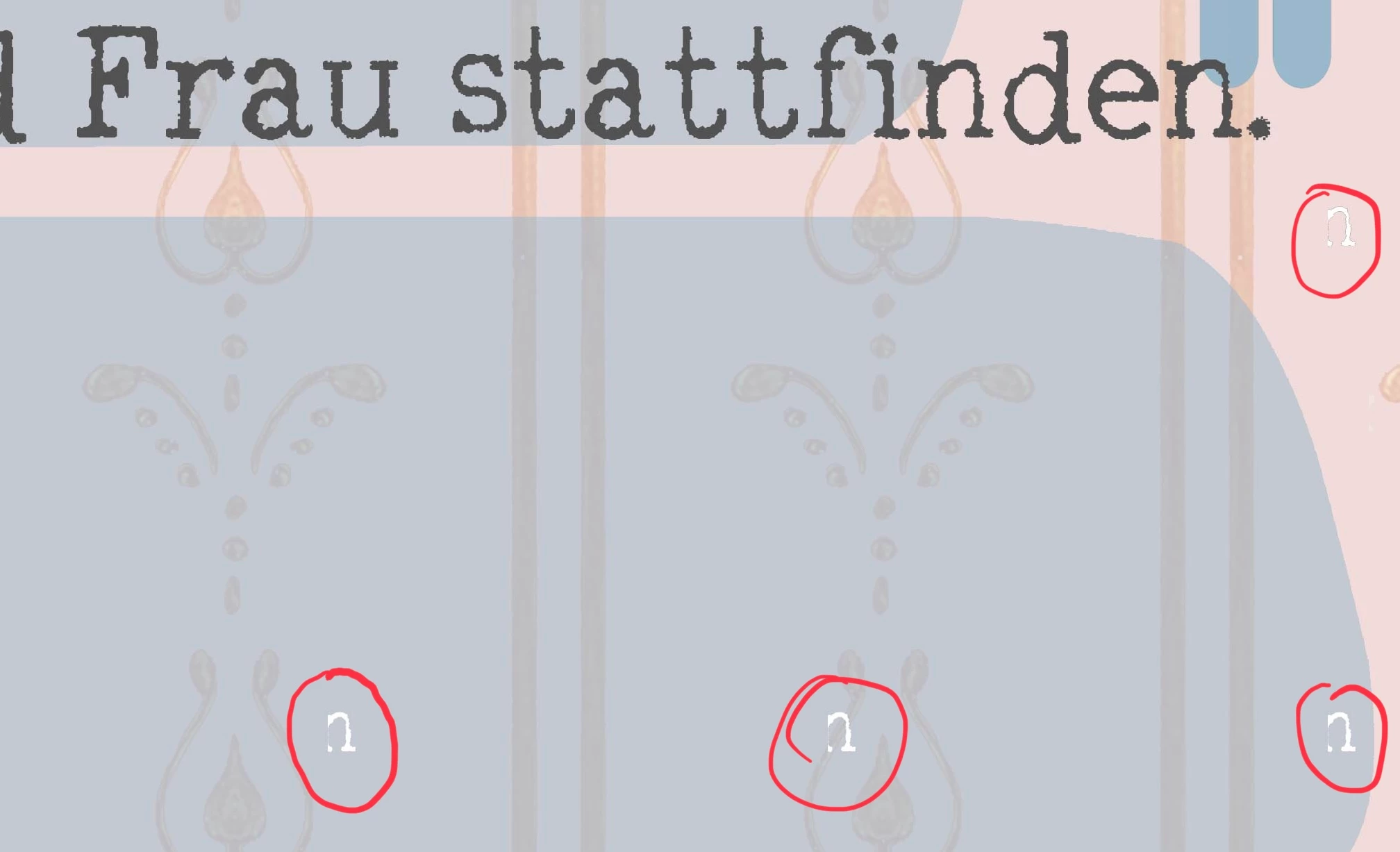
I am using Photoshop on Ipad. When adding text there sometimes appear random pieces of text and other elements all over my project. 

Those elements are not on one special layer, so I can't just delate one layer and go on. I have not found out how to get rid of them and by now I only can start my projects again. Today I may have lost days of work, please help me.
 

This topic has been closed for replies.

13 replies

LySophieAuthor
Participating Frequently
April 6, 2022

Him I would like to but can`t find out how I can send you a file / where I could find it on the IPad. Sorry I`m a noop - but I tried reinstalling PS 😉

I could manage this on the pc, but not sure if this helps cause: when I open the document on PC, the unwanted pieces disappear soon after some actions with the layers. But when opening it on IPad again, the problem comes back after some time. 

Oh and it has become worse! If you could tell me how I can send the document I will do. Thanks.


Community Manager
April 5, 2022

Hi LySophie, would you mind sharing your document with me so I can diagnose the problem? I haven't seen this before, and I would like to get this isolated asap! 

LySophieAuthor
Participating Frequently
April 1, 2022

Version 3.4