



Answered
Where do you change image size on Photoshop for the Web (Online)
If you use Photoshop on the desktop, one can change the image size - through the menu, Image - Image Size, and change the sizing
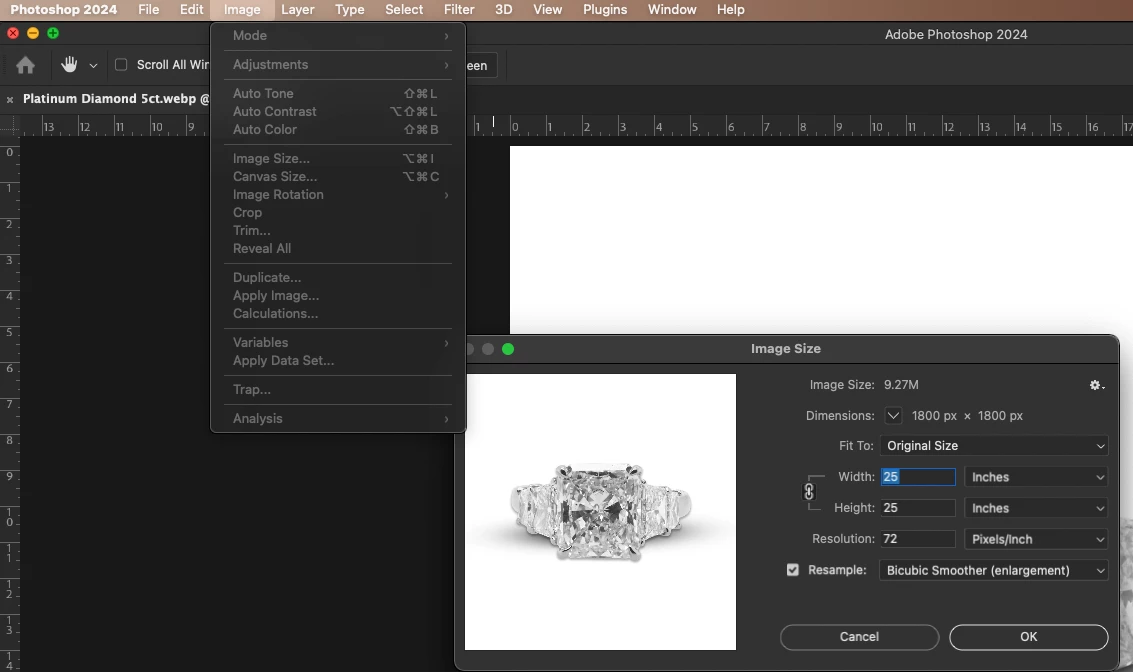
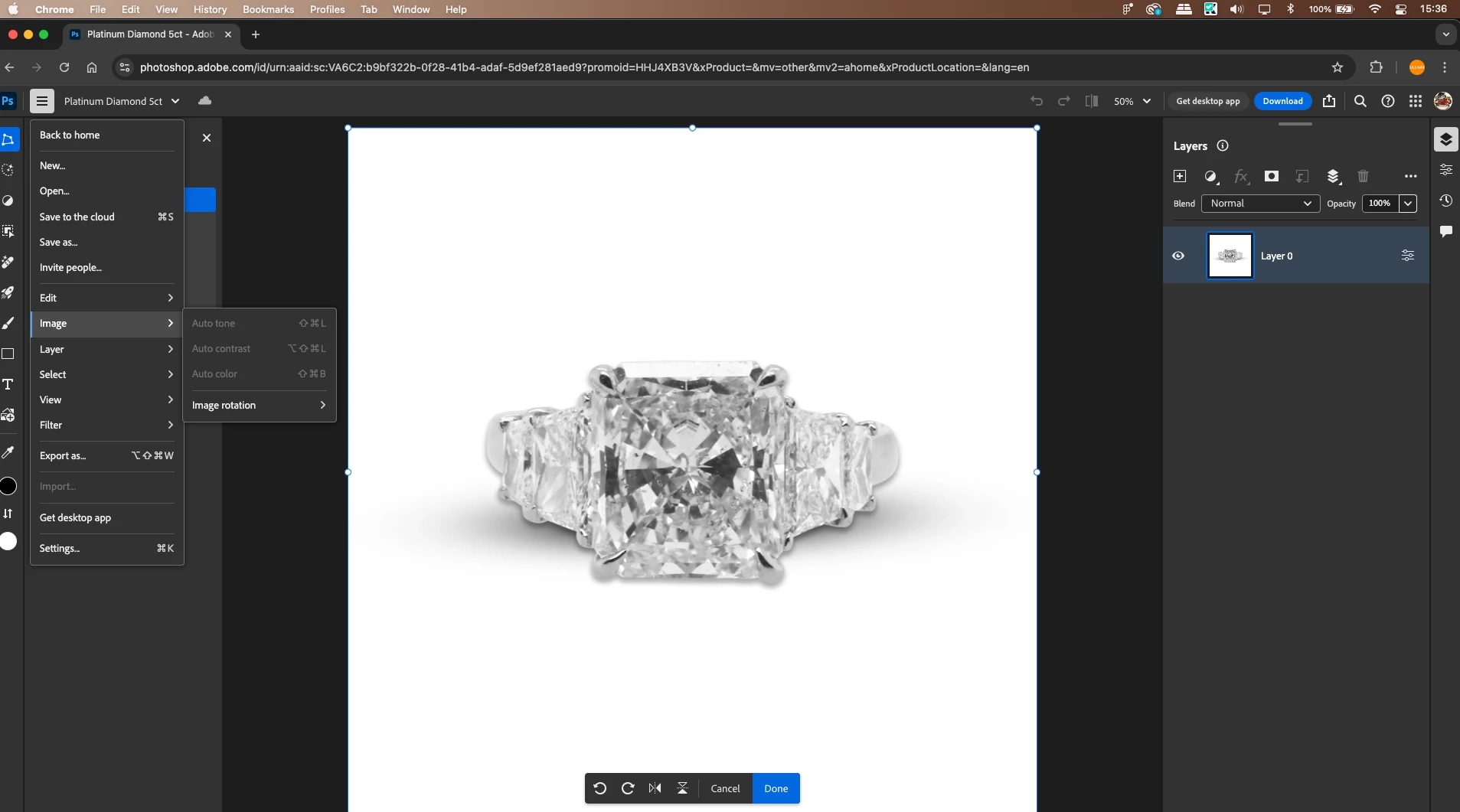
but, where is that on the web version of Photoshop, to change the resolution from 72 ppi to 300ppi?
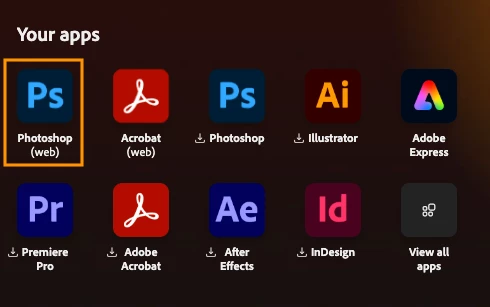
If you log into you adobe.com account, and in your apps, you have Photoshop (Web)

 AdChoices