
Inspiring
July 29, 2025
Answered
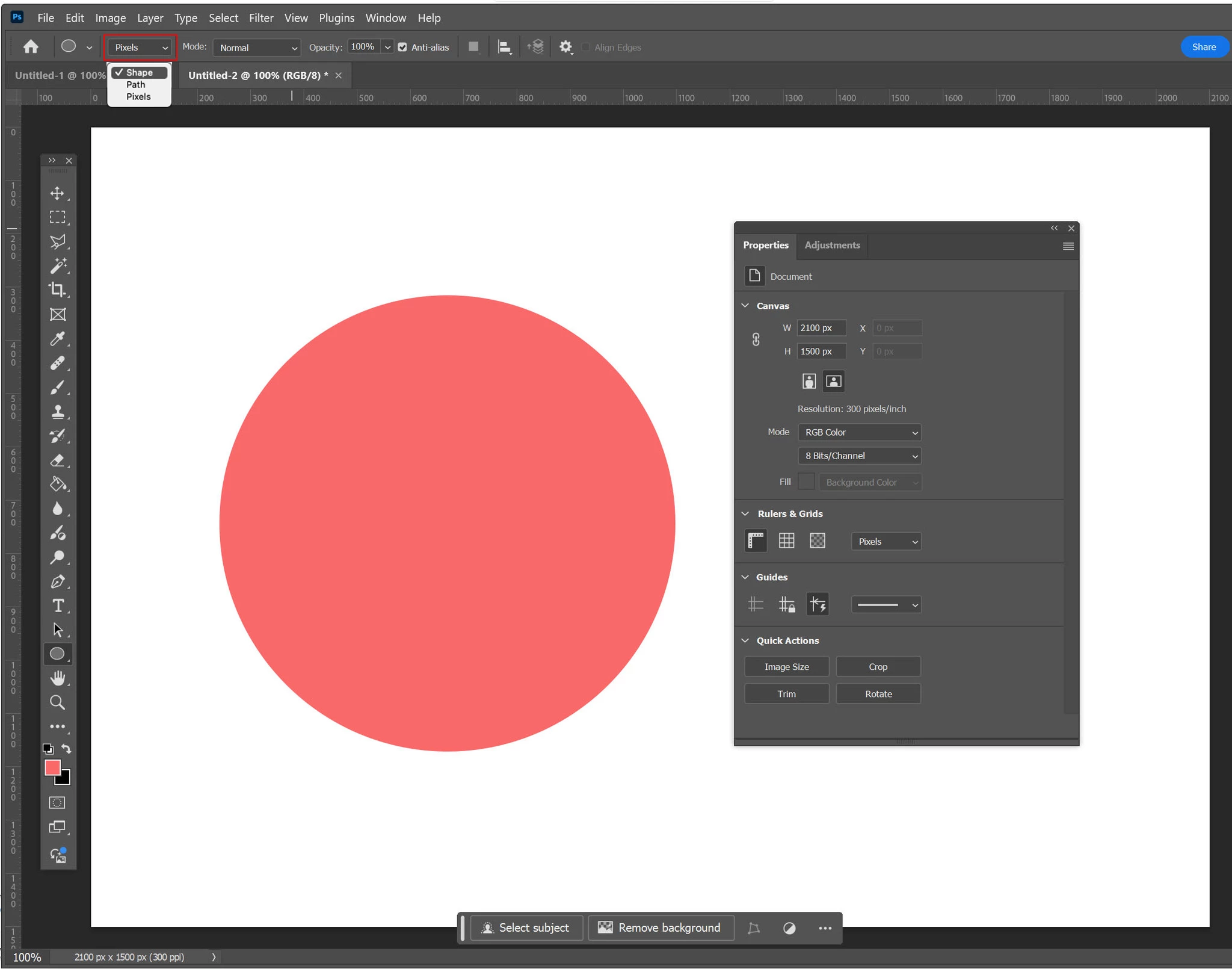
Where is my Ellipse properties panel?
- July 29, 2025
- 1 reply
- 118 views
I can't seem to make my Ellipse properties panel appear. When I have the Ellipse tool selected or an ellipse in my document, Windows>Properties only seems to show a properies panel for the document, not the ellipse tool. The ellipse tool properties also don't seem to appear at the top of the screen even though the properties for other tools, e.g., brush or paint bucket tool do appear there. I'm looking for Fill, Stroke, stuff like that. I've attached a screenshot.
Windows 10 64 bit Photoshop Creative Cloud Adobe Photoshop Version: 25.12.1 20241213.r.994 e7ca8b4 x64
Thanks in advance.
 AdChoices