
petersoni44473344
Participant
December 6, 2020
Answered

where is sample all layers

  • December 6, 2020
  • 5 replies
  • 28161 views

Hi guys,

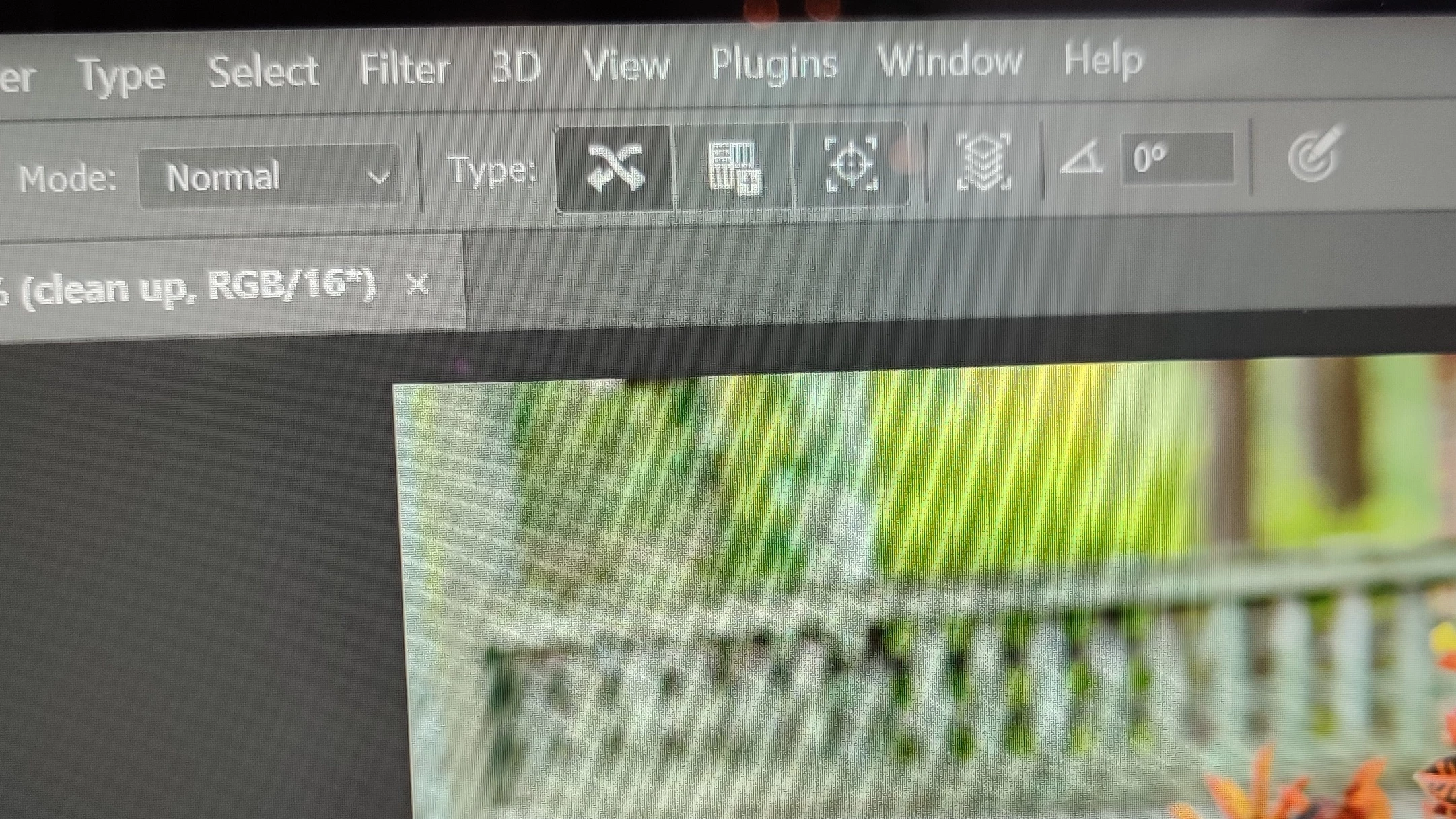
lately I've been trying to use the spot healing brush tool but I can't cause in the option bar I can't find "sample: All layers" but when I selected the healing brush tool I see everything. if anyone can tell how to get everything on the option bar when working with the spot healing brush tool I'd appreciate it. Thank you.

Correct answer gener7

You have the narrow Toolbar option checked in Edit > Preferences > Workspace. You should uncheck it and restart Photoshop.

Otherwise "Sample All Layers" is the button on the right, instead of a checkbox.


5 replies

Participant
September 9, 2022

Yeah

gener7
Community Expert
gener7Community ExpertCorrect answer
Community Expert
December 6, 2020

You have the narrow Toolbar option checked in Edit > Preferences > Workspace. You should uncheck it and restart Photoshop.

Otherwise "Sample All Layers" is the button on the right, instead of a checkbox.


Participant
September 9, 2022

Hello 

I have the same problem and i couldn't find the "sample all layers" in the toolbar. I tried to do exactly what you recommended. But I didn't find that place where I should uncheck the narrow option.

I am using 2022 version

 any help!!!!!!!!!!!

gener7
Community Expert
Community Expert
September 10, 2022

Go into Preferences > Workspace and uncheck as shown below:

Mohammad.Harb
Community Expert
Community Expert
December 6, 2020

Try resetting preferences setting From  Preference -> General , Click on Reset preferences on quit. 

restart photoshop

petersoni44473344
Participant
December 6, 2020

I'm using a pc

petersoni44473344
Participant
December 6, 2020

Mohammad, I'm using the latest version. 2021

Mohammad.Harb
Community Expert
Community Expert
December 6, 2020

Which version are you using? 

petersoni44473344
Participant
December 6, 2020

I'm using the latest 2021 version