
Question
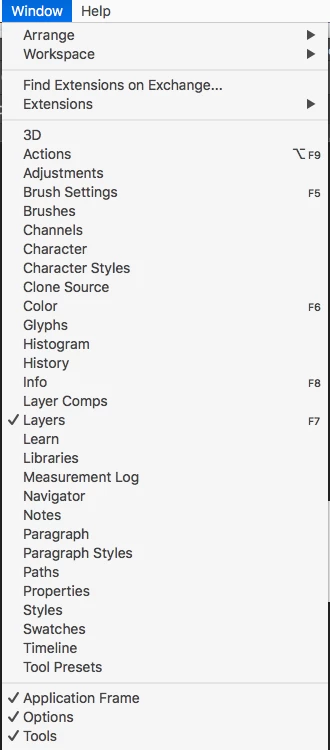
Where is the "Animation" Window to make GIF's?!
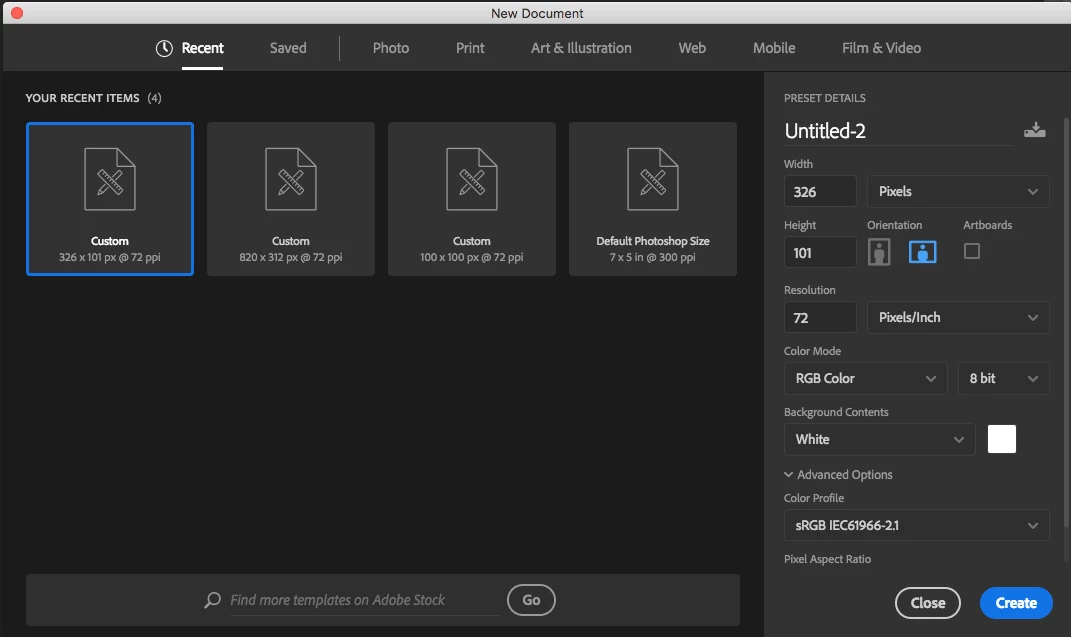
Can somebody please tell me where on EARTH is the "Animation" option under Window?! I currently have Photoshop CC 2019. My computer is a macOS High Sierra version 10.13.6 (I'm not sure if that really even matters, but whatever). I wanna make and edit gifs. I've had Photoshop CS5 for God knows how many years and it always had that "Animation" under Window option. Yes, I can see the layers when I open up the gif file under the Layers palette. [Please see imagines I posted on here]. Do I have to go to File>New>New Document and select a certain one that is used for gifs or should I download some extension to Photoshop altogether? Please let me know! I am a sad Panda  Thanks!
 AdChoices