
Why am I getting a totally blank grey screen?
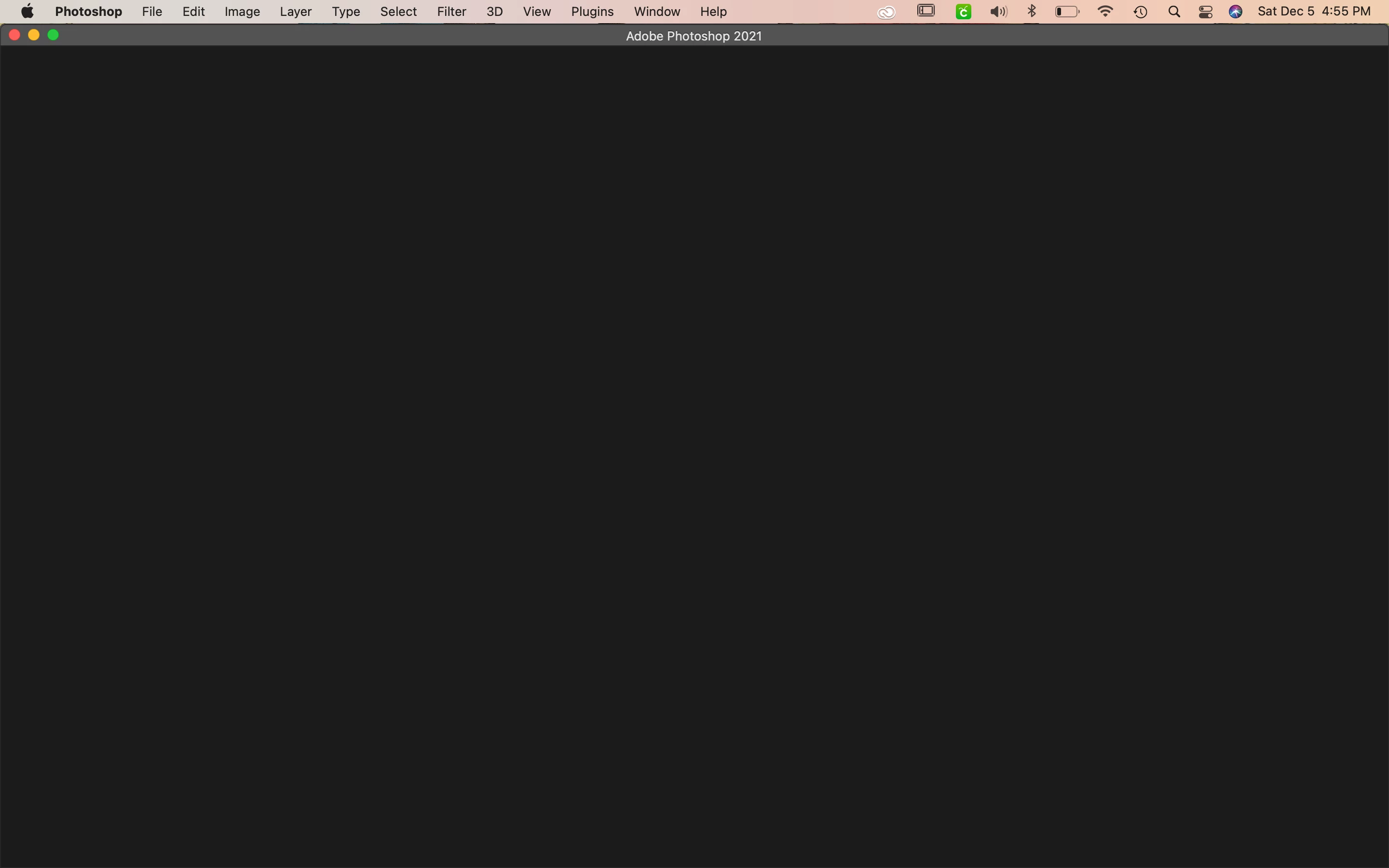
Okay so, I use photoshop for my small business but about 2 days ago I went to pull it up and there was nothing on the app. Like nothing but a blank screen. All my toolmar options at the top of the screen are still there but when I click on anything at all it does nothing. I cant create a new file, bring in an old file, nothing at all it's just a blank dark grey screen. I uninstalled everything bc my Creative Cloud was doing the same thing but now my creative cloud is working but my photoshop is still not working. I have no idea what to do, im about 3 days behind with my files bc I can't get photoshop to work for the life of me. What am I doing wrong? what can I do to fix it? I have a Mac. Below is a picture of what the screen looks like when I pull up photoshop.
 AdChoices