
Known Participant
February 28, 2020
Question

Why are brochure mock-up templates so large?

  • February 28, 2020
  • 2 replies
  • 1614 views

I've been wanting to expand my repertoire of print asset design skills to include 3D mockup of brochures. I got this really cool on in the mail recently and have recreated my own version of it to use as a sample.
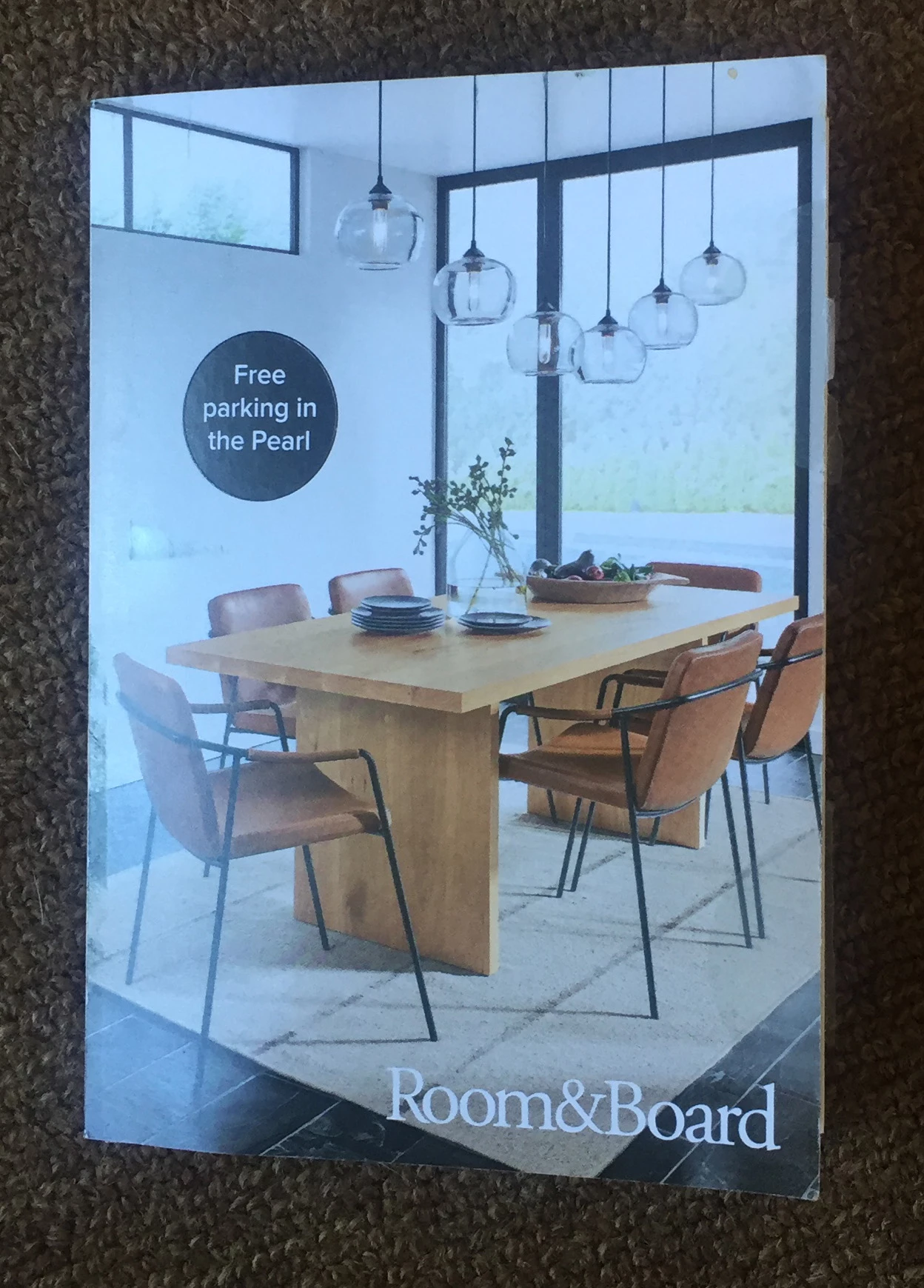
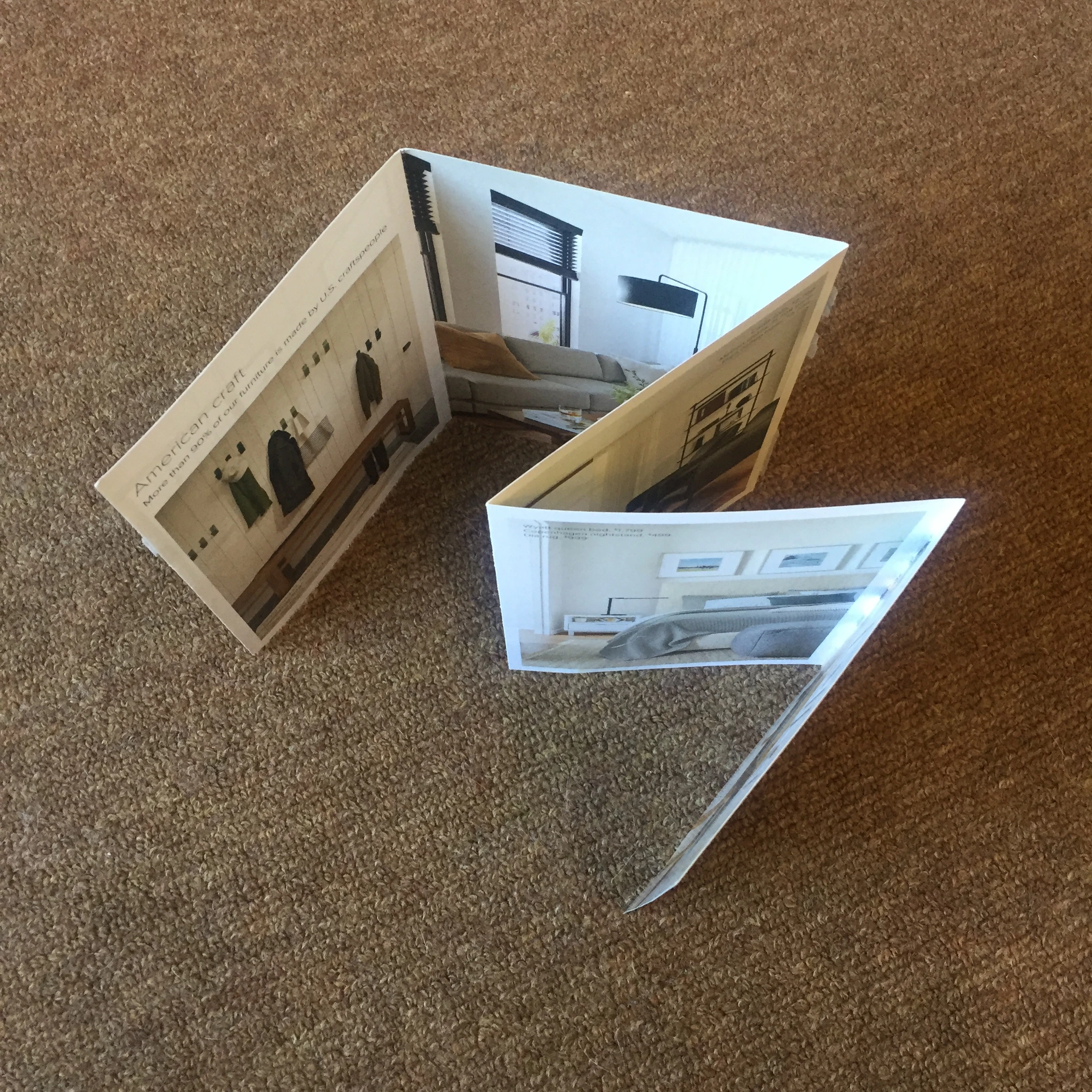
I've downloaded a couple free templates to see how they're built, and looked on Adobe Stock to find the closest example to a custom fold I'd want to do. It's 22" long and 6 1/4" high, so I designed a version in InDesign at the exact size, exact fold measurements.


I looked on Adobe Stock & found the closest sort of style.
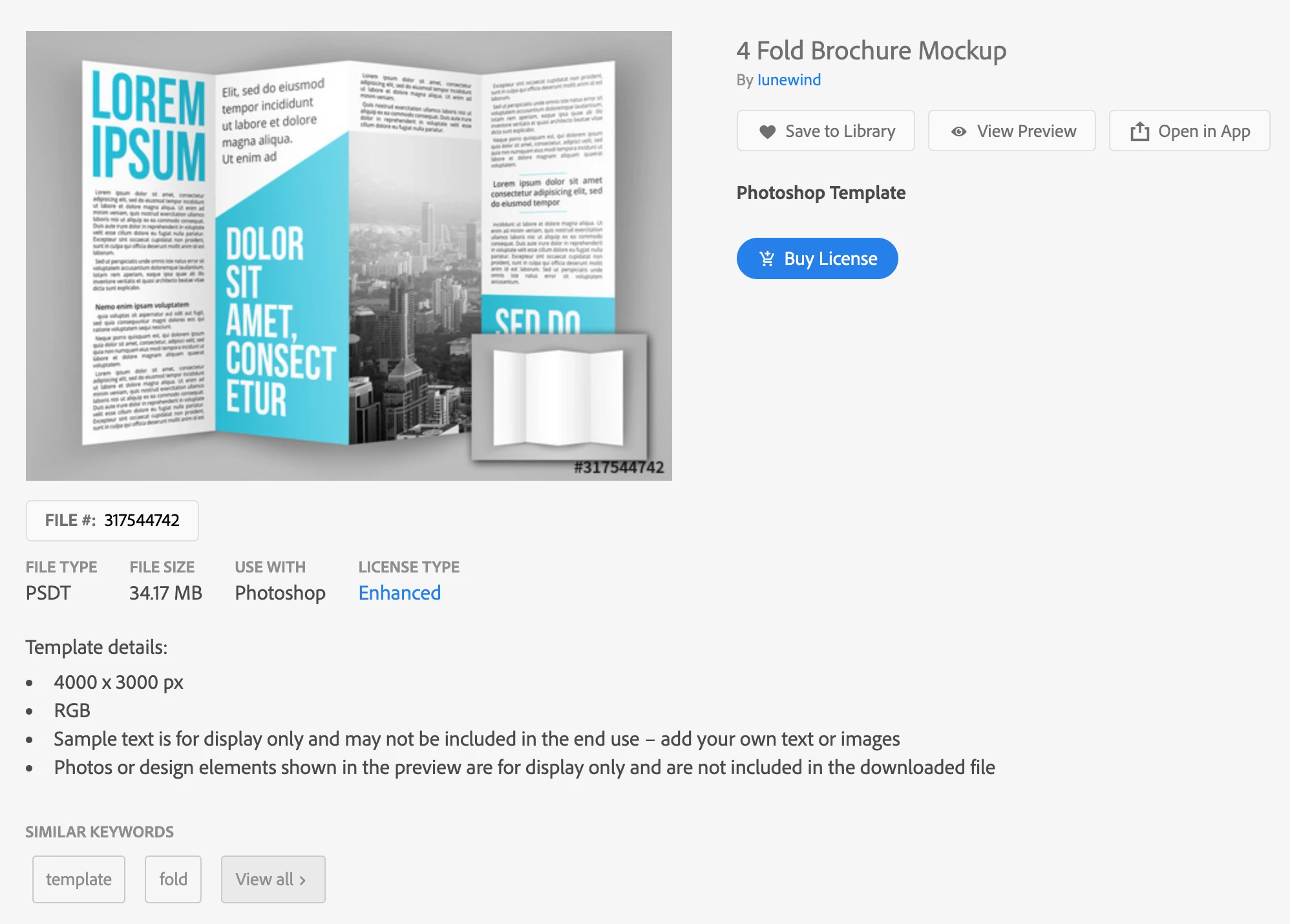
Photoshop tells me that 3,000 pixels high, 72dpi, is 41.667 inches...?? What am I figuring wrong here?

This topic has been closed for replies.

2 replies

rob day
Community Expert
Community Expert
February 29, 2020

Photoshop tells me that 3,000 pixels high, 72dpi, is 41.667 inches...?? What am I figuring wrong here?


You can change the output dimensions, but keep the original 4000 x 3000 pixel dimensions by unchecking Resample in the Image Size dialog and setting the desired output Width and Height:


This does not add or remove any pixels, the output pixel size is scaled with the Width and Height dimensions. Note that the Width, Height, and Resolution are constrained.


JJMack
Community Expert
Community Expert
March 1, 2020

Yes that is how images size works effect all layers in your document  but not all layers would be resampled by interpolation if checked vector layers are resized using vector graphics functions. 


Layers can also be resized via a layers transform to change the number of pixels a layer will  have via  resample interpolation or using vector graphics.  All Smart Object layer have an associated Layer Transform that may change the number of Pixels in the layer will have compared to its hardened Object Pixels. Additionally if the Smart Object Layer was created by using Place.  Place may have changed the number of pixels harden for the layers object from the number of pixels the place file has depending on the file's  Print PPI resolution setting.   It is possible for place to both resample your image up in sized creating your object hardened pixels and then resample the hardened Pixels down in size to fit on canvas by adjusting the smart object layer'sassociated Layer Transform.  It is quite normal for associated Smart object layer's associated Layer Transform not to resize smart objects the keep them 100% size.  For example a normal raster  layer converted to a smart object layer associated layer transform would scale the layer Width and Height 100%  No resize.  Placed smart object layer's associated layer transform would also be 100% width and height if the image fit on canvas and the user did not change the places default transform during the place operation.  The users has an option to scale the smart object during the place operation.  Doing so changes the Layers associated layer transform. Beside scaling the image the transform can be used to position, distort and warp the image to add perspective or fit the image onto to some surface in the documents composite.

JJMack
rob day
Community Expert
Community Expert
March 1, 2020

Just to clarify, in my post I have Resample unchecked, so there is no sampling—the image output dimensions and resolution are simply scaled together and the pixel dimensions are unchanged.


With Resample unchecked a vector or text layer’s output dimensions will get scaled along with the canvas:


Kevin Stohlmeyer
Community Expert
Community Expert
February 28, 2020

resample the image to 300 ppi and the inches will downsize

BoodibaAuthor
Known Participant
February 28, 2020

TY! Do they really upload faaster at 72dpi? It's confusing to someone who's done more print than web stuff. I mean I'd think if you wanted a decent print out even just for comp on a laser printer, you'd make it 150dpi and actual size in inches.

Conrad_C
Community Expert
Community Expert
February 28, 2020

Where did you get 72 dpi? The template is shown as 4000 x 3000 pixels, so if a print resolution of 300 ppi is assumed, that works out to 13.3 inches by 10 inches, which is a reasonable print size for a folded piece.


If the downloaded Photoshop file said 72 ppi, it was probably saved incorrectly by the creator. Like you said, it should have been saved at a print resolution so that it doesn’t work out to 42 inches long.


Whether it would have uploaded faster at 72 ppi depends on whether resampling is involved. In this case 72 ppi would not change the upload time at all, since 4000 x 3000 pixels is the same number of pixels (12 megapixels) no matter what resolution you set it to, so the upload time doesn’t change. Changing resolution only changes the file size if the physical dimensions (in inches) are changed; if the physical dimensions are allowed to float then the file size stays constant because the number of pixels stays constant.


It would upload faster if it was 13.3 inches by 10 inches resampled to 72 ppi, since that would work out to 960 x 720 pixels (0.6 megapixels). All of that points to why 300 ppi seems to be the correct resolution for this 4000 x 3000 piece.