

Answered
Why are open documents hidden and need to go to window menu to see? [OSX]
This is a new behavior I have never seen before in Photoshop, Everything lastest CC 2018 version, OS, everything updated to newest always...
I open documents and they all appear in the window, that is normal. Then, when I switch to another app, like Safari or any other app and return to Photoshop, all of the open documents are hidden. Oh, they are open and going to the Window menu I can select them, one at a time only to bring them back to the photoshop work area where I can see them. What on earth could be causing this behavior? How can I get Photoshop to return to its normal behavior of displaying documents that are open?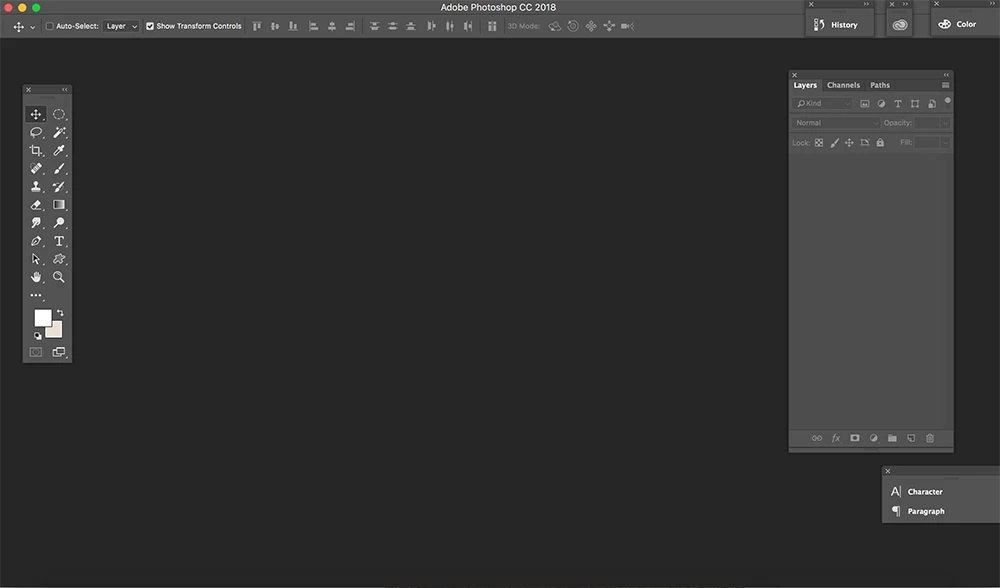
See screen shot with 25 documents open, nothing can be seen...
TIA for help with this...,
Ken
 AdChoices