
Inspiring
March 21, 2019
Answered

Why are Photoshop CC preferences grayed out?

  • March 21, 2019
  • 3 replies
  • 5868 views

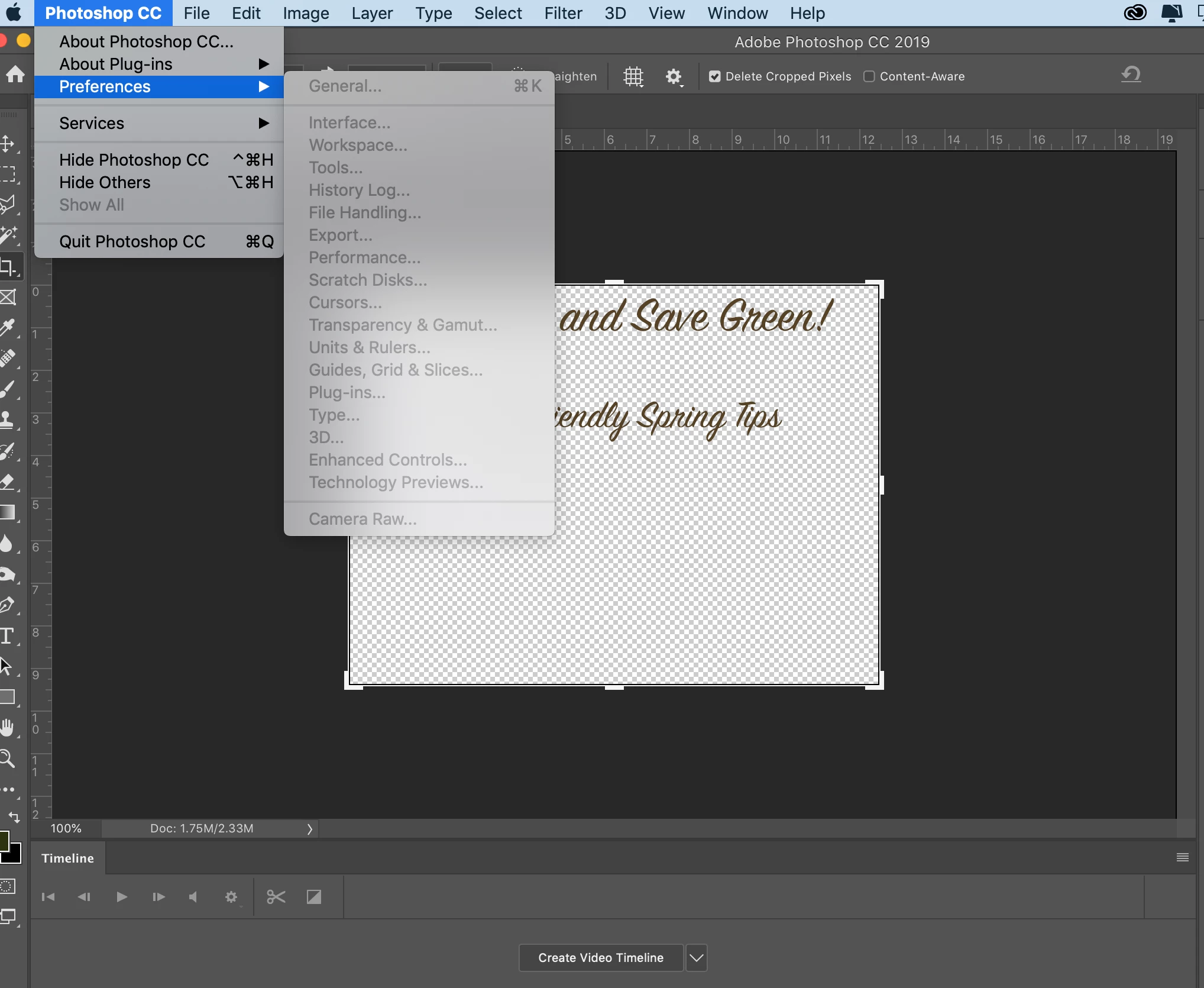
I am trying to access the preferences menu but all of the menu us grayed out. I tried to do it with a file open and with no files open, same result. Help! I am hoping it is something easy and obvious that I am missing.
This topic has been closed for replies.
Correct answer Mike_Gondek10189183

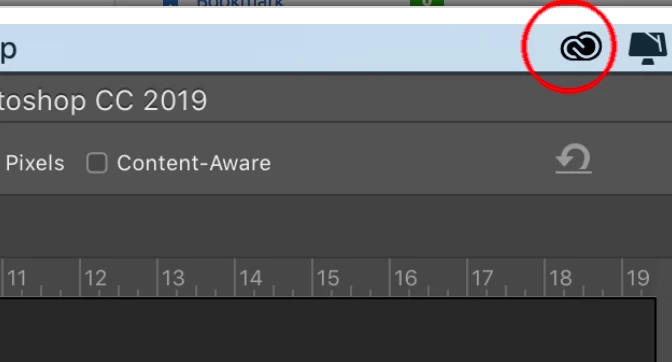
How is your Adobe Cloud login looking, are you logged in without any errors?

Reset your OOBE Cache

Quit all Adobe apps including  Adobe Cloud 

delete folder here

/Users/<user folder>/Library/Application Support/Adobe/OOBE

The \Users\<user folder>\Library\ is hidden by default after 10.7,. In finder click go, then hold down option to get to the library folder.

3 replies

jane-e
Community Expert
Community Expert
April 4, 2020

"I am trying to access the preferences menu but all of the menu us grayed out."


Hi

Preferences is greyed out because you are in the middle of cropping. You need to cancel or accept the crop to be able to access menu items.


Jane


Known Participant
April 4, 2020

Well duh—that’s embarrassing!  I need to slow down and take a deep breath.

 
Thank you!
 
A
jane-e
Community Expert
Community Expert
April 4, 2020

You're welcome, Aaron! I'm glad it's sorted.

~ Jane

Mike_Gondek10189183
Community Expert
Mike_Gondek10189183Community ExpertCorrect answer
Community Expert
March 21, 2019

How is your Adobe Cloud login looking, are you logged in without any errors?

Reset your OOBE Cache

Quit all Adobe apps including  Adobe Cloud 

delete folder here

/Users/<user folder>/Library/Application Support/Adobe/OOBE

The \Users\<user folder>\Library\ is hidden by default after 10.7,. In finder click go, then hold down option to get to the library folder.

Inspiring
March 21, 2019

Thank you Mike! I am brand new to CC so I didn't know about checking the Cloud login icon. That fixed it. Yay, I really appreciate the swift reply.

Mike_Gondek10189183
Community Expert
Community Expert
March 21, 2019

No problem, we are here to help.

Really appreciate  the screenshot, as they seem to always help by providing more information to better diagnose an issue. Would be good if everyone would follow your example when posting.

c.pfaffenbichler
Community Expert
Community Expert
March 21, 2019

What have you done for trouble-shooting so far?

Restoring Preferences after making sure all customized presets like Actions, Patterns, Brushes etc. have been saved might be a good starting point:

https://helpx.adobe.com/photoshop/kb/basic-trouble-shooting-steps.html