

Why aren't clipping masks not working when pasting clipped image into a photoshop file
Hello,
Wondering if all you lovely people may help. I have created a PSD file and have edited separate images with clipping masks to be pasted on the PSD file.
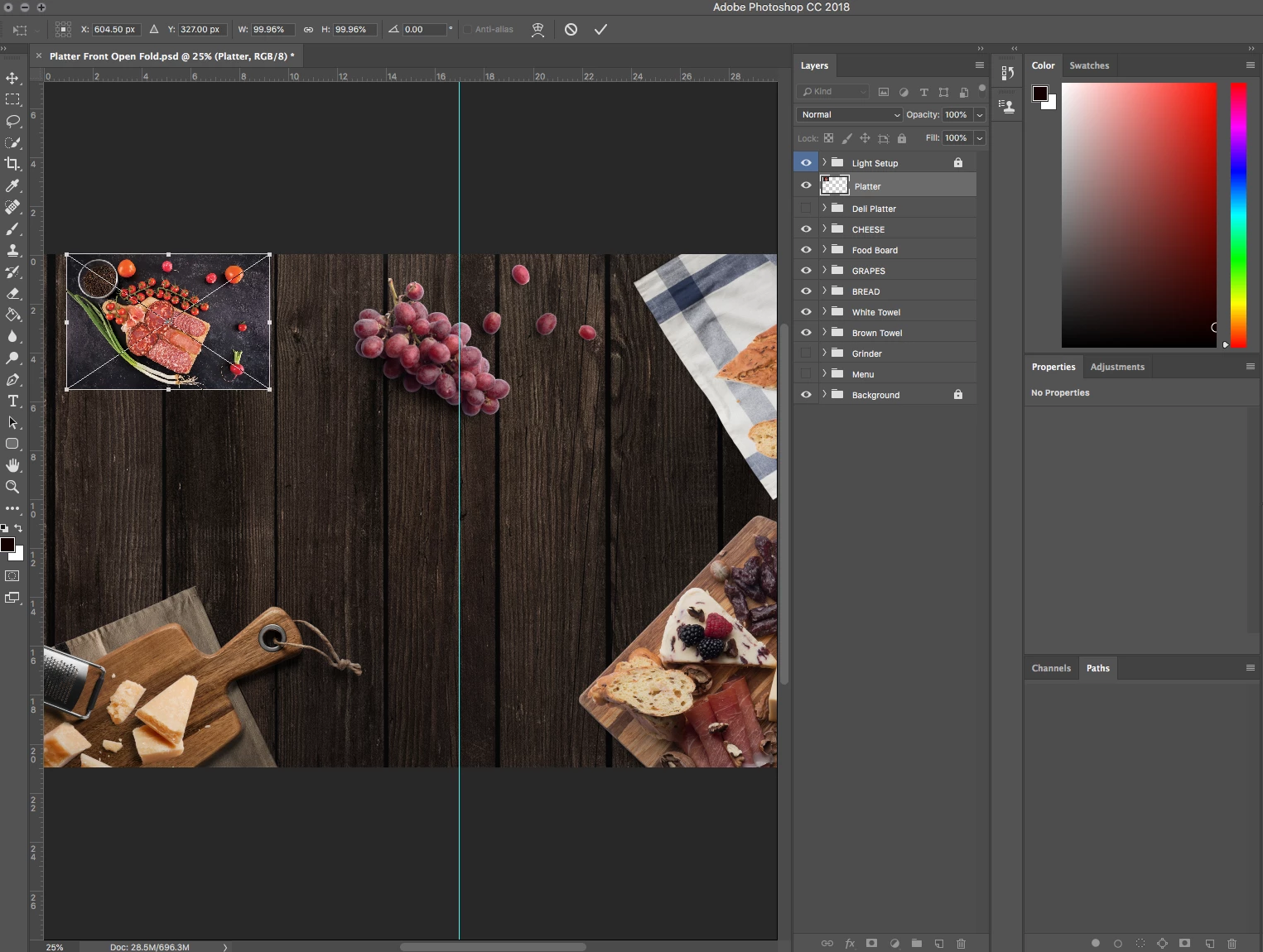
I have saved these separate images as TIFF's and an EPS file but either does not help the issue. As soon as I paste the image onto the PSD file it will paste the image as if it has not been clipped (as shown below). I can only get around this if I delete the background from the image and then save the TIFF with a transparent background and then paste it onto the PSD file. But I am wondering if there is a way where you can clip the image with path tool and paste it into PSD as a clipped image without having to delete the background?
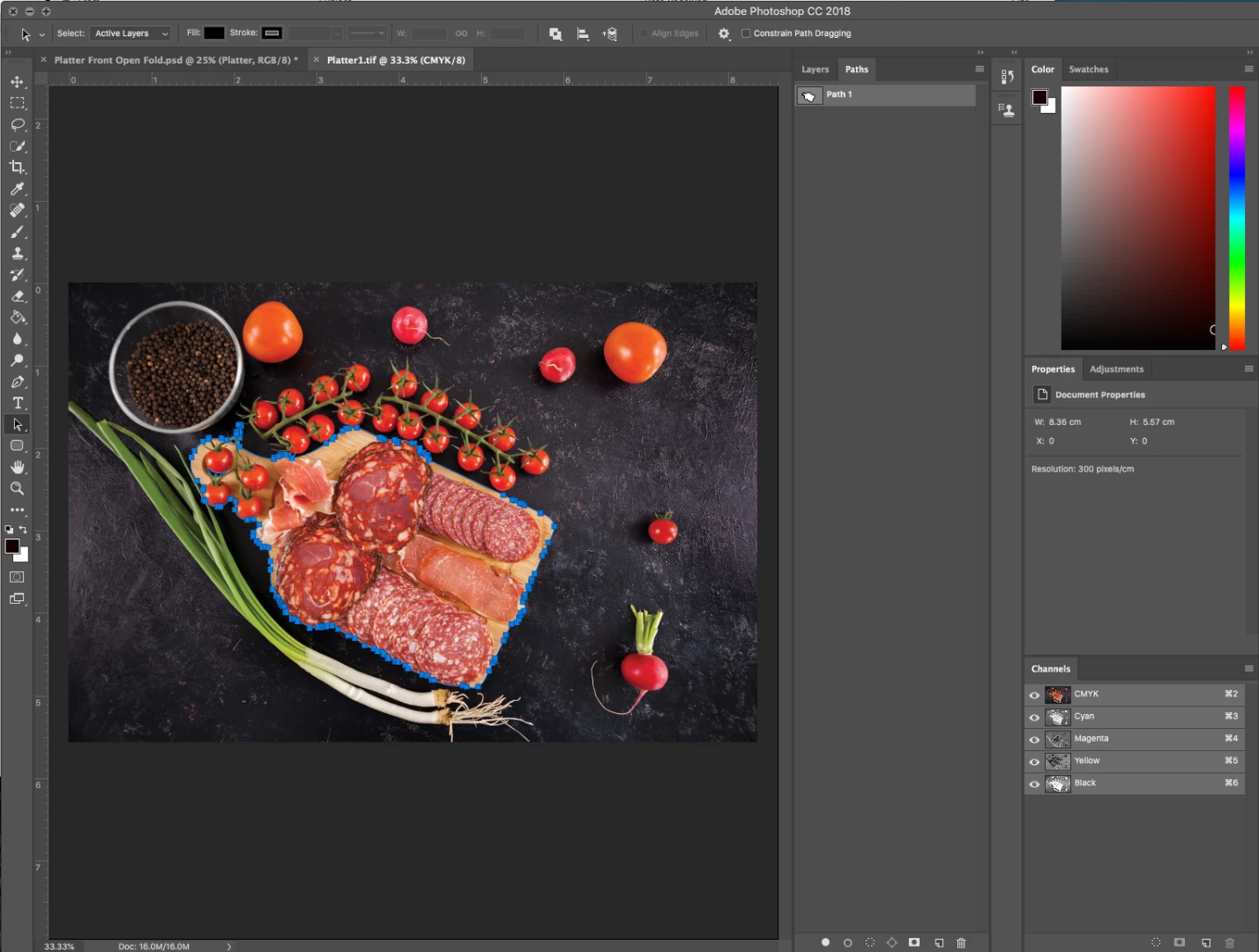
 Below Is the image and the clipping path I have made. When pasting on InDesign or Illustrator these images are clipped fine. it's only when pasting into photoshop where the clipping mask is not honored. Please help!
 AdChoices