Answered
why does converting the color profile flatten my image?
I needed to convert the color profile of my image from ProPhoto RGG to Adobe RGB. However doing so flattened my image - or appeared to. Why is this?
Thanks.
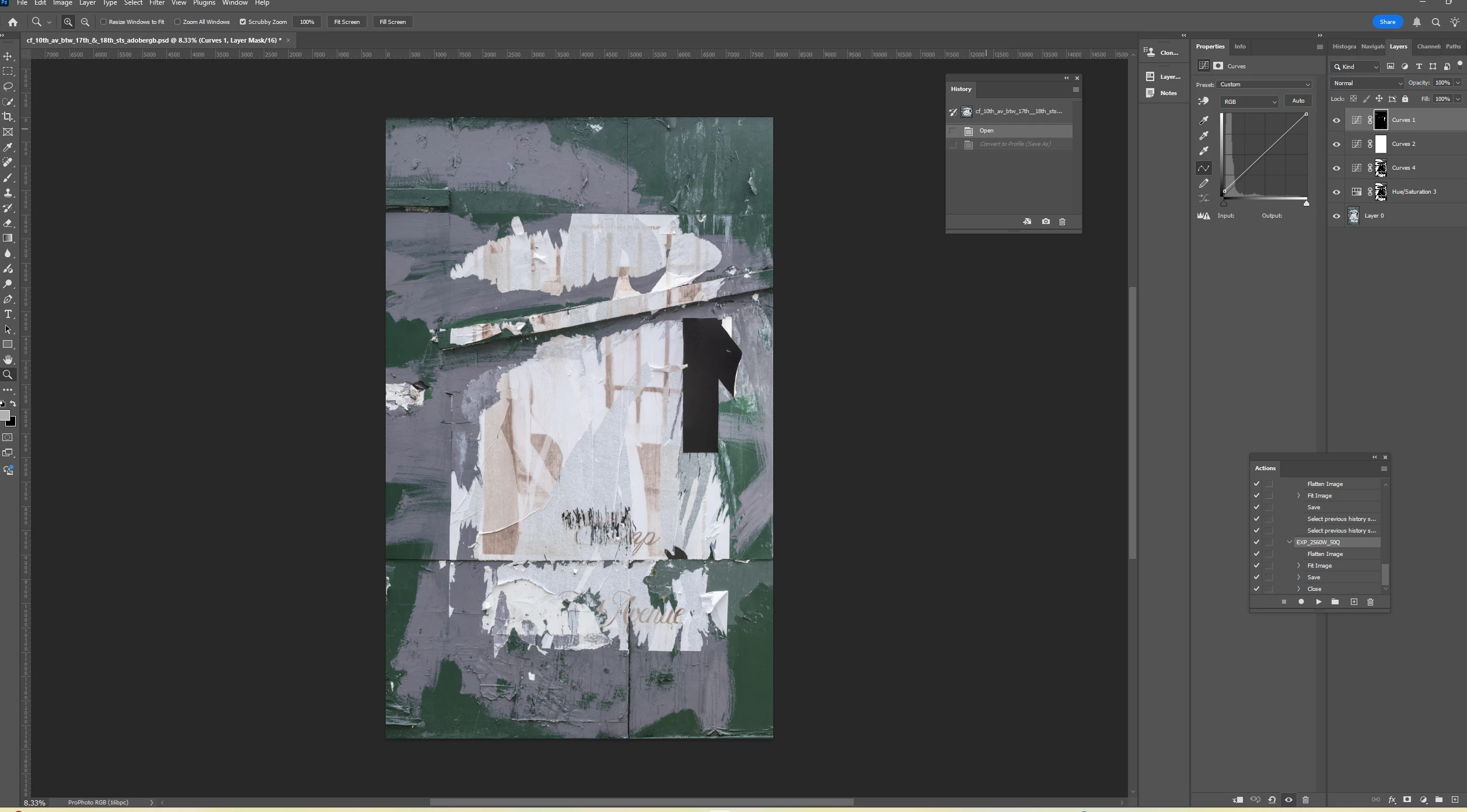
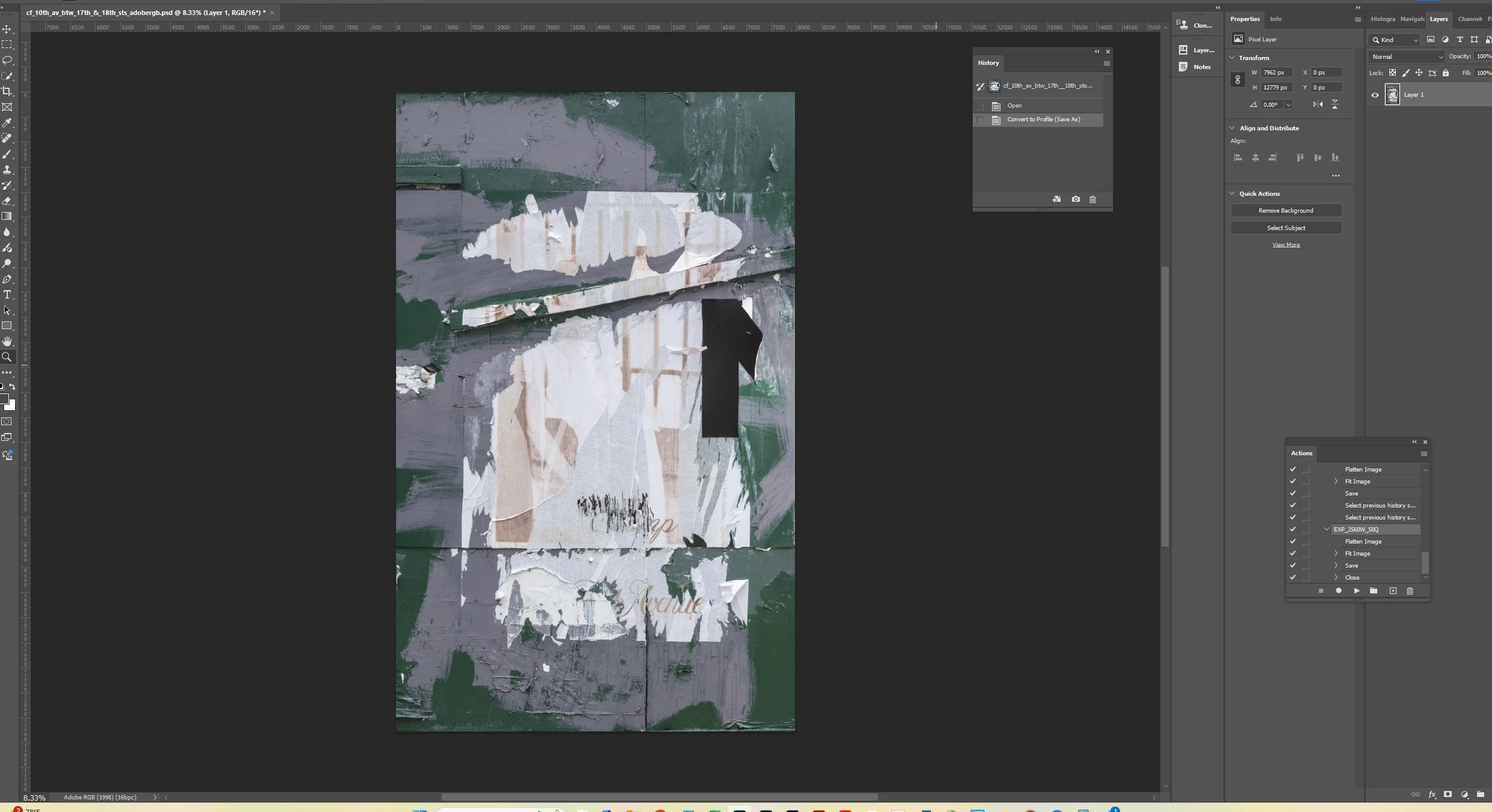

I needed to convert the color profile of my image from ProPhoto RGG to Adobe RGB. However doing so flattened my image - or appeared to. Why is this?
Thanks.
When you convert the profile of a multilayered document you are normally given the option to flatten it, as not doing so can change the appearance of some layers and the way blend modes work together. If you did not get that warning dialogue then try resetting the dialogues using Edit > Preferences > General > Reset All Warning Dialogues.
Dave
Already have an account? Login
Enter your E-mail address. We'll send you an e-mail with instructions to reset your password.
 AdChoices