
janellm34036150
Participant
March 14, 2022
Question

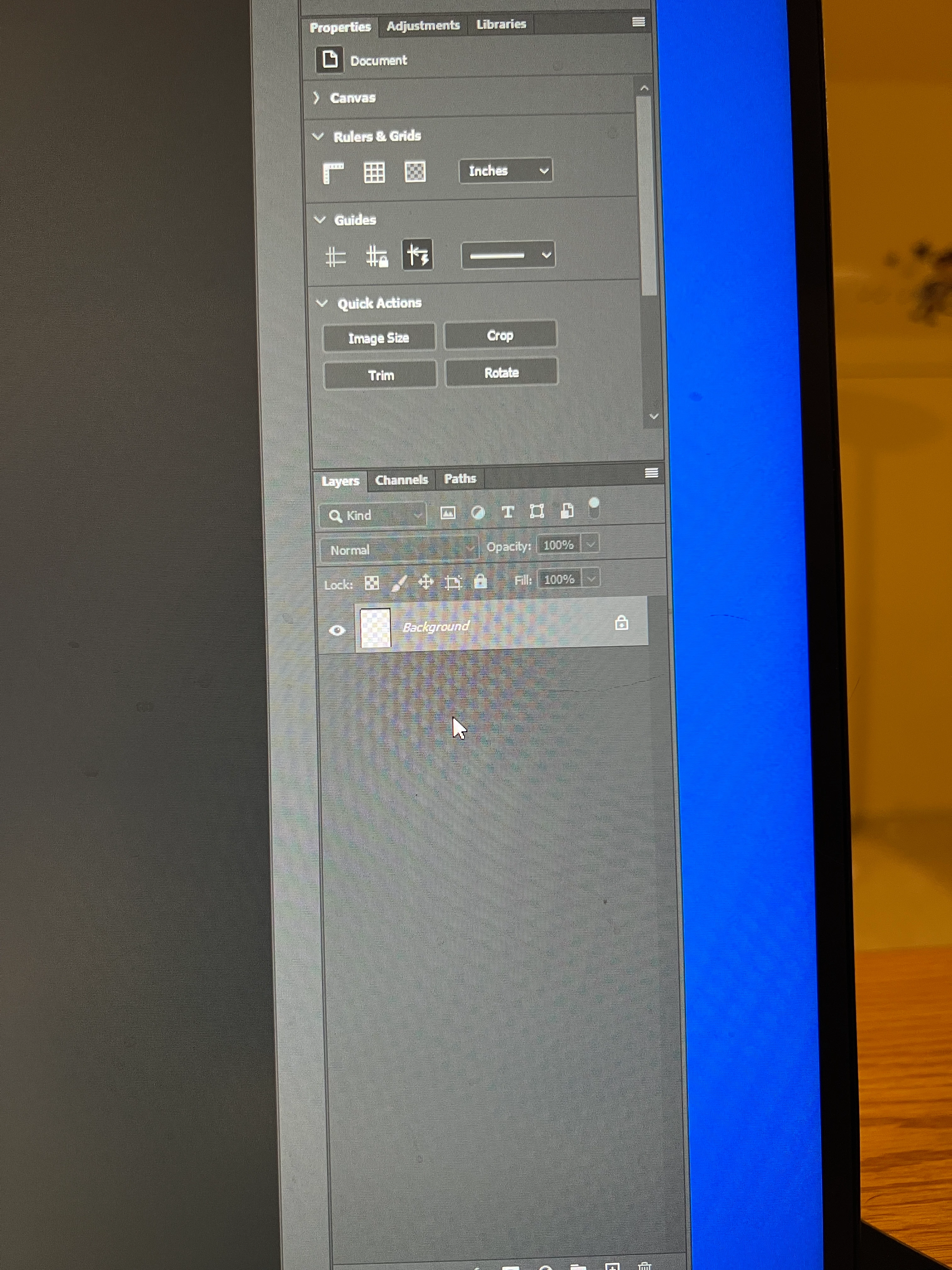
Why does my background go transparent when I merge down layers?

  • March 14, 2022
  • 2 replies
  • 740 views


For some reason when I merge down, my background layer goes transparent. I can still see the picture on the main viewing screen, but the thumbnail goes transparent.  I can save the picture, and see it in adobe bridge or Lightroom. However if I try to email it or import it anywhere, it will not upload or be seen.
 

This topic has been closed for replies.

2 replies

Bojan Živković11378569
Community Expert
Community Expert
March 14, 2022

What you see is "abnormal". Have you tried to reset preferences what is general advice for all things weird or abnormal in Photoshop? By the way, Background layer can not be transparent.

https://helpx.adobe.com/photoshop/using/preferences.html

barbara_a7746676
Community Expert
Community Expert
March 14, 2022

The layers panel in your screen shot does ont display any pixels so it makes sense that no image is dispalying.

janellm34036150
Participant
March 14, 2022

Yes, but the layers had pixels.  They disappear when I flatten the image.  The picture on my main image section is still there.