



Exit
  • Global community
    • Language:
      • Deutsch
      • English
      • Español
      • Français
      • Português
  • 日本語コミュニティ
  • 한국 커뮤니티
2

Why Does The Text In Photoshop Look Like This...

Explorer ,
Sep 11, 2023 Sep 11, 2023

Good afternoon Adobe Community!, So today I opened up Photoshop and clicked on the Type Tool, and after I was done typing my text looked like this... I provided 2 screenshots below (The first one is with the Character And Paragraph Panels open and expanded. (The second one is with the new panels East Asiain Eastern Features)
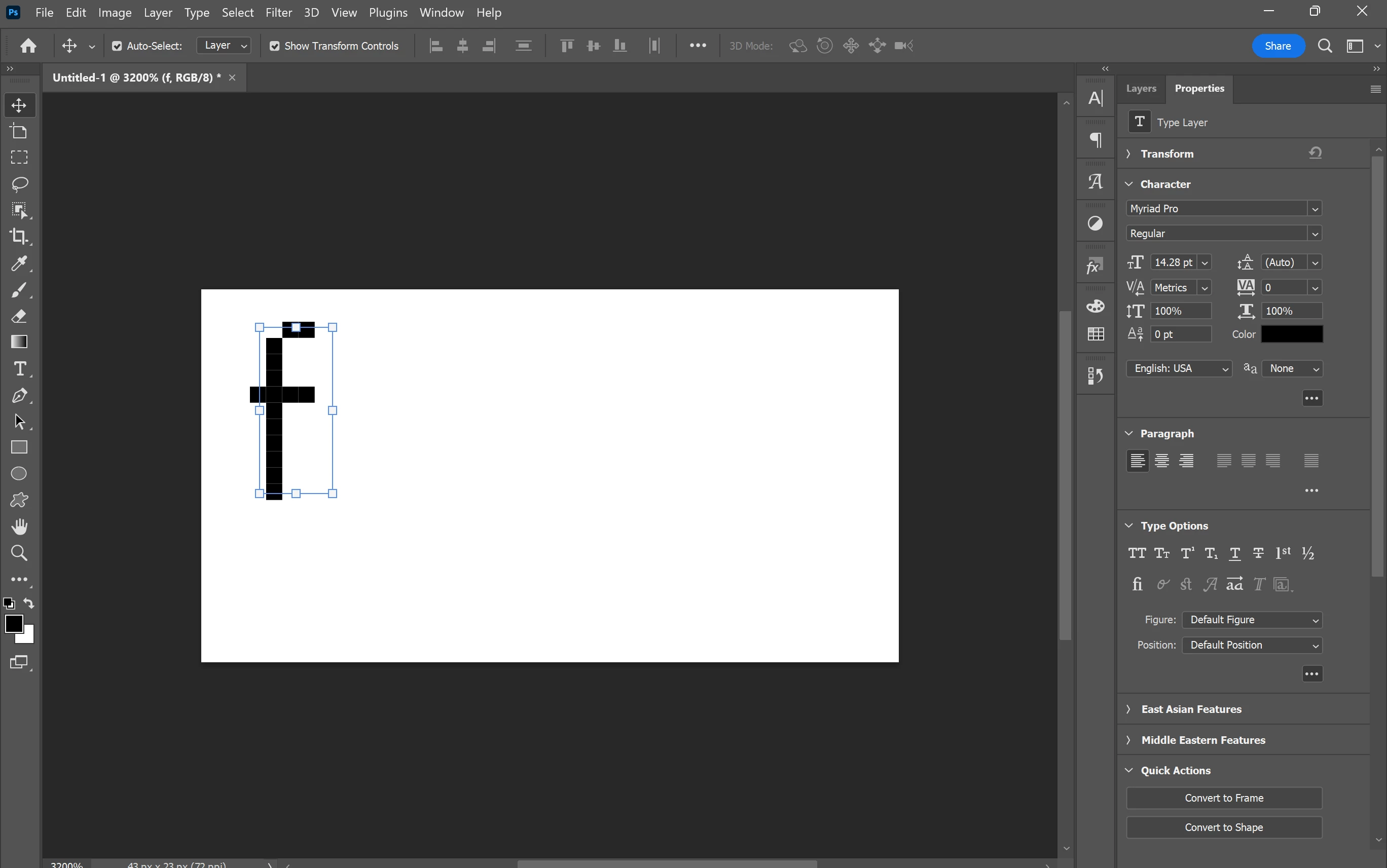
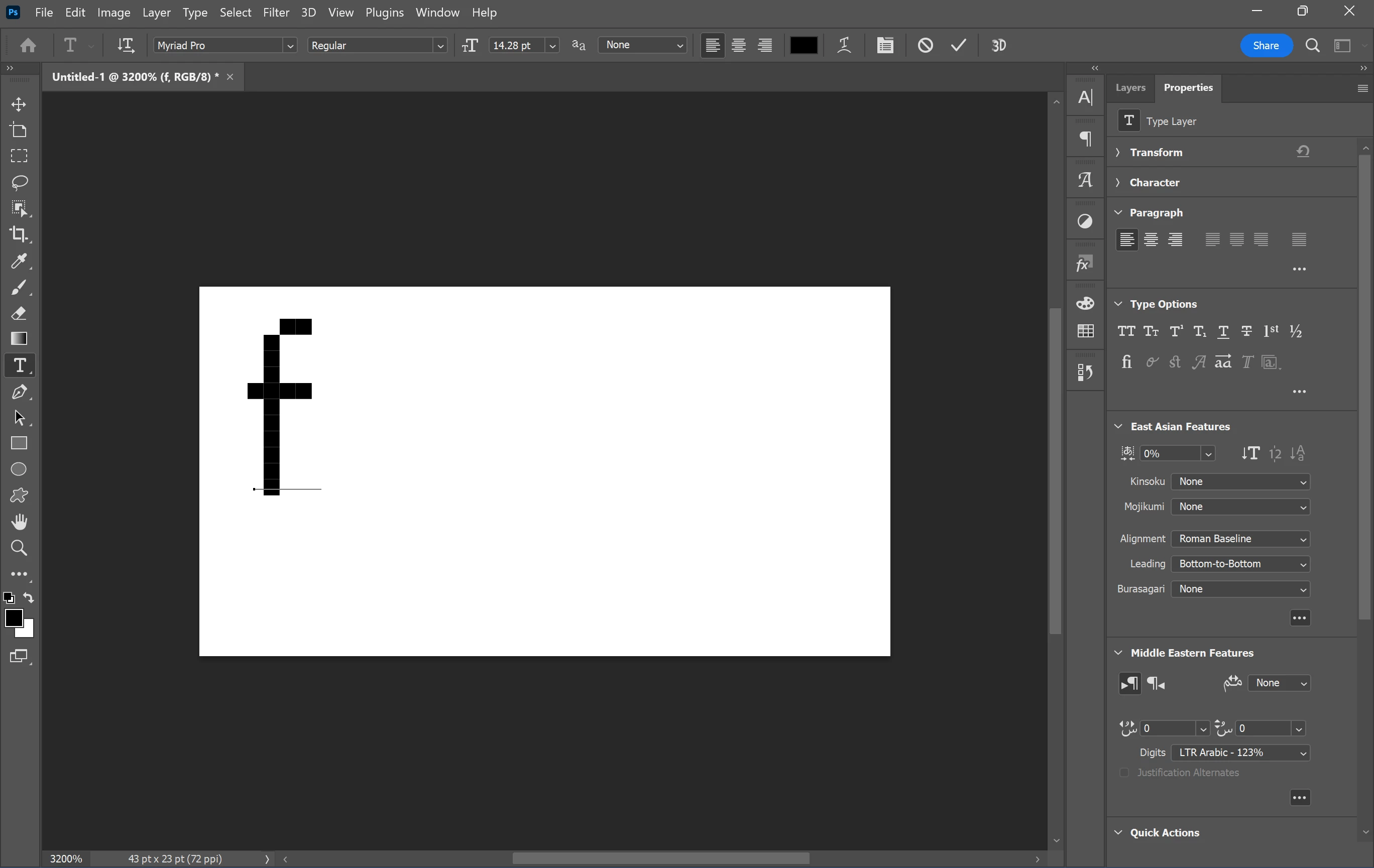
 

SS2.pngSS3.pngI'm wondering why the text looks like this and what I can do to fix this, I've already tried resetting all the preferences in photoshop and it didn't work so I don't know what I did or what happened. 

Veda Fox
TOPICS
Windows
661
Translate
Report
Community guidelines
Be kind and respectful, give credit to the original source of content, and search for duplicates before posting. Learn more
community guidelines

correct answers 1 Correct answer

Community Expert , Sep 11, 2023 Sep 11, 2023

In addition to Kevin's comment you are zoomed in to 3200% so you will see the structure of your text - aliased or not. Your document is using 72 pixels per inch (ppi) and therefore 14pt text (14/72 of an inch) has only 14 pixels to display the character set from highest ascender to lowest descender and therefore only 10 to show that f which has no descender.


Dave

Translate
Adobe
Community Expert ,
Sep 11, 2023 Sep 11, 2023

Hi @VedaGirl check your options bar at the top - you don't have an Anti Alias (aa drop down) setting chosen so it's bitmapped.

Translate
Report
Community guidelines
Be kind and respectful, give credit to the original source of content, and search for duplicates before posting. Learn more
community guidelines
Community Expert ,
Sep 11, 2023 Sep 11, 2023

You are kidding, right?

image.png

Have a look for good fonts to use for very small type size, like this page

https://design.tutsplus.com/articles/21-best-small-fonts-pixel-tiny-fonts-to-download-now--cms-34561


Translate
Report
Community guidelines
Be kind and respectful, give credit to the original source of content, and search for duplicates before posting. Learn more
community guidelines
Explorer ,
Sep 12, 2023 Sep 12, 2023
LATEST

I'm so sorry I didn't know I'm still kinda learning about Photoshop and Ilustrator

Veda Fox
Translate
Report
Community guidelines
Be kind and respectful, give credit to the original source of content, and search for duplicates before posting. Learn more
community guidelines
Community Expert ,
Sep 11, 2023 Sep 11, 2023

In addition to Kevin's comment you are zoomed in to 3200% so you will see the structure of your text - aliased or not. Your document is using 72 pixels per inch (ppi) and therefore 14pt text (14/72 of an inch) has only 14 pixels to display the character set from highest ascender to lowest descender and therefore only 10 to show that f which has no descender.


Dave

Translate
Report
Community guidelines
Be kind and respectful, give credit to the original source of content, and search for duplicates before posting. Learn more
community guidelines