
Question
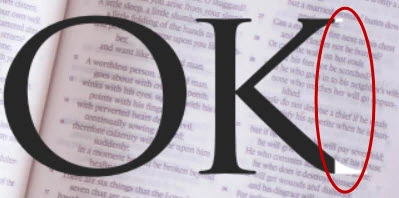
Why is a PDF save from Photoshop leaving some part of the text white?
I have a PDF file - saved from Photoshop - that leaves part of my text white.
The text looks fine in Photoshop and it saves to JPG without this problem.
I only see it in PDF saves ("No layers" and "with layers", As a Copy).
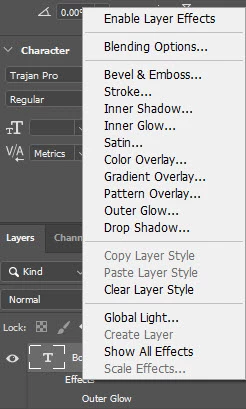
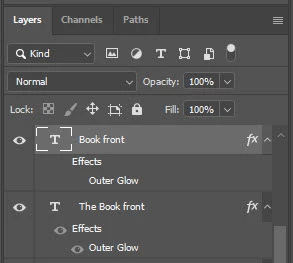
Any ideas about what to check?
Adobe Photoshop Version: 21.1.3 20200508 x64
Number of Launches: 51
Operating System: Windows 8.1 64-bit
Version: 8.1 6.3.9600.20172
System architecture: Intel CPU Family:6, Model:12, Stepping:3 with MMX, SSE Integer, SSE FP, SSE2, SSE3, SSE4.1, SSE4.2, AVX, AVX2, HyperThreading
Physical processor count: 4
Logical processor count: 8
Processor speed: 3535 MHz
Built-in memory: 16322 MB
Free memory: 8959 MB
Memory available to Photoshop: 14931 MB
Memory used by Photoshop: 60 %
Installed TWAIN devices: NONE
 AdChoices