
Answered
Why PNGs quit having transparent backgrounds?
I have gone back to older PDFs that I have created in Photoshop to make revisions only to have the pngs on the layout lose their transparency. Why does this happen? Can I prevent it? HELP!

I have gone back to older PDFs that I have created in Photoshop to make revisions only to have the pngs on the layout lose their transparency. Why does this happen? Can I prevent it? HELP!
Perhaps when you saved the PDF a white page background was added to the image. Why did you save as PDF and not save as PNG? PNG file formats supports other file formats like jpeg doe not support.
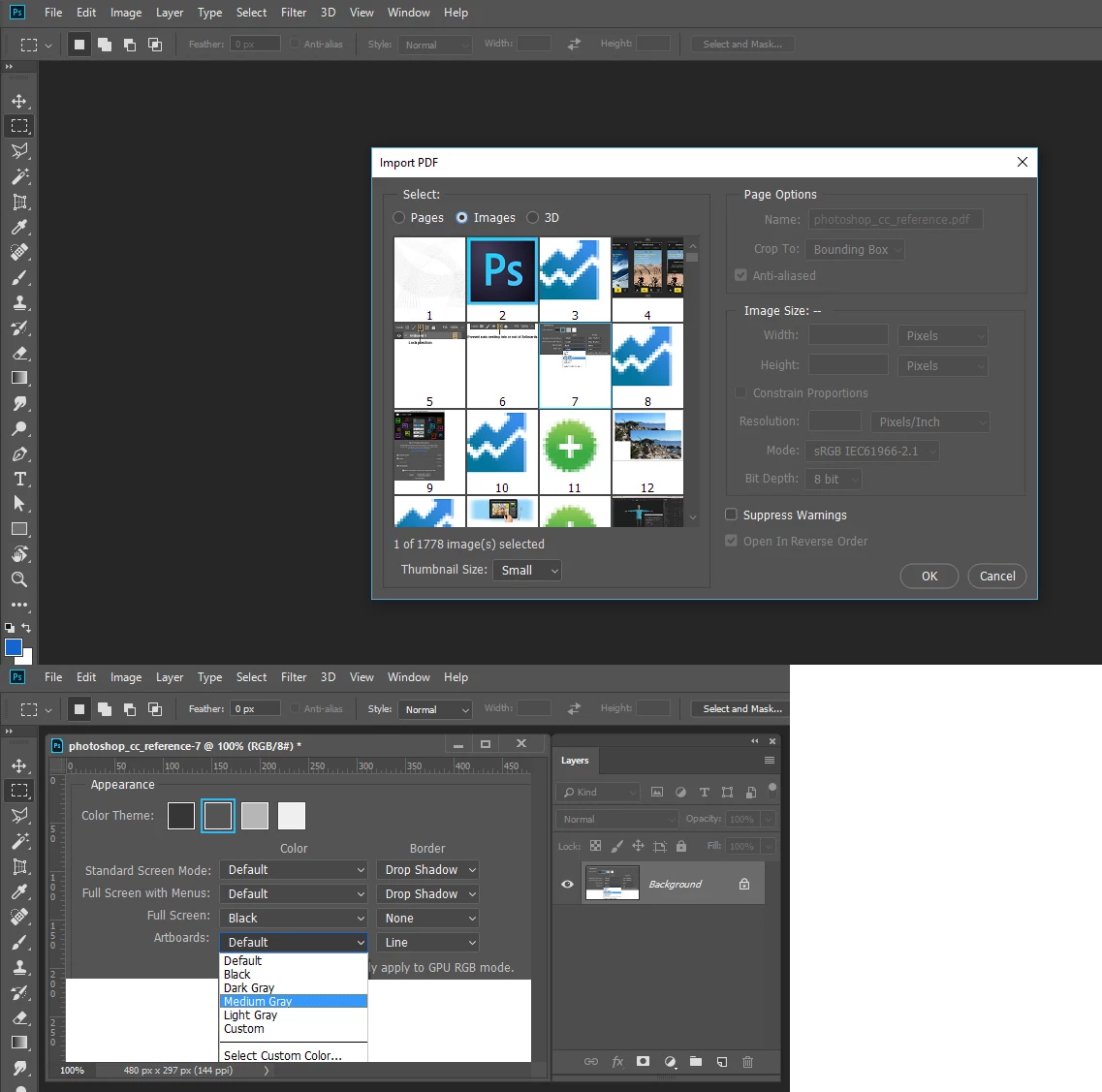
Here I opened Photoshop CC reference PDF in Photoshop and imported image 7. It open as a Background layer and Photoshop's background layer does not support transparency.
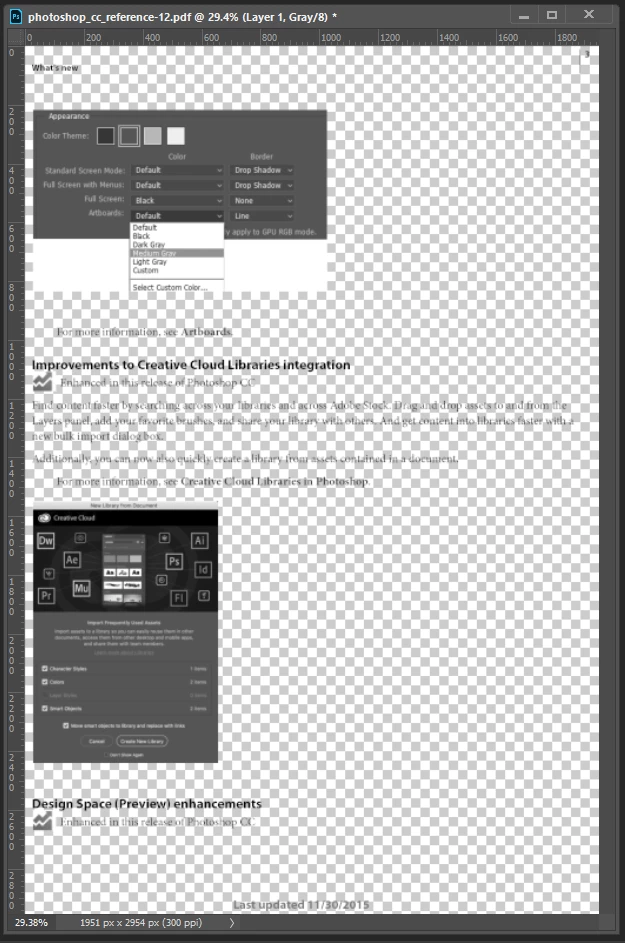
Opening the page its on look like this
Already have an account? Login
Enter your E-mail address. We'll send you an e-mail with instructions to reset your password.
 AdChoices