Participant
November 25, 2019
Answered

Why same colours are viewing differently between photos in photoshop

  • November 25, 2019
  • 1 reply
  • 503 views

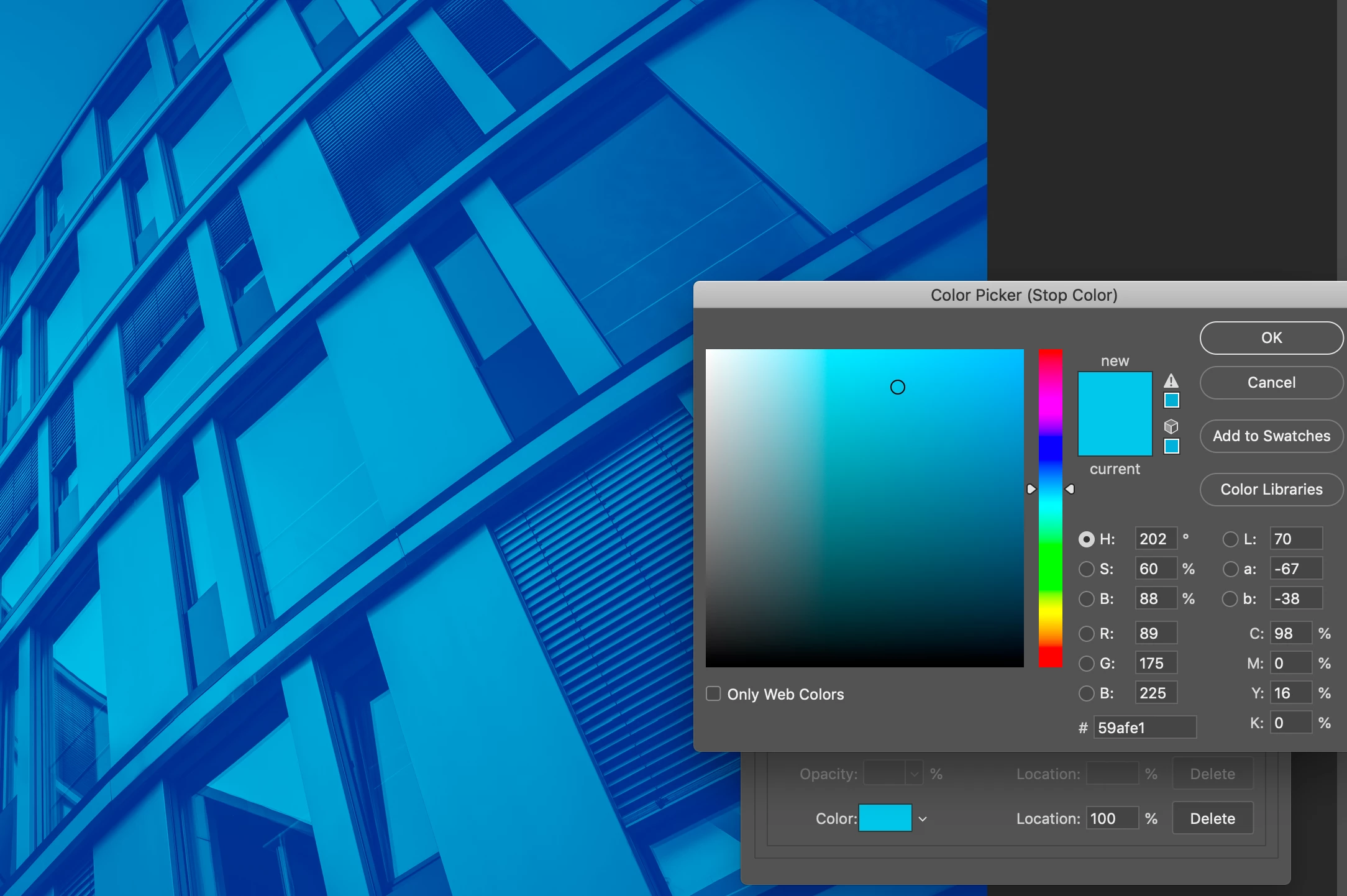
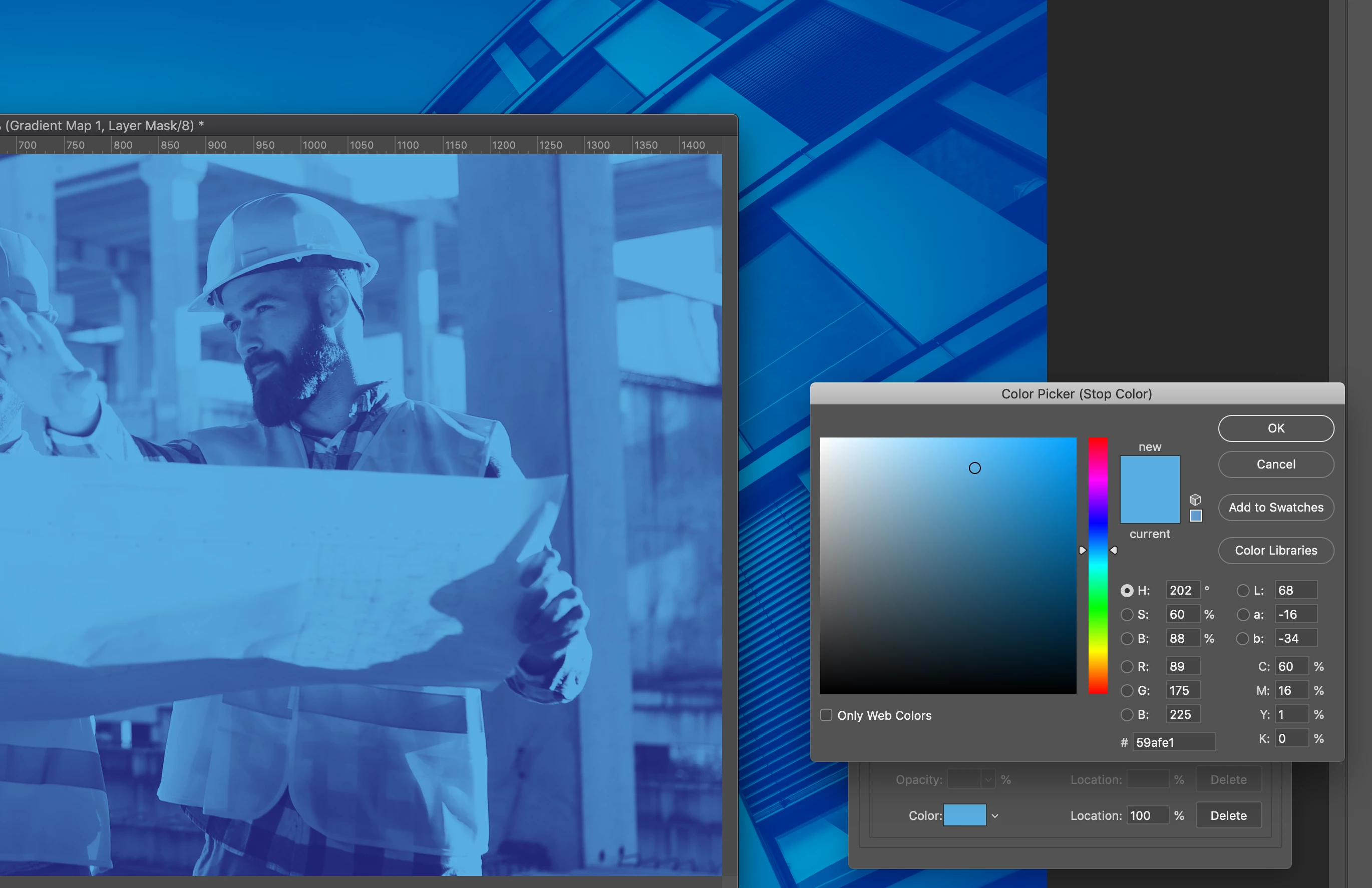
I am creating dou-tone effects for some images and i'm having issues where the exact same graident map is showing as two competely different gradients. I have attacched screenshots to show the difference. I am so confused as to why this is happeneing. Both files are set up the exact same way. The gradient colours are #202273 and #59afe1. Any help would be appriciated. 
This topic has been closed for replies.
Correct answer Michael Bullo

Do you have the same colour profile on each image?

1 reply

Michael Bullo
Community Expert
Michael BulloCommunity ExpertCorrect answer
Community Expert
November 25, 2019

Do you have the same colour profile on each image?

Participant
November 25, 2019

Yes i do, all my settings are the same, they are both RGB, 8bits and when i do into colour settings, they are the exact same. 

Michael Bullo
Community Expert
Community Expert
November 25, 2019

Are you checking the Color Settings from the Edit menu? If so, you are checking the default color settings for Photoshop.


Please check the color profile on each individual document. You can view this from the bottom left of the Photoshop interface (see image).