
Known Participant
December 16, 2022
Answered

working with layers

  • December 16, 2022
  • 2 replies
  • 1221 views

Hello,

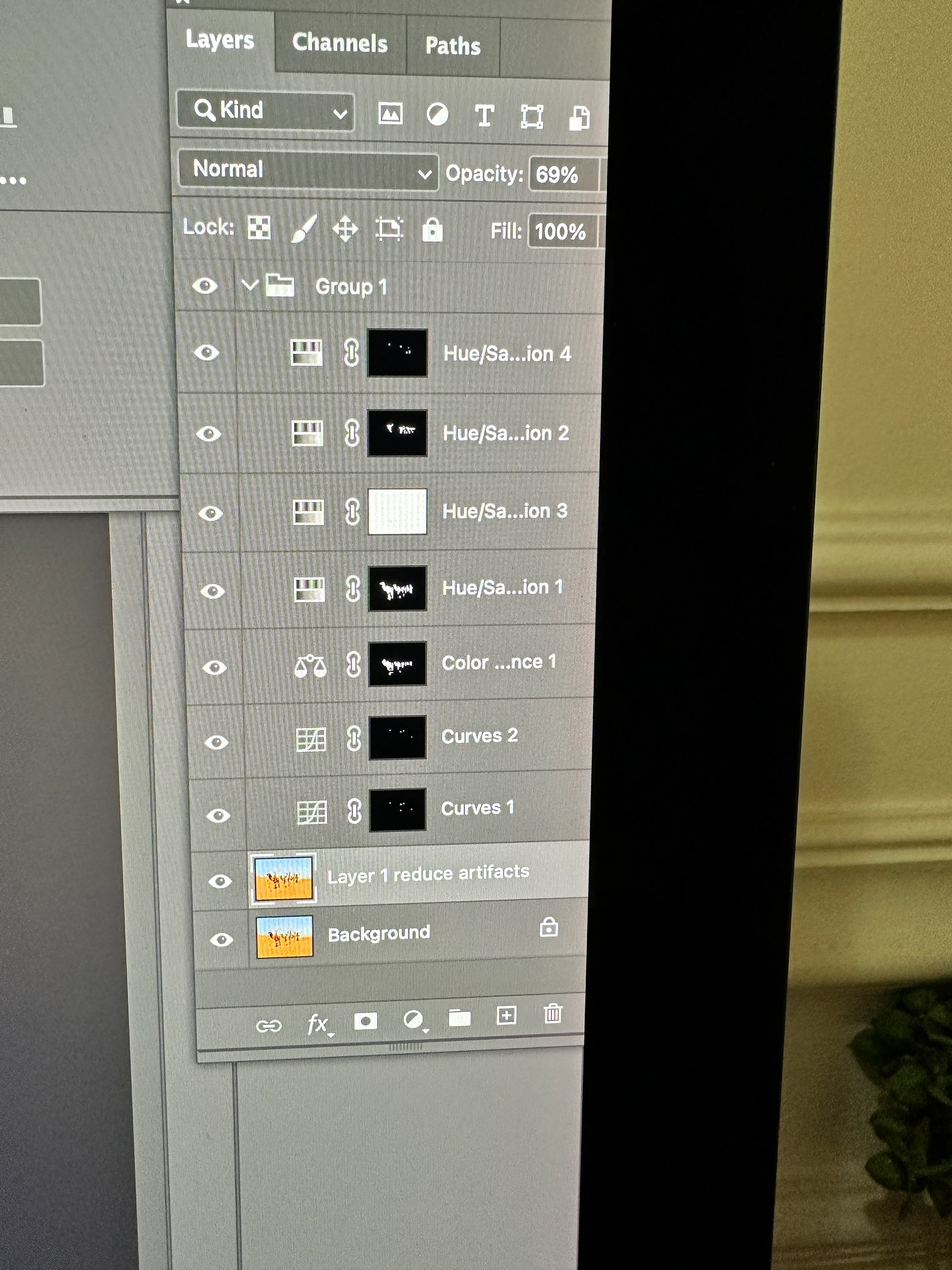
I'm attaching to pictures of the work I'm doing with a photo in photoshop.  Now I need to to airbrush, and also do some cloning but I don't know how to create a new layer that would allow to do what I want on top of everything I've done so far.  I need help please
This topic has been closed for replies.
Correct answer Bojan Živković11378569

Create blank layer and move it on top of Layer's stack. Just click and drag it on top. Use Clone Stamp and ensure that Sample in the Options bar is set to All Layers as shown on screenshot below.

2 replies

Bojan Živković11378569
Community Expert
Community Expert
December 16, 2022

Create blank layer and move it on top of Layer's stack. Just click and drag it on top. Use Clone Stamp and ensure that Sample in the Options bar is set to All Layers as shown on screenshot below.

Known Participant
December 16, 2022

Thank you! I just tried it and it works.  

If I want to do something different, then I should create another blank layer on top of the other blank layer, right?

Known Participant
December 16, 2022

Hello,

Perhaps you can help me wih another issue please.

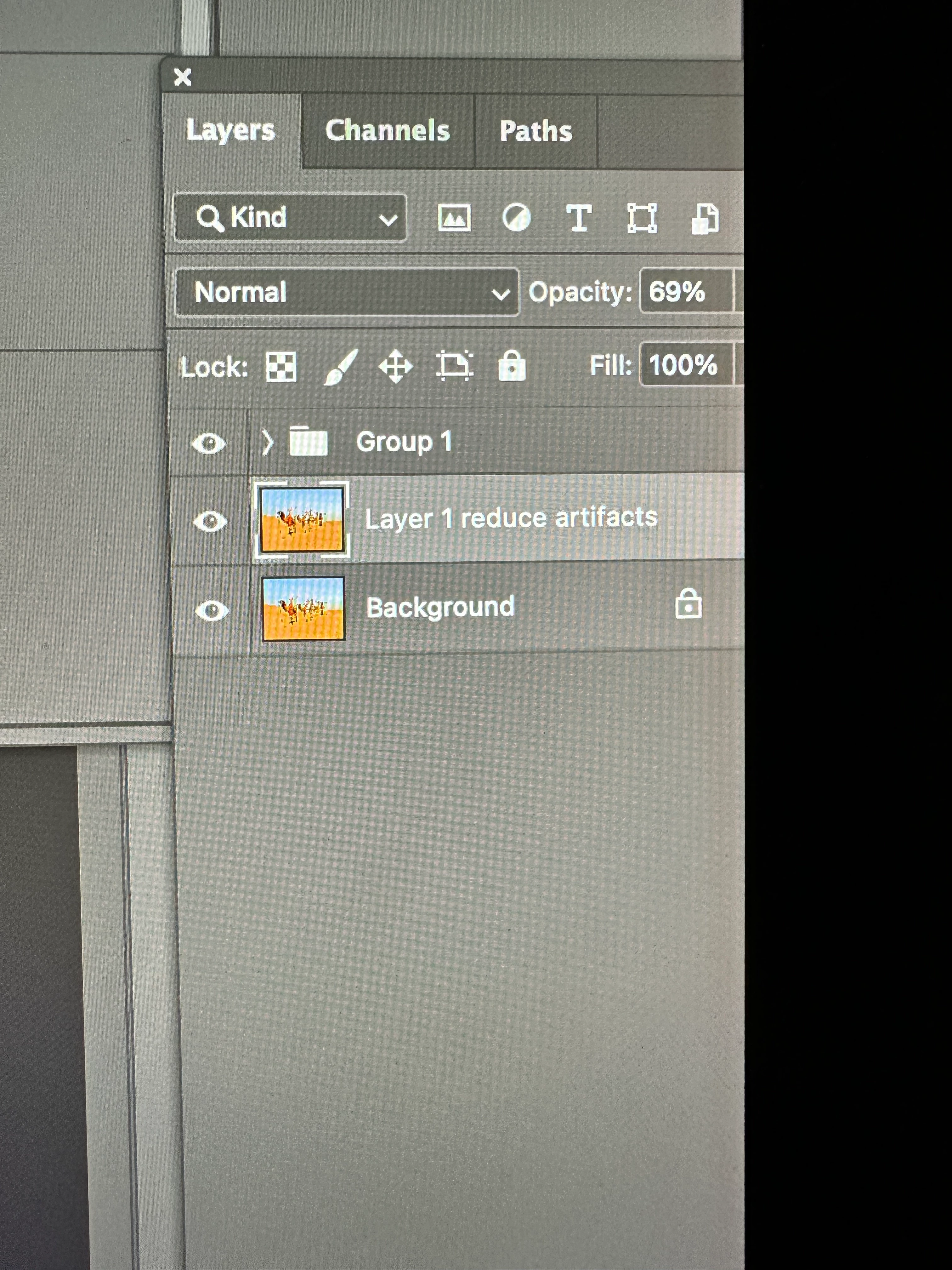
I'm attaching to pictures of the work I'm doing with a photo in photoshop.  Now I need to to airbrush, and also do some cloning but I don't know how to create a new layer that would allow to do what I want on top of everything I've done so far.  I need help please


[Please post once, not three times. I've merged two of your posts that had replies;
a third was locked by another moderator.]


[Also, please use the link @c.pfaffenbichler gave you several times to take proper screenshots:

https://www.take-a-screenshot.org/mac.html]


c.pfaffenbichler
Community Expert
Community Expert
December 16, 2022

Layer > New > Layer (there is also a button the the Layers Panel)


But the Tools need to be set accordingly (in the Options Bar). 

So the Clone Stamp Tool for example to »Sample: Current & Below«. 

Known Participant
December 16, 2022

thank you
