Workspace tiles not moving
Hi all,
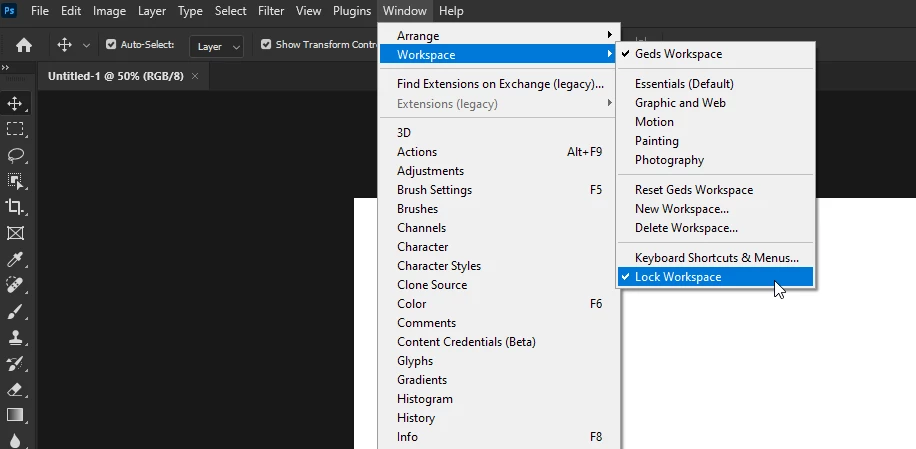
I am experiencing a problem when I am trying to adjust my workspace this morning. My workspace arrangement changed unexpectedly and since then Photoshop won't let me move the tiles/tabs on the workspace to adjust it to my needs.
For example I would select "Photography" Workspace and History is on the same group as Actions; I then try to drag and drop the Actions on separate space in order to be able to view both and it won't let. The only thing it allowes me to do is swap between the ones that are arranged originally in a group.
I restarted Photoshop, I signed off Adobe and sign in again, restarted the computer, uninstalled Adobe creative cloud and all apps and re-installed everything but nothing has changed unfortuanately.
Please help! Been working on a specific set up for years, this is making me so much slower!
Thanks,
Dimitra.
 AdChoices