Participating Frequently
April 13, 2023
Answered

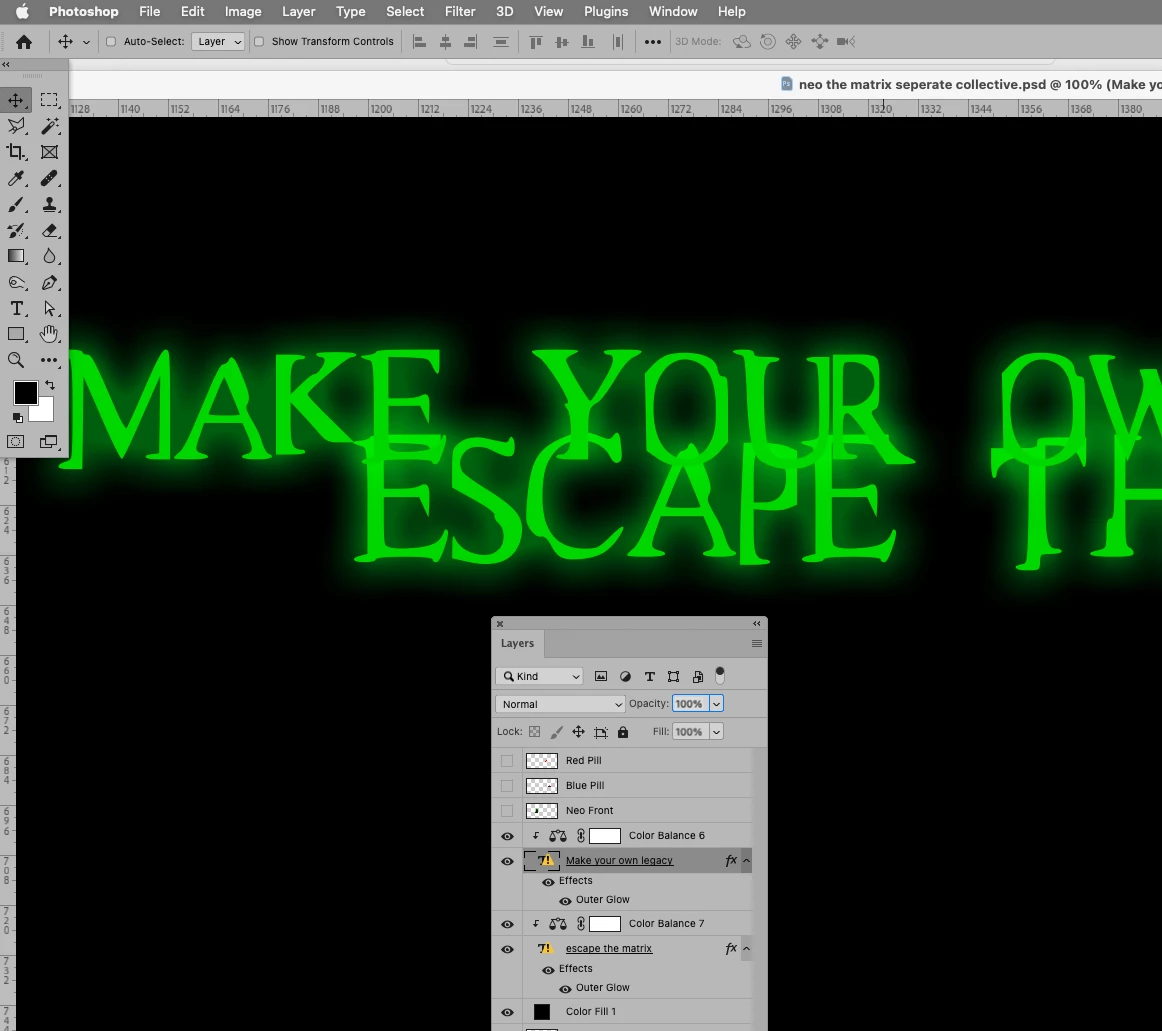
Wrote two texts with identical color and settings but each came out slightly different..

  • April 13, 2023
  • 1 reply
  • 1142 views

Hey there, I was making a design for my clothing brand and I wrote two different texts:
"MAKE YOUR OWN LEGACY " & " ESCAPE THE MATRIX ".

With these colors and settings on them:

Color: #22d222

Outer Glow: opacity- 49% spread- 10% size- 43%

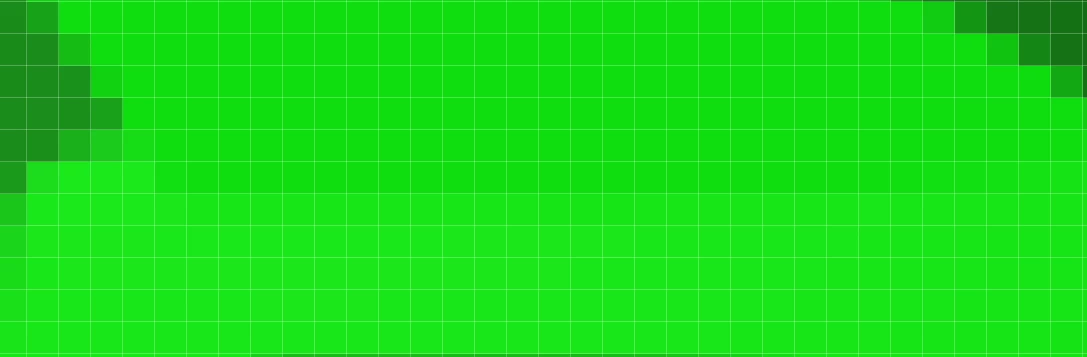
But when I was putting them side by side I noticed a slight difference in the green texture of the words.

This topic has been closed for replies.
Correct answer c.pfaffenbichler

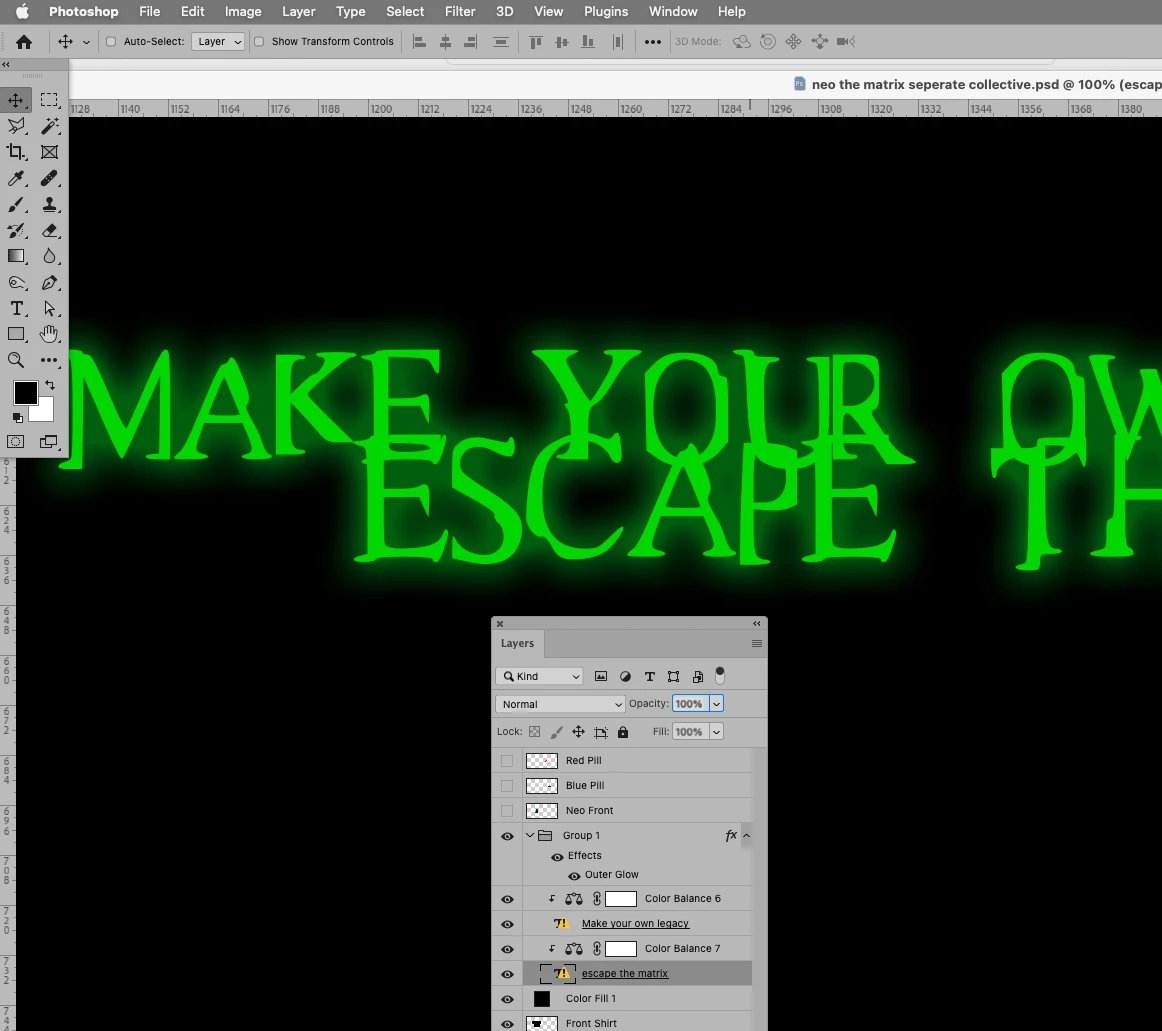
Yes the colors are the same but as you can see in the second picture you provided, when you put the letters O and E near each other, you can see that there is a slightly more darker texture on O then on E.

Do you know how to fix that?


That’s because the Layer Style of the top one works on everything below – including the lower Type Layer. 


You could put both Type Layers into one Group and apply the Layer Style to the Group instead of the individual Type Layers. 


Edit: 

1 reply

c.pfaffenbichler
Community Expert
Community Expert
April 13, 2023

Could you please provide the file. 

What is the Blend Mode of the Outer Glow? 

Participating Frequently
April 13, 2023

Thanks for the reply.

The blend mode is screen. I've sent you the file in a private message. 

c.pfaffenbichler
Community Expert
Community Expert
April 13, 2023

Thank you. 

The color of the Type Layer seems to be identical. 


When you compared the two Layers could it be you moved them so close that the Outer Glow of the top one affected the lower one? 

Edit: