
Answered
Yellow grayscale - whites come up yellow
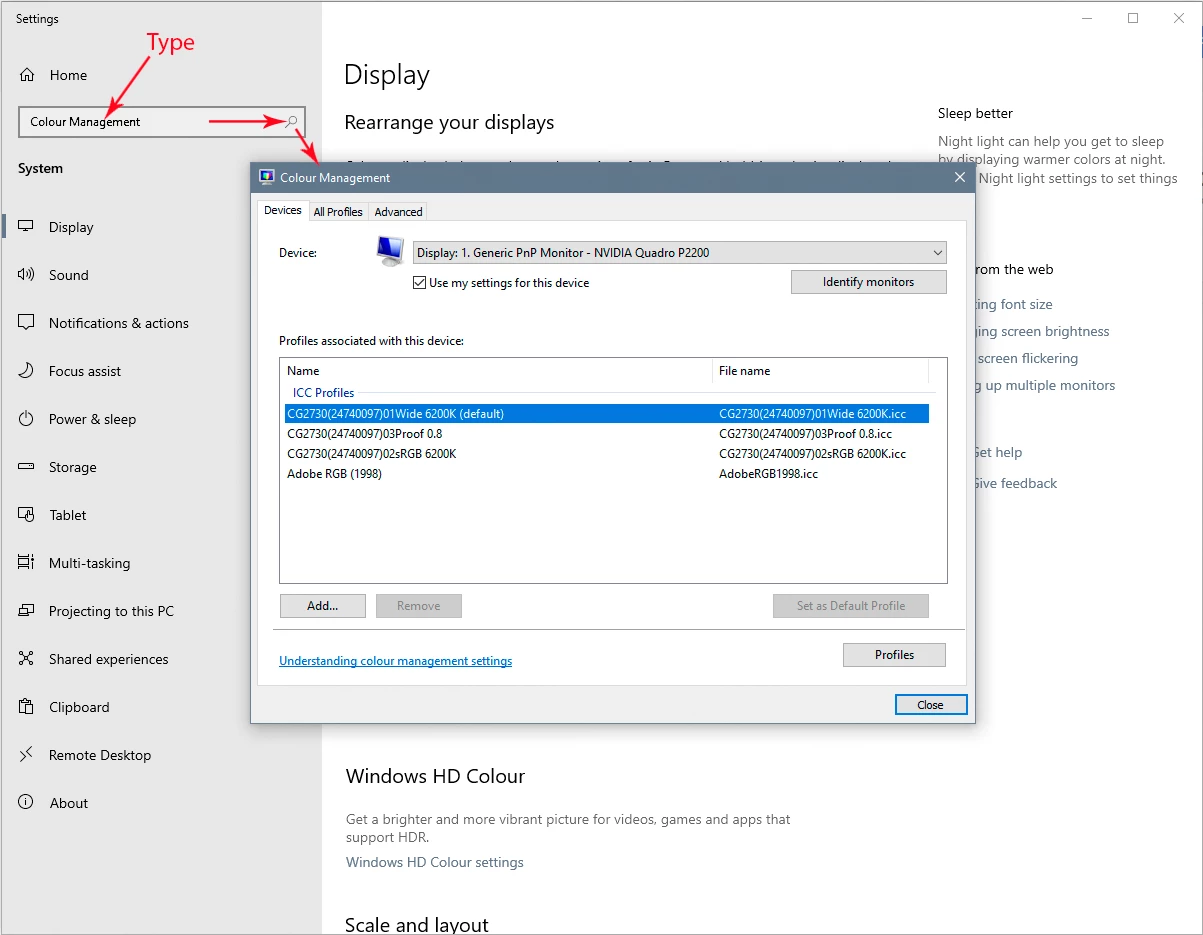
Hey community - I have one of my students who has encountered a problem - when they open files, it comes up yellow - even if it's specified as grayscale like the image attached. any advice how I can permanently solve this issue? we've tried reinstall and that didn't work, and it's not a screen calibration issue either. This is the latest Photoshop (2021)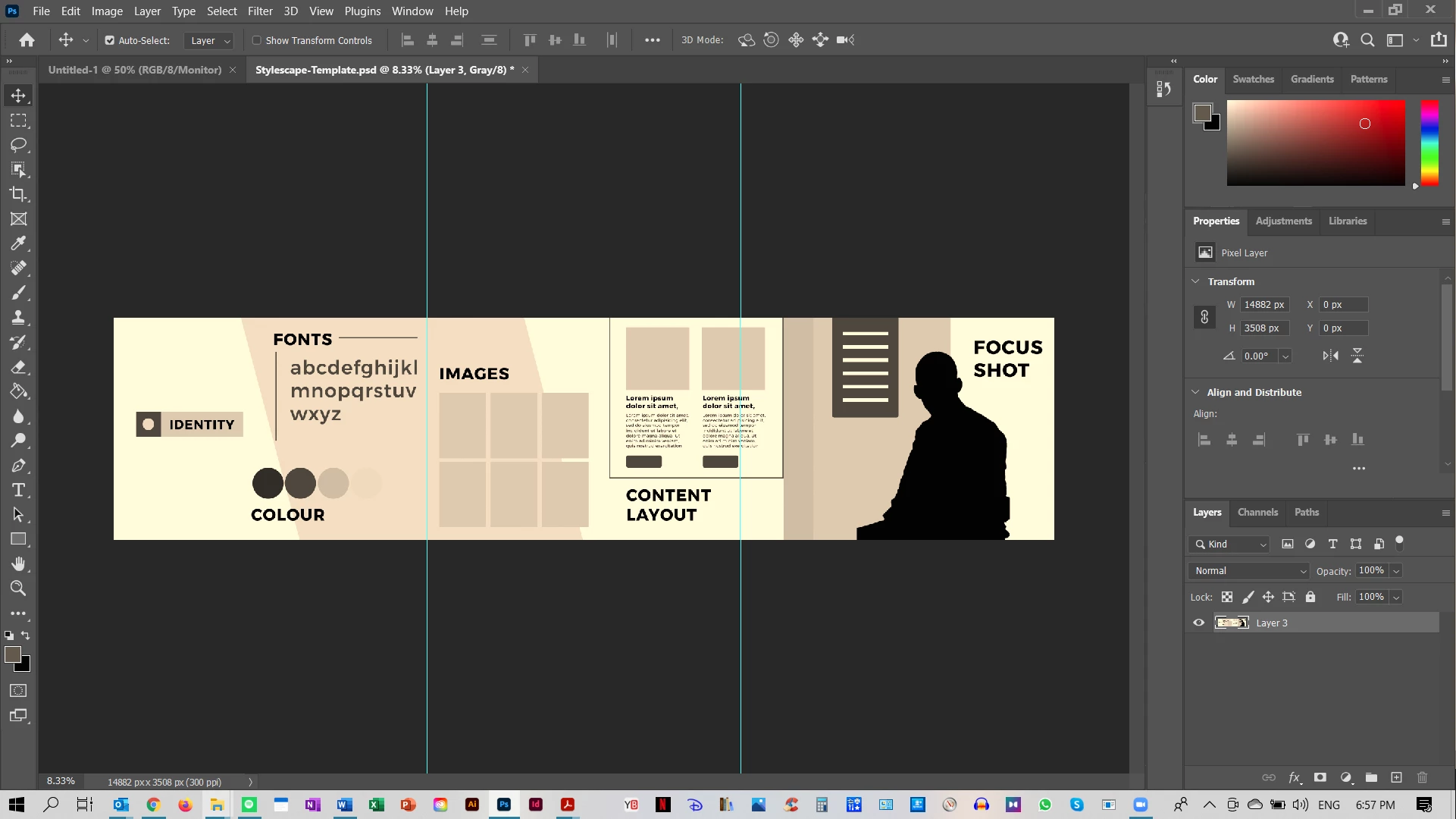
 AdChoices