Participant
April 6, 2023
Open for Voting

Save margin guides by percentage as preset

  • April 6, 2023
  • 3 replies
  • 667 views

Hello,

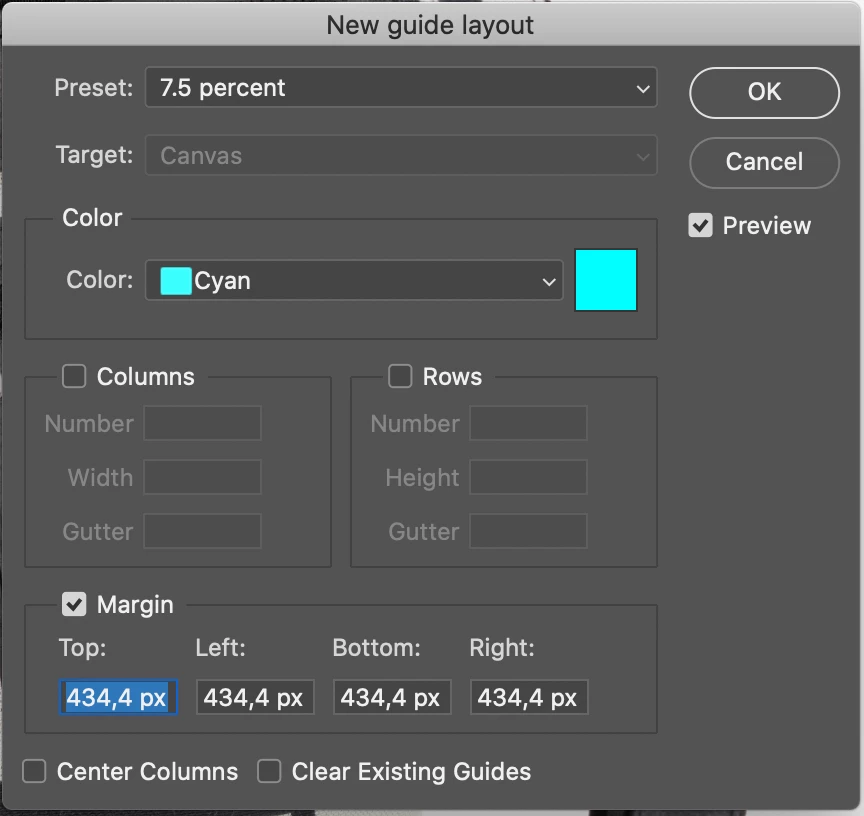
Very often I have multiple images by the same ratio but different size. I want to add to every image the same margin guides. The solution is to use the percentage (%) instead of px, cm, mm, ect.

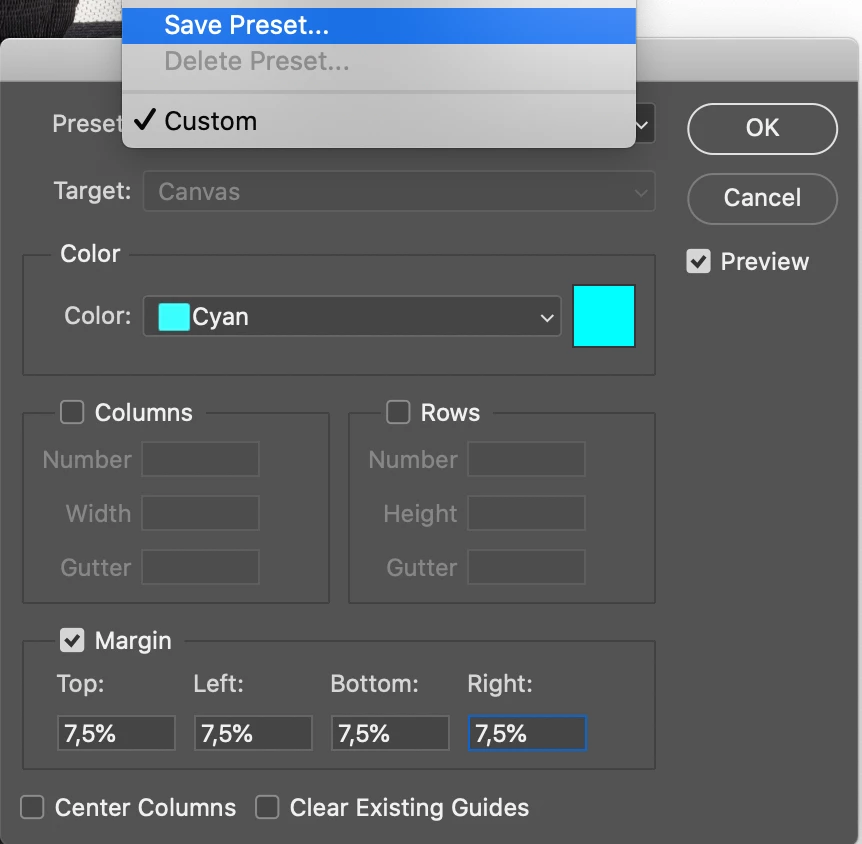
So, I do this option by (%). for example Top 7,5%, Left 7,5% Bottom 7,5%, Right 7,5% and save it as preset.

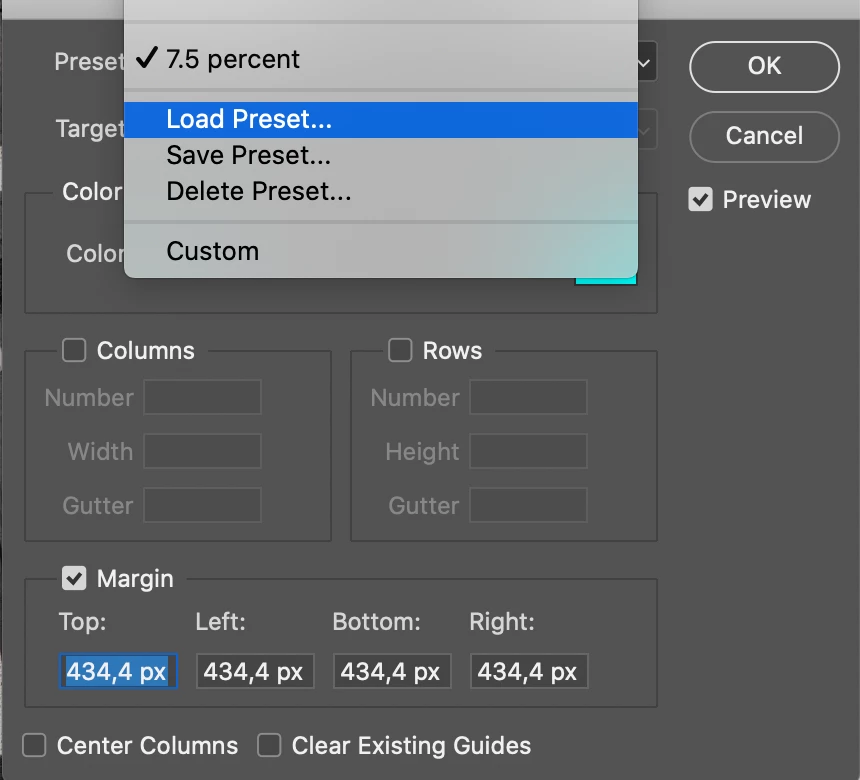
But if I load the preset to new image the preset comes by PIXELS of the previous saved which is not correct for the every new image.

Any help please....
3 replies

Stephen Marsh
Community Expert
Community Expert
April 6, 2023

It works correctly for me in v2021 regardless of the active ruler units when the guide preset is applied.


What version are you on?


Have you tried resetting your preferences?

Jeff Arola
Community Expert
Community Expert
April 6, 2023

If you set the Ruler Units to Percent and then apply the Guide Preset, does that make a difference?

Participant
April 6, 2023

Concluding, the "save to preset" is useless unless the developers fix this.