
360 product photos- batch editing help
Hi
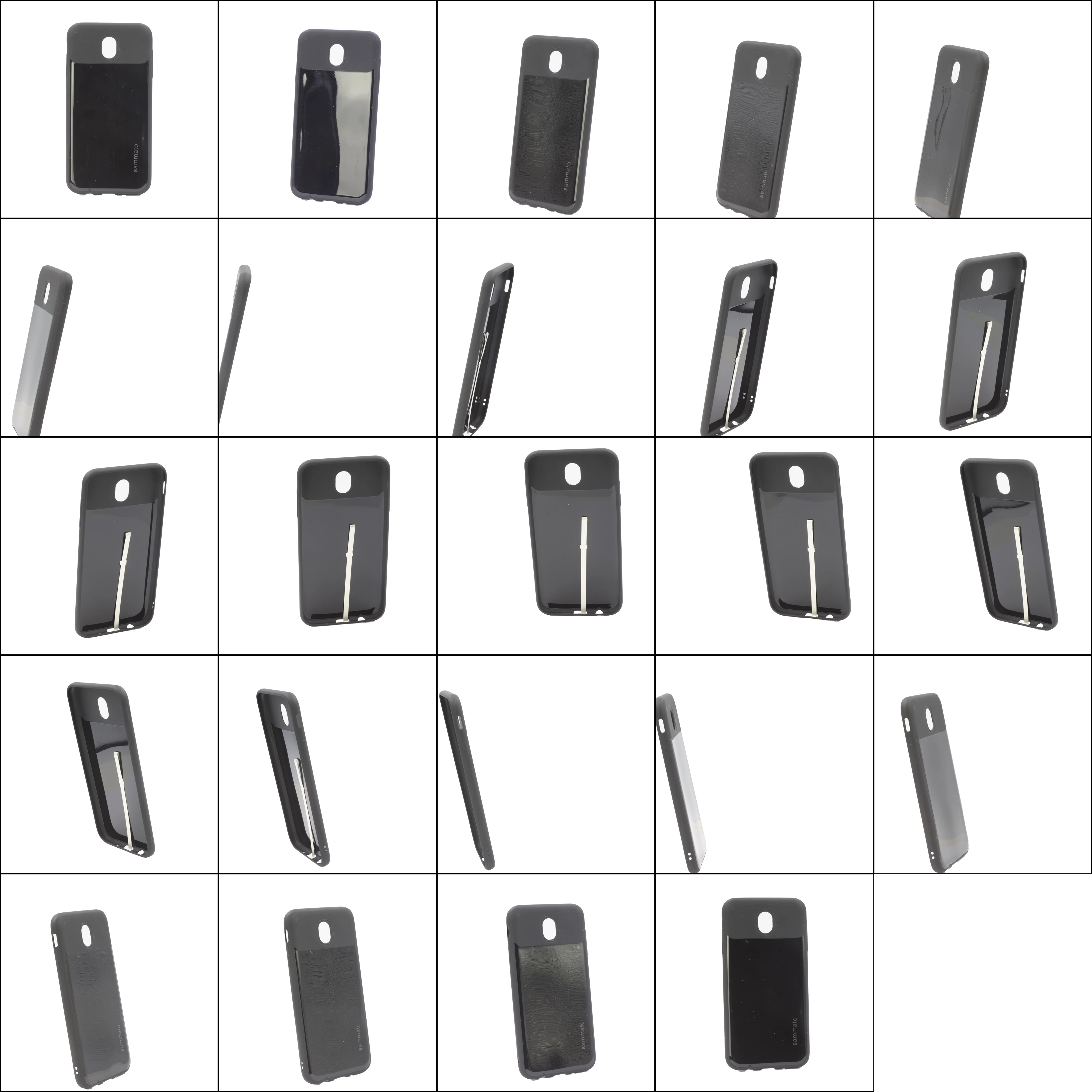
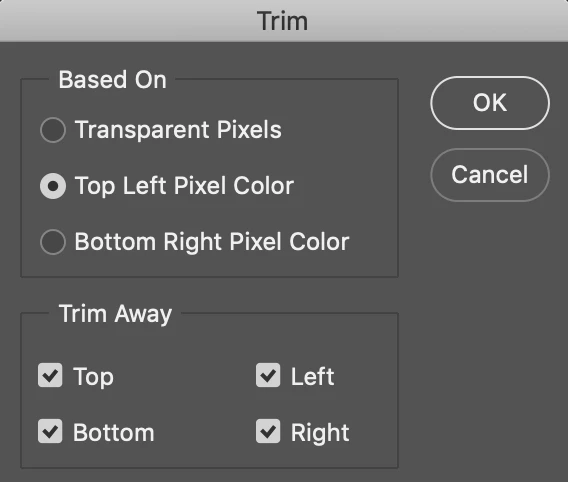
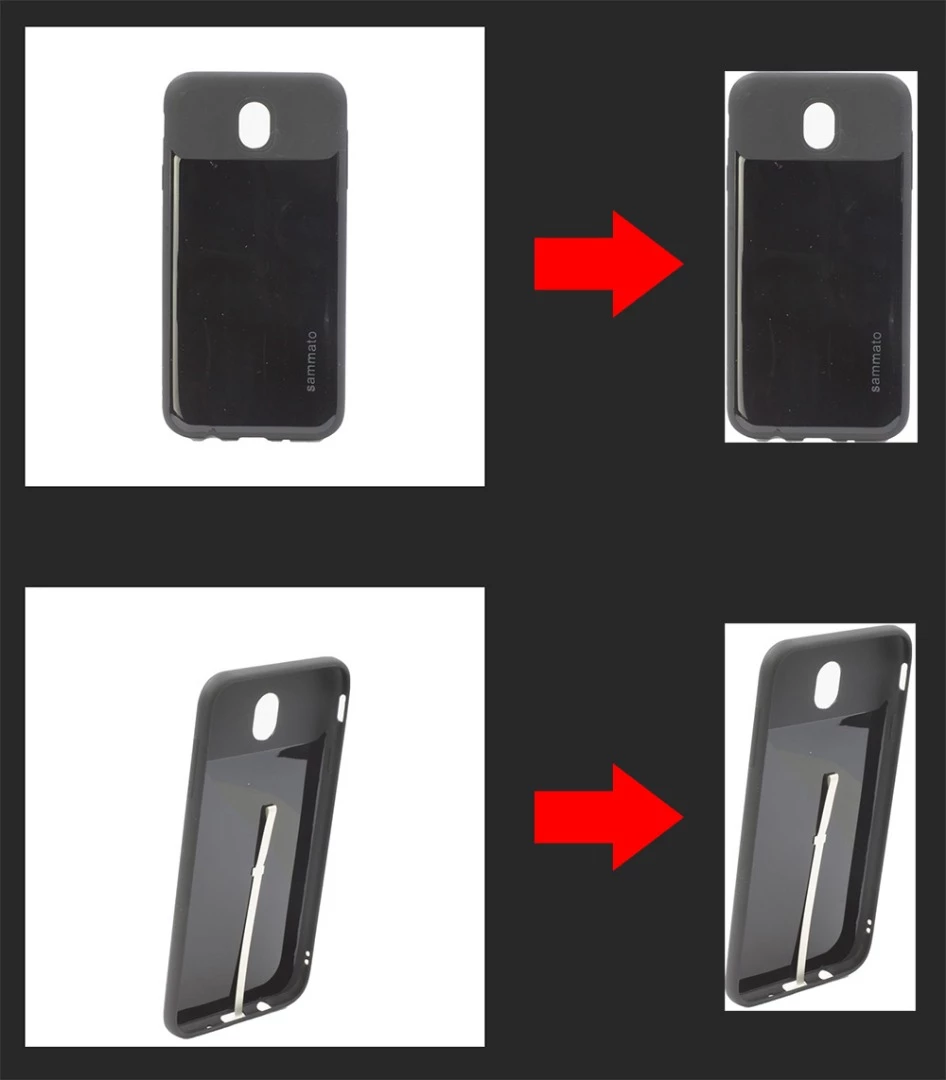
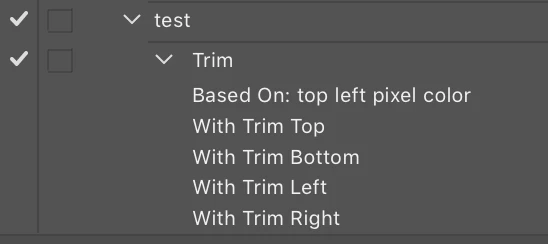
Im working for an online store and they recently got the idea that tehy want to implement 360 views of some products. The products that im photograpging are smartphone cases so they have a pretty basic rectangular shape with rounded corners. So my question is; How do i automate the post production of images. I know how to make actions and such. Currently i select the case using different tools then copy and paste it to a new file and then resize it to 15% of the original size so it fits in the 800x800pix format (thats the file dimensions we use on the website). I tried using the image processor and play action using this action- Selec subject> copy> create new layer> paste> transform. The problem is that the case isnt centered in most images and it is all over the place. Any advice on how to make an action that suits the purpose?
 AdChoices