Inspiring
August 29, 2018
Answered

can't print in PS 19.1.4

  • August 29, 2018
  • 1 reply
  • 591 views

I recently upgraded to PS version 19.1.5 and now CANT print.   Options are totally different.

Can't tell it I have heavy paper.

No size for 11x17 Ilford paper.

No blackpoint compensation. (whited out)

Paper only glossy or matte.

And I'm not sure what other options I'm not being able to choose as these are the ones I notice and remember.

CAN I GET THE OLD INTERFACE BACK?   I've spent years learning to get the prints I want with the old options.   I feel absolutely helpless.
This topic has been closed for replies.
Correct answer JJMack
You're right with the print window you showed ie the one that comes up first when you choose "print".But my prev (and many before = photoshop CC ? ), had, when you left click "Print Settings" (right below "Printer") had another photoshop window that had options for paper, paper size, platen setting, Advanced black and white (lots of setting within that choice), etc.   I had a whole course in printing for the choices in that second window at NE School of Photography.
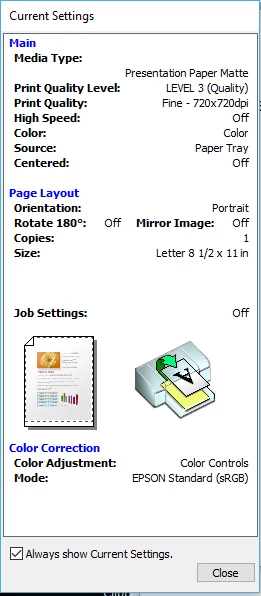
Now when you left click on "Print Settings", you get little Epson windows with minimal choices.

Help!!


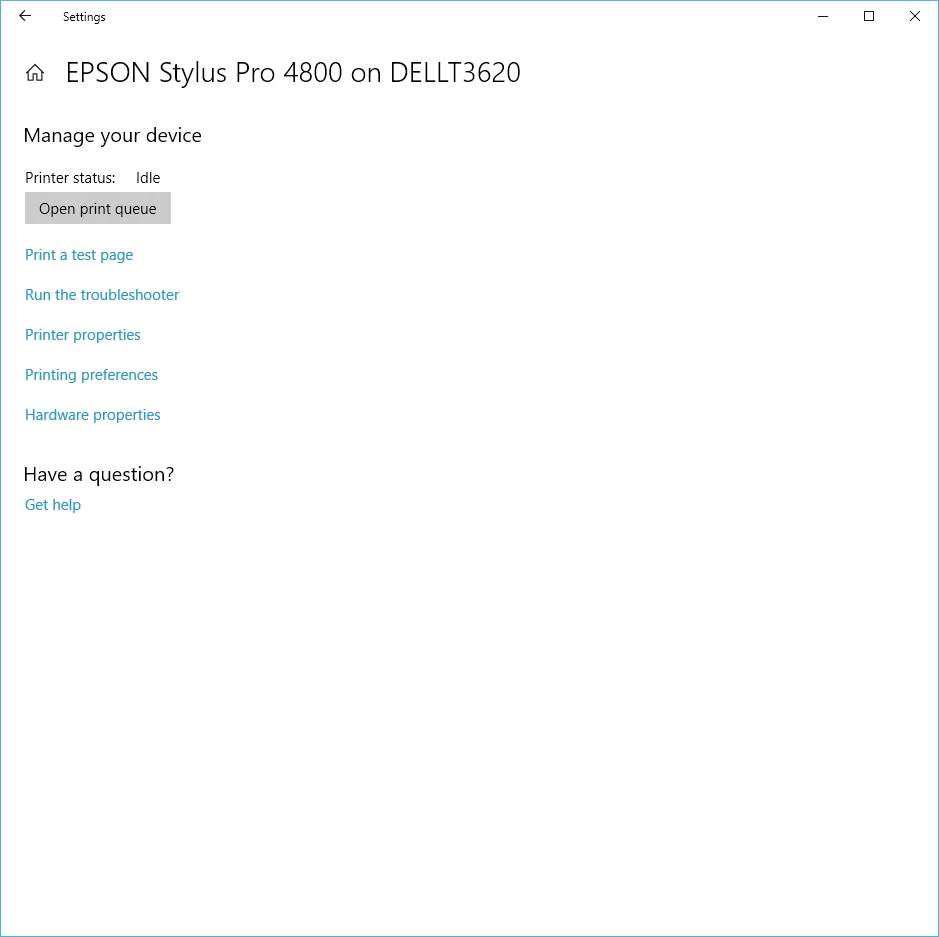
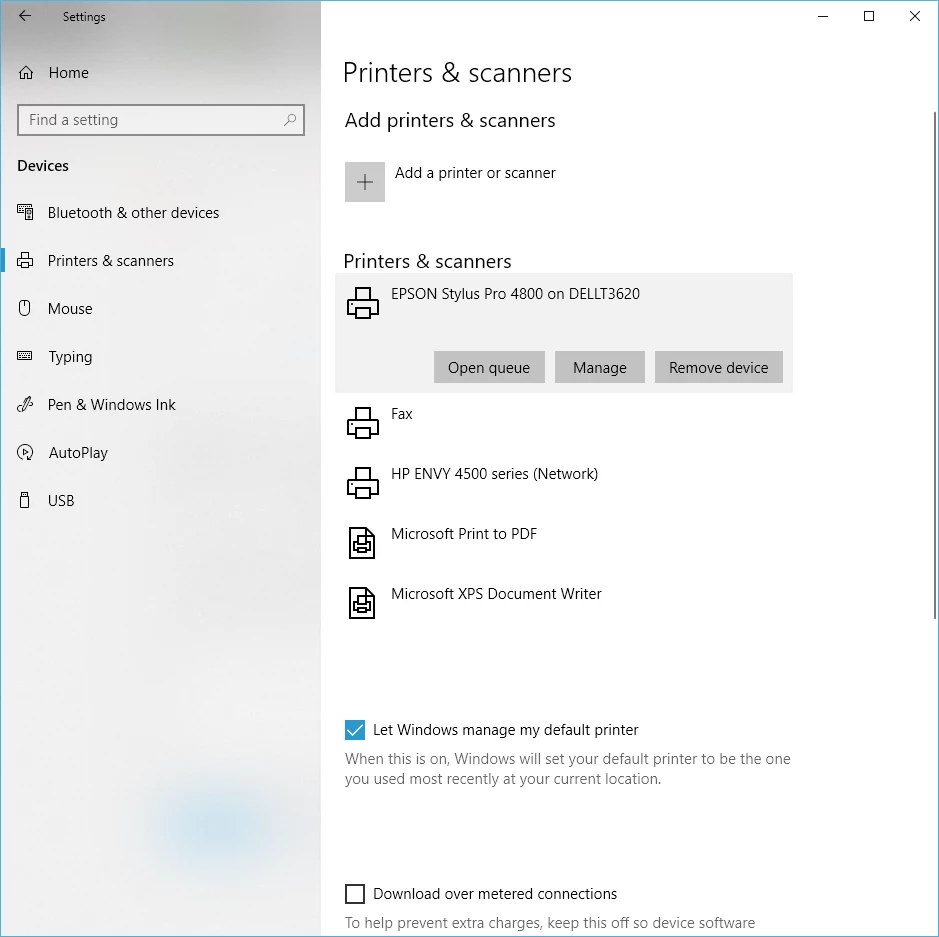
Yes you select a printer then can click the Printer Settings.   Those are your Printers setting Each Printer has its Device driver and the device driver have Printer Setting UI Dialogs you can set setting for you printer.  Make sure you select the Printer you want to print on in Photoshop Print setting then Click  on the Printer Setting.... button to Open the Printer's device driver's UI so you can set the Printer's settings set the paper size paper source etc.   Make sure you have the latest Printer device drivers installed for your printers that are one your machine and on your network.   If the printers settings do not open  when you click one the Printer Setting button in Photoshop Print Settings UI.  You can try opening it from your system's interface.

Manage

Printer Preferences shoul open the same UI that Photoshop's Printer setting should have opened.

1 reply

judy04Author
Inspiring
August 29, 2018

AND NO ADVANCED BLACK AND WHITE OPTION!

JJMack
Community Expert
Community Expert
August 29, 2018

Are you sure you writing  about Adobe Photoshop Print Settings.  It sound like you may be writing about your Printers setting.  I do not see much difference between CS6 Print dialog  and CC 2018 19.1.6 Print dialog.  CS6 one the left CC 2018 on the right.

JJMack
judy04Author
Inspiring
August 29, 2018
You're right with the print window you showed ie the one that comes up first when you choose "print".But my prev (and many before = photoshop CC ? ), had, when you left click "Print Settings" (right below "Printer") had another photoshop window that had options for paper, paper size, platen setting, Advanced black and white (lots of setting within that choice), etc.   I had a whole course in printing for the choices in that second window at NE School of Photography.
Now when you left click on "Print Settings", you get little Epson windows with minimal choices.

Help!!