

Jimmy Papas
Inspiring
June 15, 2020
Question

Does increasing history states (number of undos) affect performance in Photoshop?

  • June 15, 2020
  • 3 replies
  • 1855 views

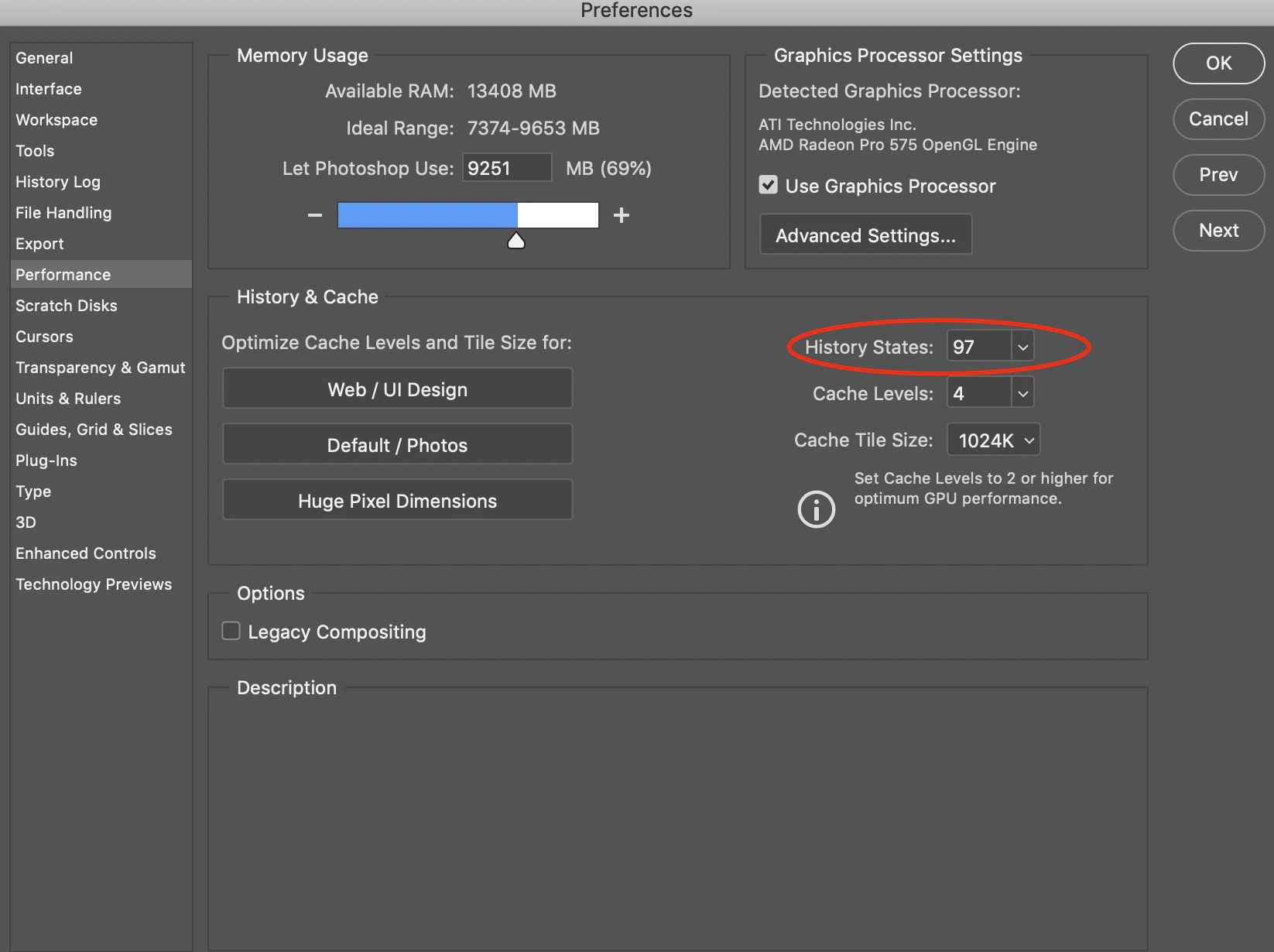
If you go to Preferences (Ctrl+K) > Performance > History states, you can choose the number of (Undos) you can make. Does increasing this affect negatively the performance?
This topic has been closed for replies.

3 replies

KShinabery212
Community Expert
Community Expert
June 15, 2020

Luckily I have a good computer, so I always have my states at the maximum. 

But for those with lesser computers.... that can be an issue.

Let's connect on LinkedIn. https://www.linkedin.com/in/kshinabery/
jane-e
Community Expert
Community Expert
June 15, 2020

Hi

D_Fosse's answer is correct. Here is Adobe's Help file on history states and performance:

https://helpx.adobe.com/photoshop/kb/optimize-photoshop-cc-performance.html

~ Jane

D Fosse
Community Expert
Community Expert
June 15, 2020

It very rapidly increases the scratch disk requirement. Every history state can potentially demand another full original file size.


For most "normal" uses, 200 - 400 GB free disk space for the scratch file should be sufficient. But with a lot of history states, say, 50 and upwards - make sure you have the disk space for it.