
Known Participant
October 1, 2019
Question

Feathering not working properly

  • October 1, 2019
  • 4 replies
  • 5679 views

I have been using Photoshop for over 20 years, so I know my way around this tool pretty well. 


I've been using Feathering for almost as long. But today, it appears broken.


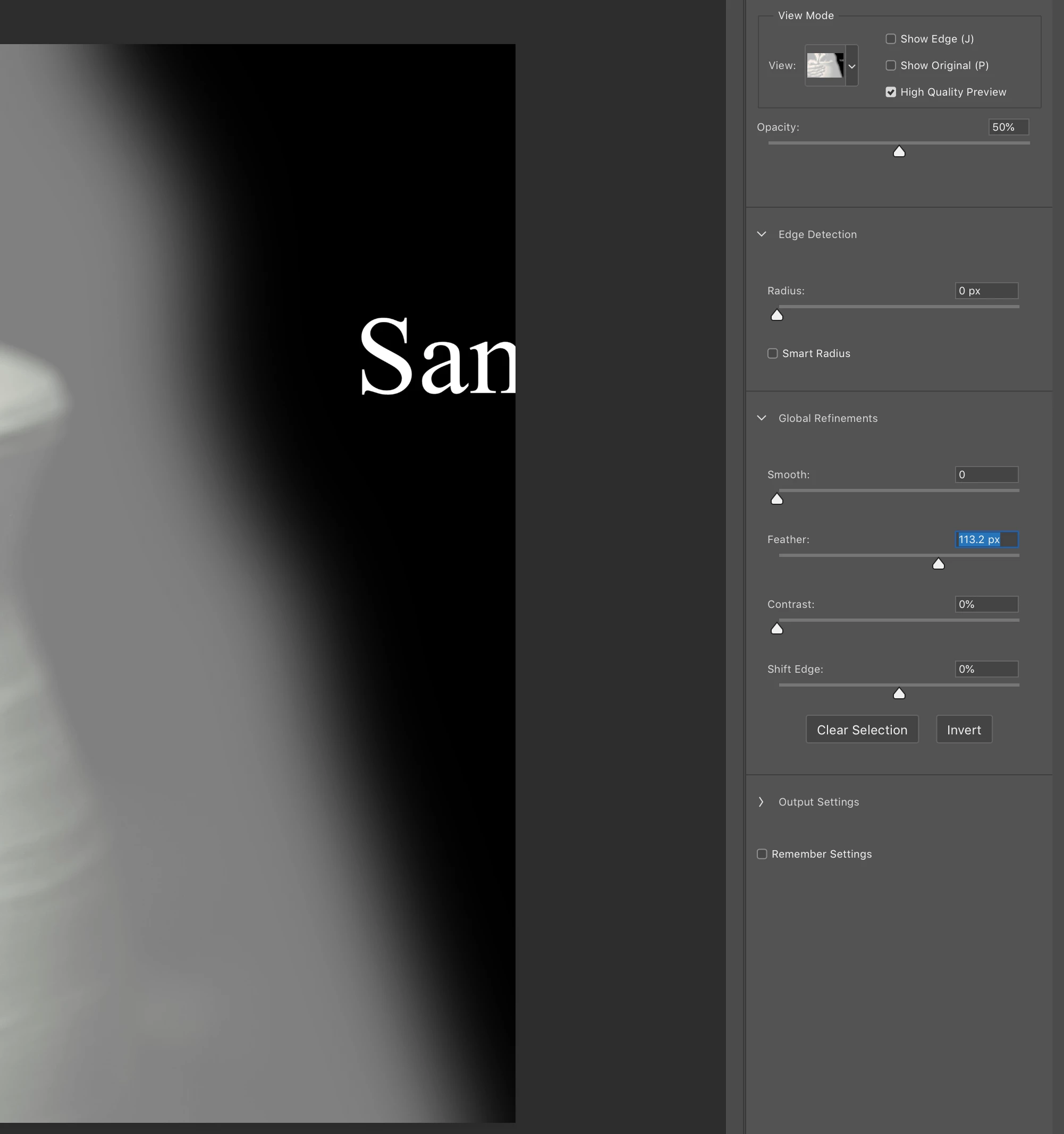
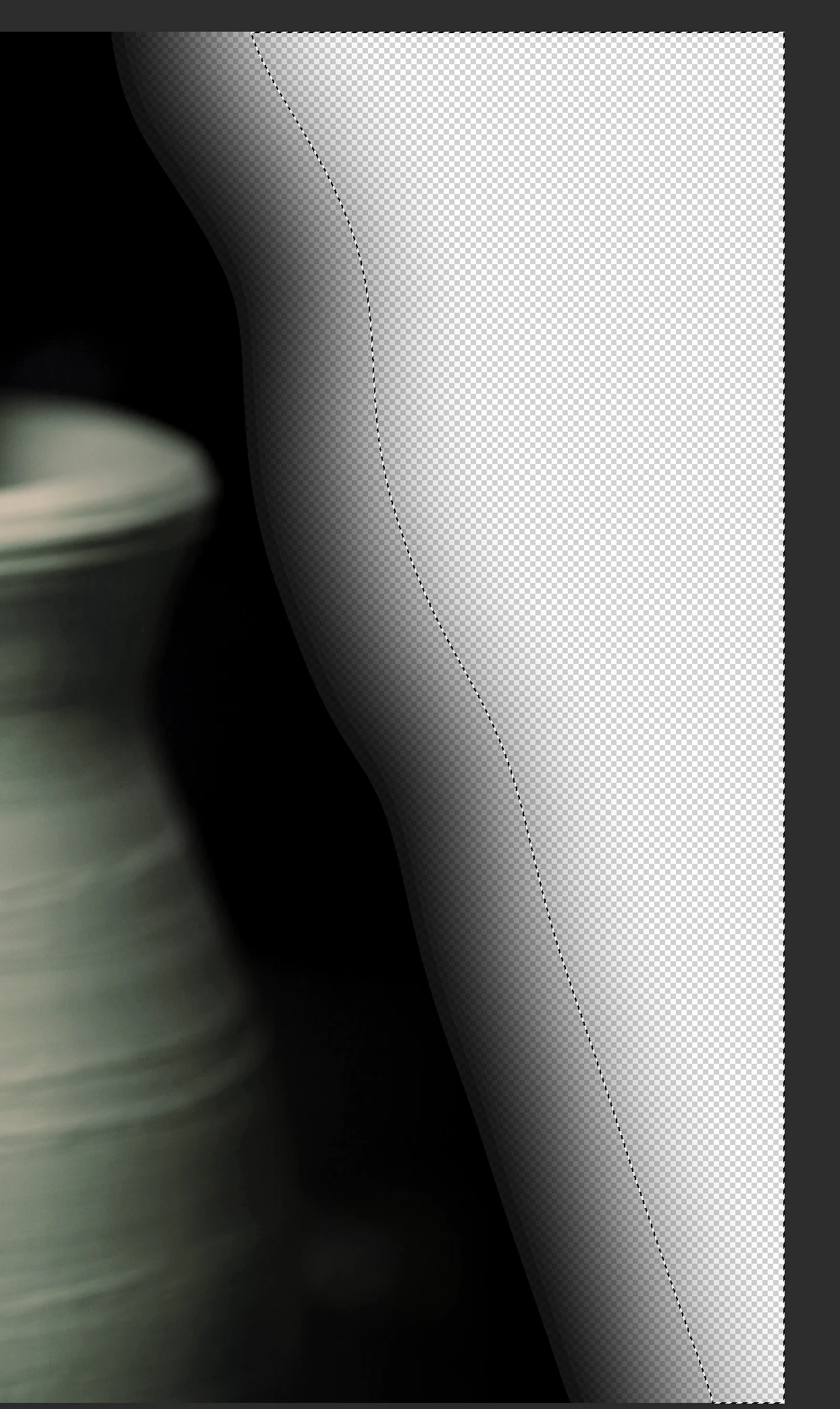
I am trying to feather using the refine edge too and I am getting hard edges just beyond the feathered area. This has never happened before and is incredibly frustrating. 


Here's an image with a preview and my settings.

And here's an image where I've deleted the selection. You can see the hard edge.
This topic has been closed for replies.

4 replies

Earth Oliver
Legend
October 1, 2019

It never looks right on transparency... try putting a solid fill underneath.

kimamelAuthor
Known Participant
October 1, 2019
That's the problem. I don't want a solid fill. I've been doing this for years and never experienced this problem.
Earth Oliver
Legend
October 2, 2019
You know, i think you might be onto something here. Even with a white layer below, i'm still seeing a lot of artifacts. Can you test converting your image to 16bit and see if the same problem pops up? You'll need to add some new brush stroke or masking after you convert.
Silkrooster
Legend
October 1, 2019

You can end up with a hard edge if it is the edge of a layer or previously selected with a selection too.

kimamelAuthor
Known Participant
October 1, 2019
I used the selection tool, but never experience this ever before, and have done this a lot. How am I supposed to otherwise select the area if this is the way it works now?
melissapiccone
Community Expert
Community Expert
October 1, 2019

Can you post a pic of your layers for your second image? It looks like there is another layer or something in there. 

Melissa Piccone | Adobe Trainer | Online Courses Author | Fine Artist
kimamelAuthor
Known Participant
October 1, 2019
All of my layers are off, except for the one I am working on.