Did you reset all tool and reset your preferences?
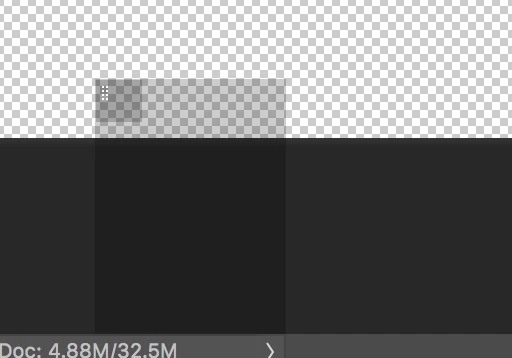
Yes. Solved it - didn't really figure it out - it was some kind of a weird "echo" of the "Live Brush Tip Preview" panel:
I brought up the Live Brush Tip Preview (to be clear - these are two different panels on the screen at the same time) and then clicked on the 8-dot pattern in the upper left hand corner of the "Live Brush Tip Preview" - and the second mystery panel disappeared.
So - problem solved - but I still don't understand how the two panels are related.
Thanks for the help!


 AdChoices