

Question
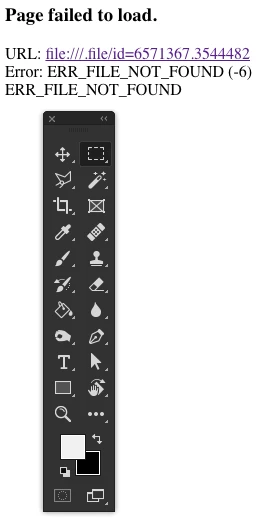
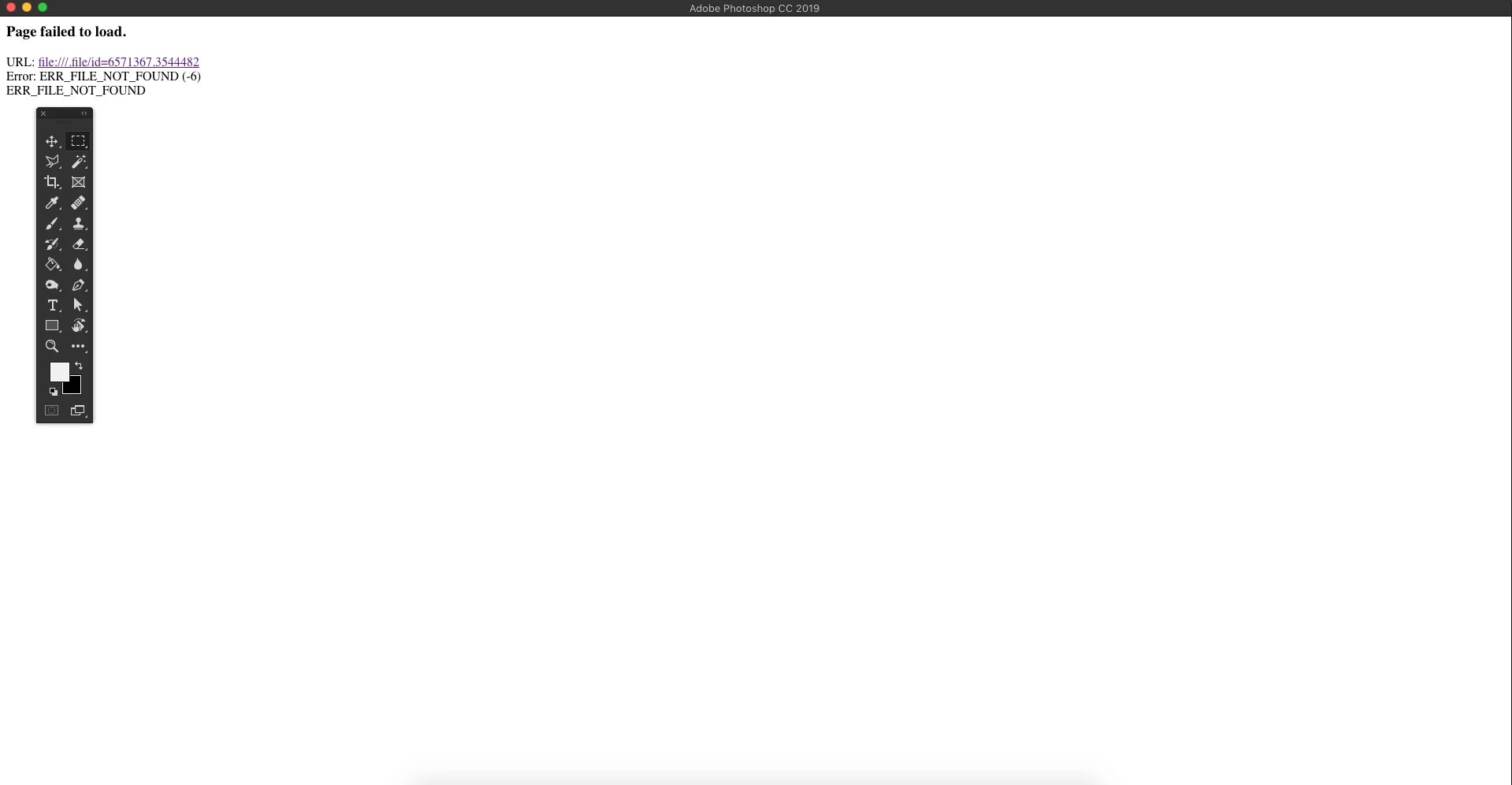
Photoshop DEAD ERROR : ERR_FILE_NOT_FOUND (-6)
It has been annoyed me quite a while, and it looks like a random error.It only happen when I open an image file, no matter jpg png psd does this too.
It also happen when I had already opened a few image file and closing the image file tab and load the previous image file tab too.
The whole Photoshop page is white but the tools bar is still here and clickable(wtf?).
And it looks like I am the first one to have this problem and google show 0 result on Photoshop ERR_FILE_NOT_FOUND (-6).
macOS Mojave
Version 10.14 (18A391)
iMac (21.5-inch, 2017)
2.3 GHz Intel Core i5
8 GB 2133 MHz DDR4
Intel Iris Plus Graphics 640 1536 MB
Adobe Photoshop CC 2019 20.0.3
Thanks for helping!
 AdChoices