Known Participant
March 28, 2020
Answered

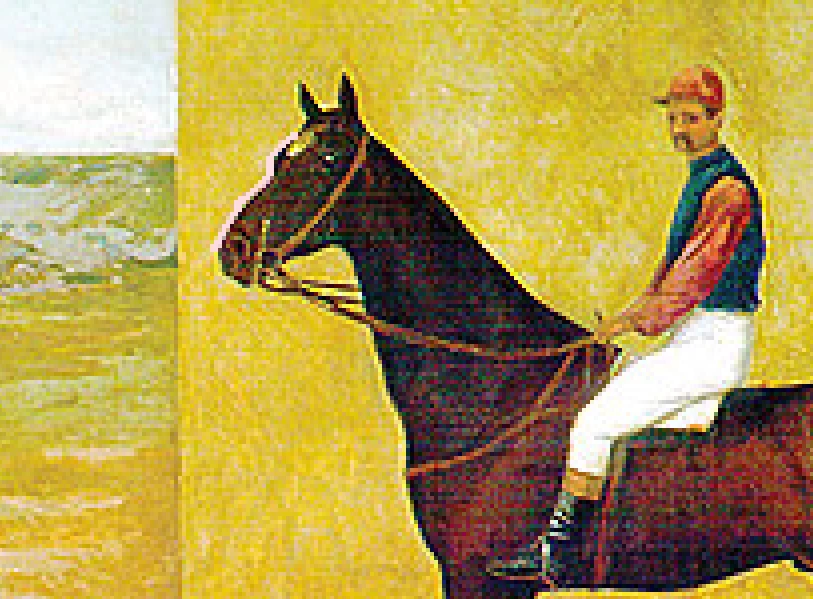
silhouette a pixelated photo

  • March 28, 2020
  • 2 replies
  • 1684 views

Best wishes to everyone!

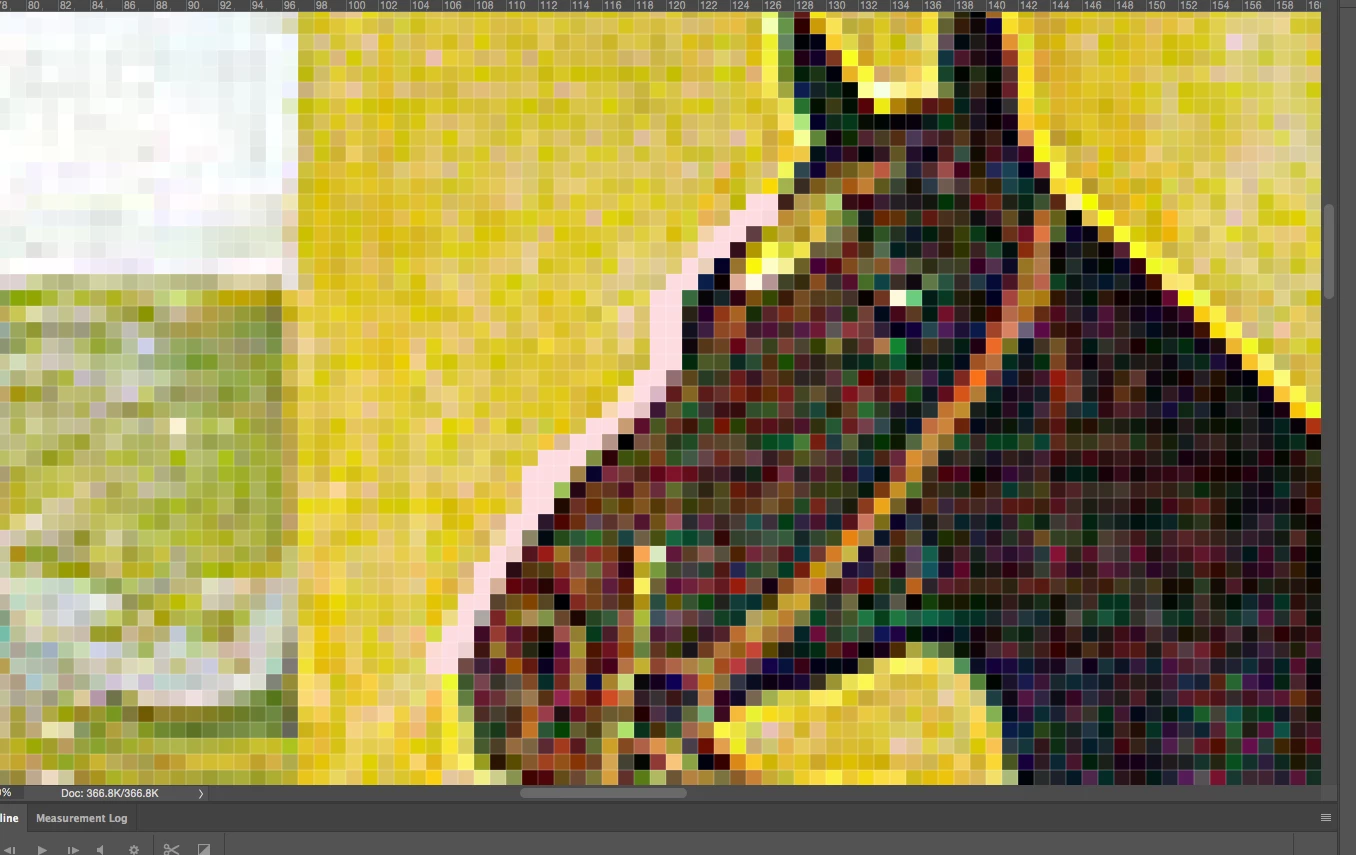
I tried a few filters* and selections but am unable to create a smooth-vector-type silhouette so I can remove the image background. From there I want to replace all color so it's a flat-color poster-like image. Rest assued this image is public domain.

Thanks - Anita

* tried posterize, gaussian, various PS tools. 

This topic has been closed for replies.
Correct answer c.pfaffenbichler

»vector-type« should have been a giveaway – if you want something to appear like vector data you should consider making it vector data. 

So I recommend you either do it in Illustrator or make a Shape Layer or Vector Mask in Photoshop (depending on the output format you may need to upsample the image to get »smoother« borders because pixels are pixels). 

2 replies

Participant
May 22, 2023

Use photo express  - it's the only photo editing I've found that has a 'negative' (blk&wht) filter - also has invert/reverse - - I will use the noir (or mono) filter - apply whichever other filter assists in sharpening up the silhouette, save it & then use the 'invert' filter.. cris, clean silhouette every time

c.pfaffenbichler
Community Expert
Community Expert
May 22, 2023
quote

Use photo express  - it's the only photo editing I've found that has a 'negative' (blk&wht) filter -´

What exactly does that Filter do and what’s the interface? 

c.pfaffenbichler
Community Expert
c.pfaffenbichlerCommunity ExpertCorrect answer
Community Expert
March 28, 2020

»vector-type« should have been a giveaway – if you want something to appear like vector data you should consider making it vector data. 

So I recommend you either do it in Illustrator or make a Shape Layer or Vector Mask in Photoshop (depending on the output format you may need to upsample the image to get »smoother« borders because pixels are pixels). 

anita1390Author
Known Participant
March 29, 2020

Thank you, I'll look up how to do Vector Masks.  I'm unable to have my resampling result in smoothng the edge. 

c.pfaffenbichler
Community Expert
Community Expert
March 29, 2020

After upsampling (which method have you tried?) you may be able to smooth out parts with filters like Median.