JeremyCowan
Inspiring
February 21, 2020
Answered

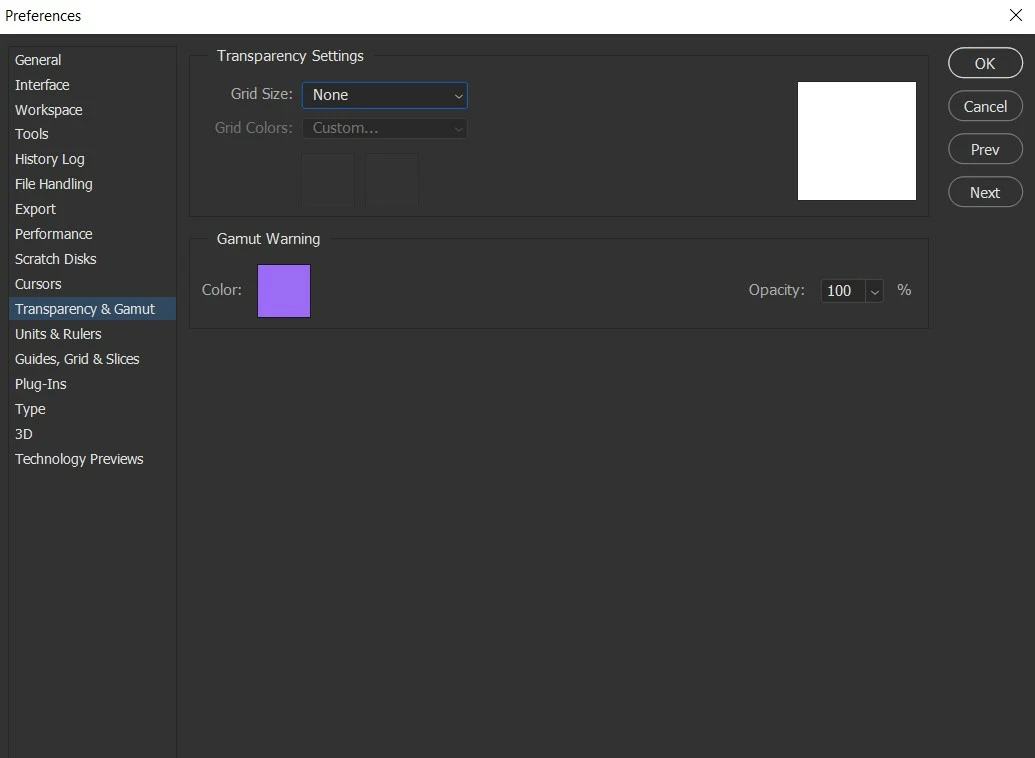
Transparency Settings - Grid Size: None (Rendering issues)

  • February 21, 2020
  • 2 replies
  • 862 views

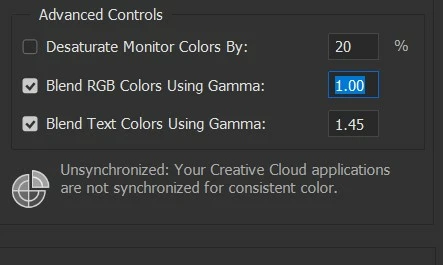
When I change my Grid Size to none and want to just see white, I get rendering errors. When it is set to grid colors, it's fine.

I really need to be able to swap between them so I don' thave to full around with making a solid layer for that purpose.


I used to have no issue with it, but some time ago with an update, it just started rending all wrong.
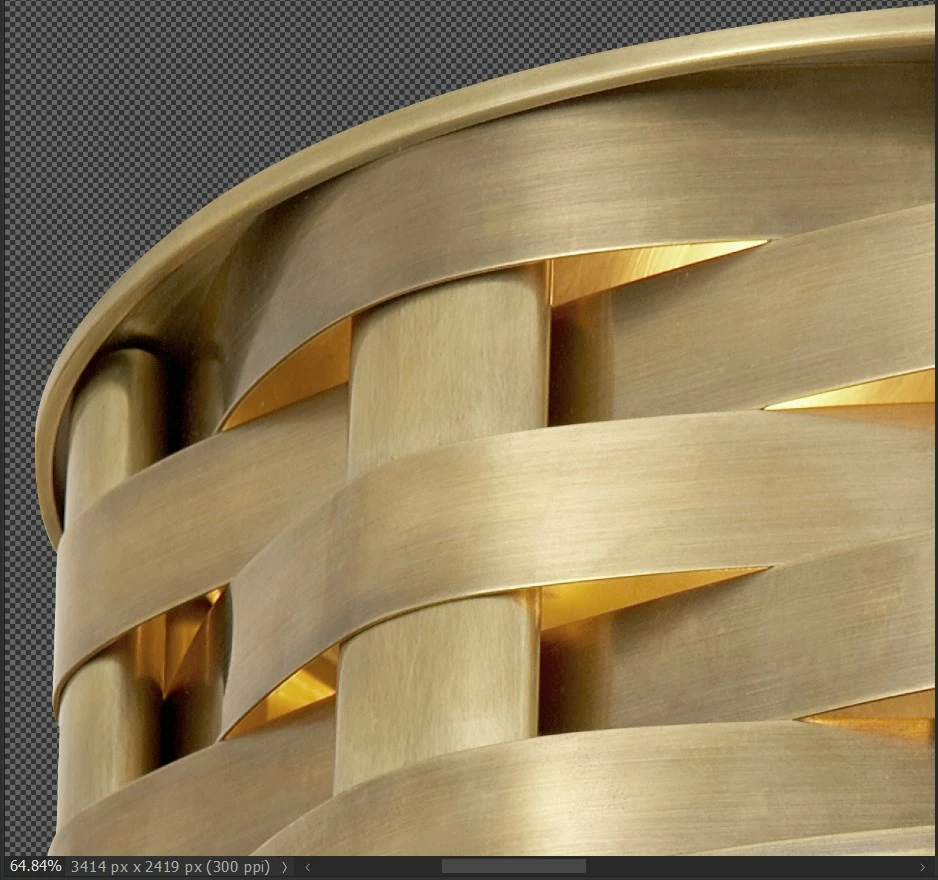
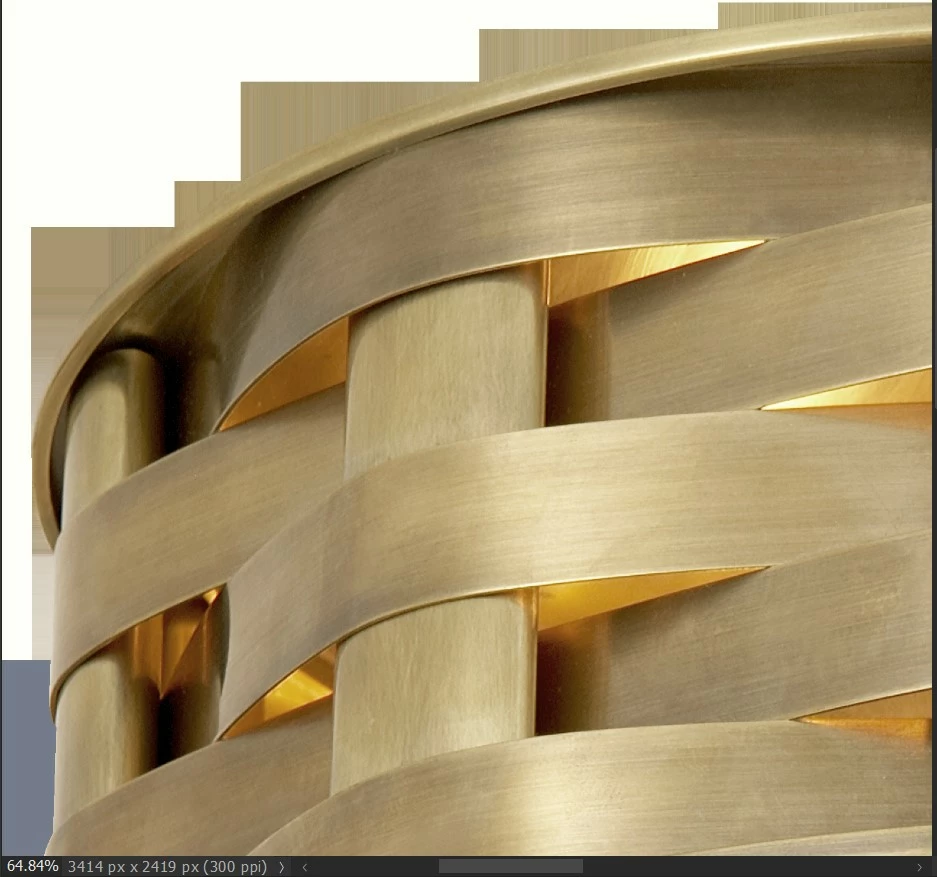


Thanks for your help.
This topic has been closed for replies.
Correct answer JeremyCowan

UPDATE:


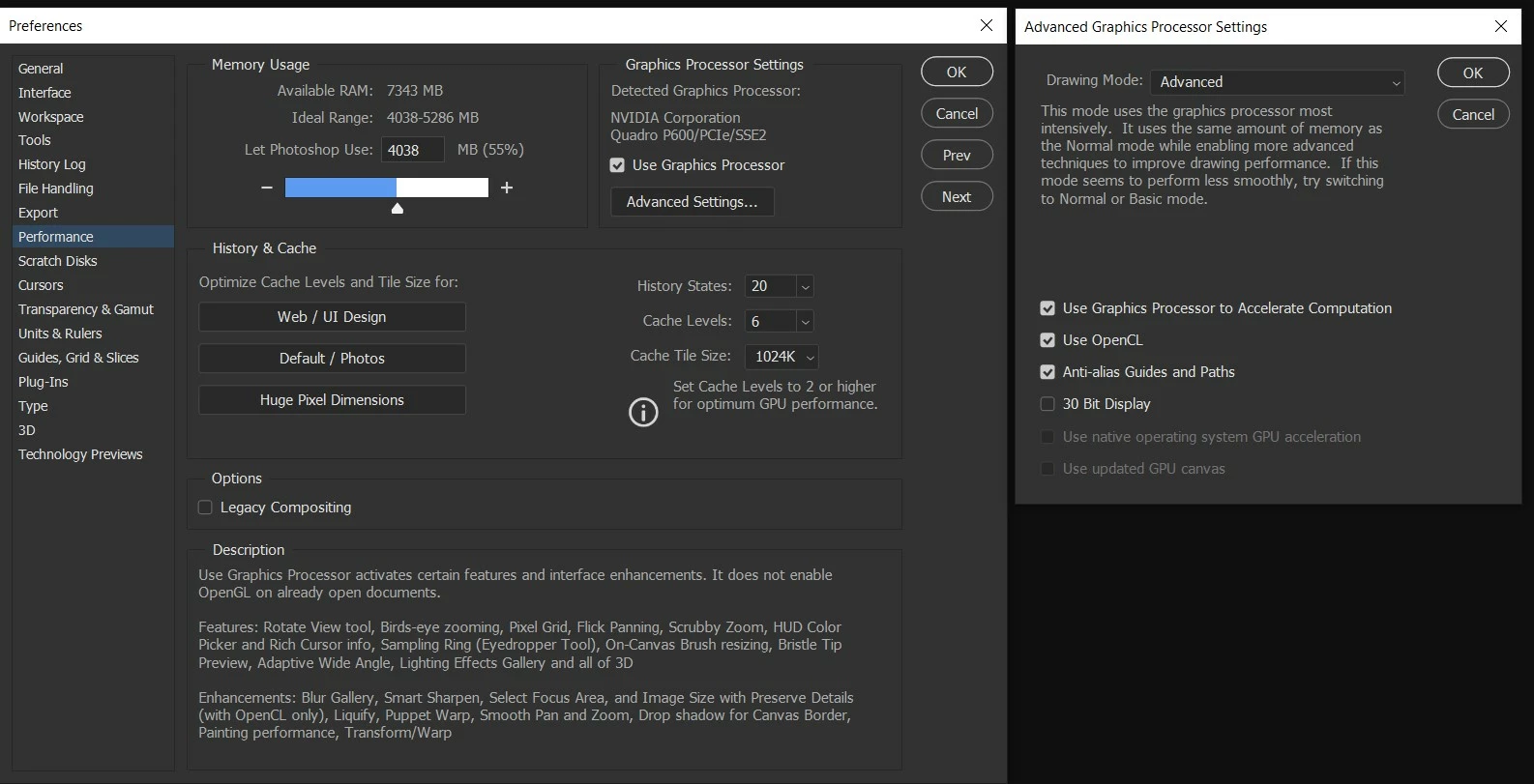
After updating the drivers to no avail, I tried matching the settings of a co-worker and noticed my Drawing Mode under Graphics Processor Settings>Advanced Settings was set to Basic, not Advanced. That did the trick! He was on an older driver actually, so I don't think that was it but worth a try anyway.


2 replies

JeremyCowan
JeremyCowanAuthorCorrect answer
Inspiring
March 2, 2020

UPDATE:


After updating the drivers to no avail, I tried matching the settings of a co-worker and noticed my Drawing Mode under Graphics Processor Settings>Advanced Settings was set to Basic, not Advanced. That did the trick! He was on an older driver actually, so I don't think that was it but worth a try anyway.


JJMack
Community Expert
Community Expert
February 21, 2020

I feel you should find out what is causing your rendering issue. Windows 10,  Photoshop 2020 21.1.0 You mat have a device driver problem

JJMack
JeremyCowan
Inspiring
February 21, 2020

That is what I am doing...


I thought perhaps it could be GPU but that wasn't changed. The only variable has been PS updates.