Exit
  • Global community
    • Language:
      • Deutsch
      • English
      • Español
      • Français
      • Português
  • 日本語コミュニティ
  • 한국 커뮤니티
0

problem with elements 2022

New Here ,
Dec 01, 2021 Dec 01, 2021

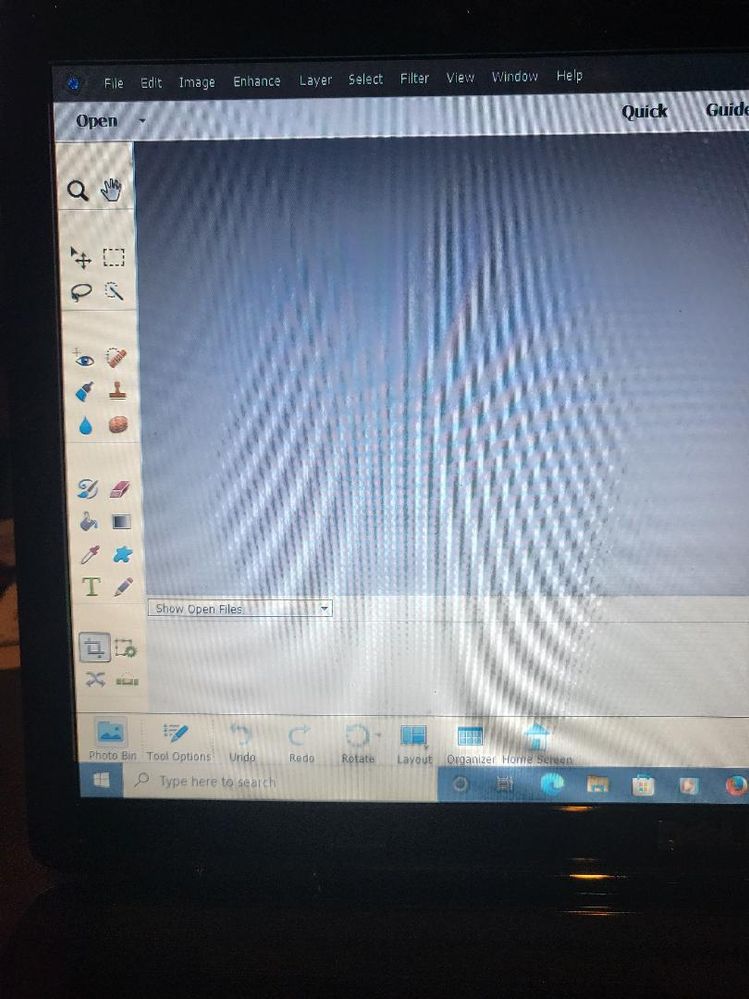
downloaded ps elements 2022 and there is no color select tool in tool bar. had chat with several adobe employee and they sent me hear . No one knew how to HELP


684
Translate
Report
Community guidelines
Be kind and respectful, give credit to the original source of content, and search for duplicates before posting. Learn more
community guidelines
People's Champ ,
Dec 02, 2021 Dec 02, 2021

I'm guessing you have a laptop with a small screen?  Or is it because you are in "Quick mode"?  It always helps to attach actual screenshots- not photos taken with your phone.  Please: no photos taken with your phone, ever.  They are always blurry and never show what we need to see to help you. 
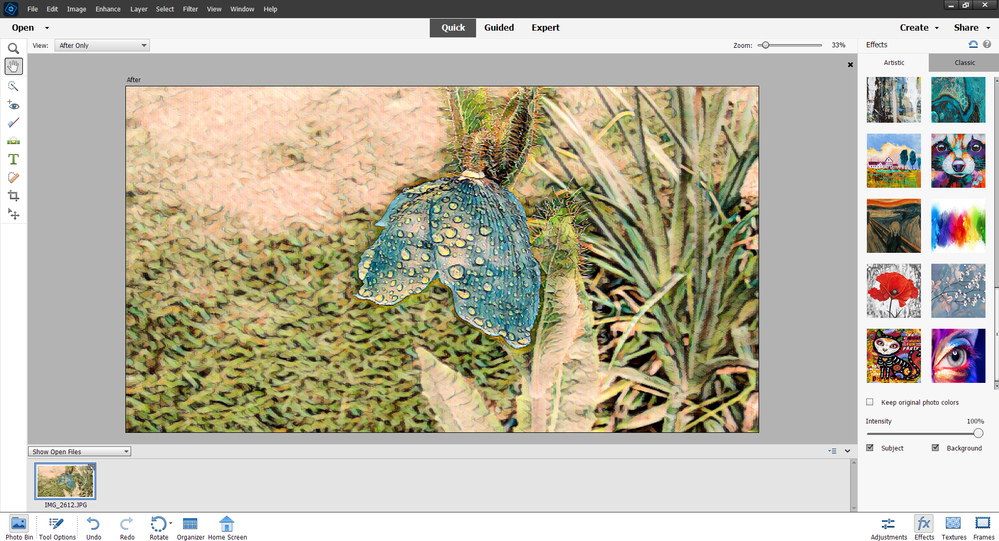

2021-12-02_030705.png

Translate
Report
Community guidelines
Be kind and respectful, give credit to the original source of content, and search for duplicates before posting. Learn more
community guidelines
New Here ,
Dec 06, 2021 Dec 06, 2021

photo pic.jpeg

Translate
Report
Community guidelines
Be kind and respectful, give credit to the original source of content, and search for duplicates before posting. Learn more
community guidelines
Adobe Employee ,
Dec 05, 2021 Dec 05, 2021

Hello,


Can you please let us know your operating system details and display resolution?

Please check if your system meets the minimum system requirements as mentioned here - https://helpx.adobe.com/photoshop-elements/system-requirements.html


Thanks,

Priyanshi

Translate
Report
Community guidelines
Be kind and respectful, give credit to the original source of content, and search for duplicates before posting. Learn more
community guidelines
New Here ,
Dec 06, 2021 Dec 06, 2021

pentium (R) dual-core cpu t4300 @ 2.10 ghz, 2 core (S) processor

Translate
Report
Community guidelines
Be kind and respectful, give credit to the original source of content, and search for duplicates before posting. Learn more
community guidelines
New Here ,
Dec 06, 2021 Dec 06, 2021

don't know how to find display resolution

Translate
Report
Community guidelines
Be kind and respectful, give credit to the original source of content, and search for duplicates before posting. Learn more
community guidelines
People's Champ ,
Dec 06, 2021 Dec 06, 2021
Translate
Report
Community guidelines
Be kind and respectful, give credit to the original source of content, and search for duplicates before posting. Learn more
community guidelines
New Here ,
Dec 06, 2021 Dec 06, 2021

1366 x 768 screen resolution

Translate
Report
Community guidelines
Be kind and respectful, give credit to the original source of content, and search for duplicates before posting. Learn more
community guidelines
New Here ,
Dec 08, 2021 Dec 08, 2021

 Pentium (R) dual-core cpu t4300 @ 2.10 ghz, 2 core (S) processor

1366 x 768 screen resolution

Translate
Report
Community guidelines
Be kind and respectful, give credit to the original source of content, and search for duplicates before posting. Learn more
community guidelines
People's Champ ,
Dec 08, 2021 Dec 08, 2021
LATEST

That's a pretty small screen, and that's probably your problem.  can you increase your screen resolution a bit?   

This may help:

https://www.laptopmag.com/articles/change-screen-resolution-in-windows-10


Translate
Report
Community guidelines
Be kind and respectful, give credit to the original source of content, and search for duplicates before posting. Learn more
community guidelines