

Trevor.Dennis
Community Expert
Community Expert
January 2, 2017
Question

3DConnexion Hardware ?

  • January 2, 2017
  • 1 reply
  • 4116 views

So I have just discovered 3DConnextion mouse and controllers, and they look interesting.  Does anyone here use them? Are they actually useful?  They seem most relevant to 3D workflows where you can rotate objects and views without having to grab fiddly handles, so Dave will have a couple of them me thinks.    The thing is, I have a ShuttlePROv2 which only gets used for the occasional video editing, and I am wondering would a SpaceMouse be destined to live behind my monitors after week one?

The SpaceNavigator has the look of the new MS Mobile Studio controller
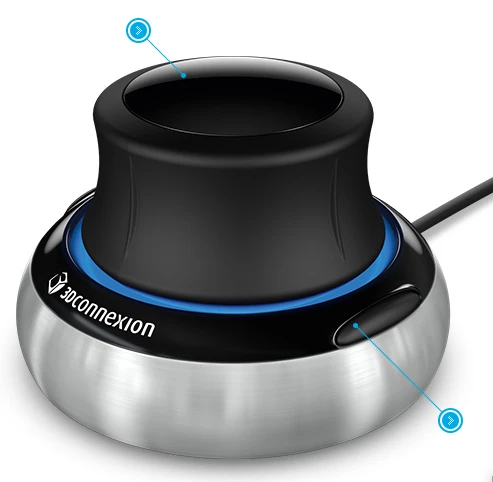
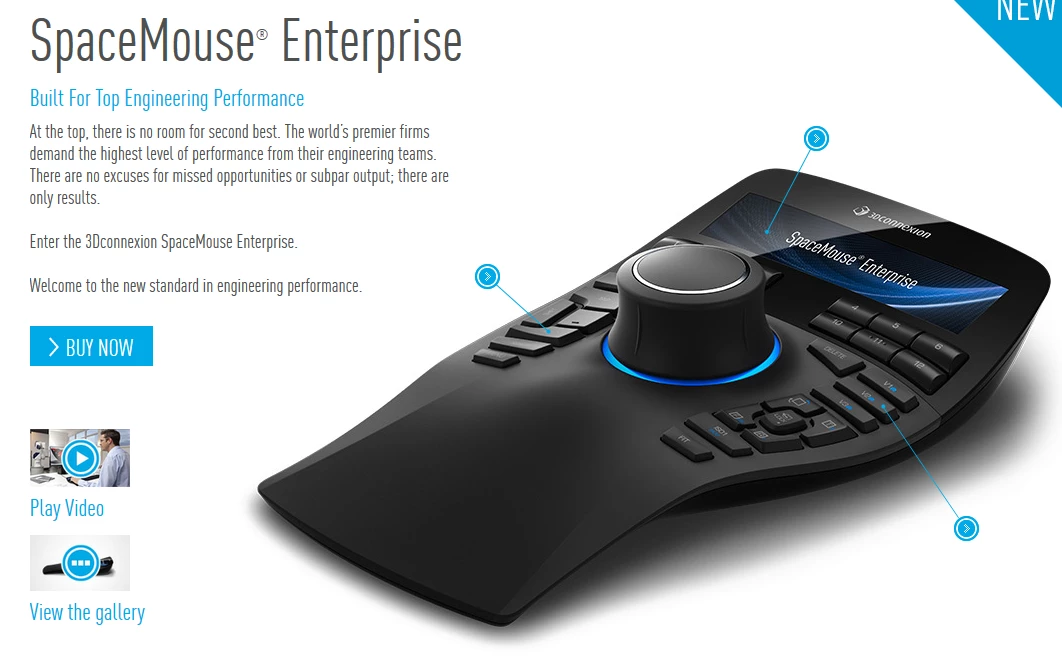
But there as some very fancy alternatives.  The SpaceMouse is $120 on Amazon but the SpacePilot PRO is a whopping $400!

Useful kit or wasted money?
    This topic has been closed for replies.

    1 reply

    davescm
    Community Expert
    Community Expert
    January 2, 2017

    Looks interesting but I just use a Wacom and a normal Logitech mouse. (It does have a centre mouse button by pressing the scroll wheel which is essential for Blender)

    Dave

    Trevor.Dennis
    Community Expert
    Community Expert
    January 2, 2017

    Blimey, this forum sync problem is a pain.  I had to search my Content to find this post.

    The cheapest I can get the basic SpaceNavigator in NZ is NZ$240.  The SpacePilotPRO is a scary NZ$740 and AFAICT doesn't do much more than the ShuttlePRO that I never use for Photoshop.  Having said that, I have just seen JJ's post about brush angle scrips, and I might have a look to see if I can adapt the ShuttlePRO jog wheel to something useful.

    Of all the controls on my Intuos 4, I never use any but the Express wheel, which is my brush size control.  I just don't see any advantage in having keyboard shortcuts paralleled to a remote controller over using the keyboard.   On the other hand, I am a big fan of using decent hardware.  I am using Logitech G602 mouse now which is smooth as silk, and easily switchable for fine control.  It has just enough additional buttons to be useful without being confusing.   I absolutely love my G910 keyboard from the audio volume control to its programmable G-keys which I use to switch between workspaces, and run Actions etc.

    I'll look some more at the standard SpaceNavigator, but it is going to need to be genuinely useful before I spend $240NZ for it.  But if I was as into 3D as you are Dave, I'd be taking a very close look at it. £92 on Amazon UK

    Ahhhh...  I have just seen on the Amazon page that it works well with SketchUp.  I have just started using SketchUp as a poor man's answer to AutoCad.  I'd actually decided to treat myself to AutoCad LT, but got one heck of a shock when I discovered how much it costs. I am the secretary of the local Menz Shed, which has just got an engineering extension up and running with a really nice TIG/MIG welder and milling machine, and we have a lathe and sheet metal machinery coming soon.  I started my working life with a Toolmaking apprenticeship, and later spent thousands of hours using AutoCad proper in my job as a design engineer at Ford Research.  The only thing I missed after retiring was access to the machine shop, and I have soooooo many projects planed now that has been remedied .

    davescm
    Community Expert
    Community Expert
    January 2, 2017

    ...... which has just got an engineering extension up and running with a really nice TIG/MIG welder and milling machine, and we have a lathe and sheet metal machinery coming soon.

    Now that does sound interesting, I'd never get home 

    . I'd actually decided to treat myself to AutoCad LT, but got one heck of a shock when I discovered how much it costs.

    Yes, here in the UK, AutoCAD LT costs more per month than the entire CC package !

    Dave