
zainaba1462147
Participant
February 8, 2018
Answered

Add SD Card to Photoshop Scratch Disk

  • February 8, 2018
  • 1 reply
  • 8011 views

My Laptop is running low on memory (C Drive) and this can effect the performance of Photoshop. I Understand that you cant use a removable card for scratch disk and that's why it doesn't show up in the tab. Is there a way to change the settings of my card so it can be used, otherwise would you recommend I buy an external hard drive that plugs via USB?
This topic has been closed for replies.
Correct answer Akash Sharma

Hi zainaba1462147,

Windows reads the SD card as an removable device so if you connect the SD card to your computer, remove the C: drive as a scratch disk and then restart Photoshop, the SD card should be detected.

However all cards might not be supported based on the storage, so you might have to format the card and then use it.

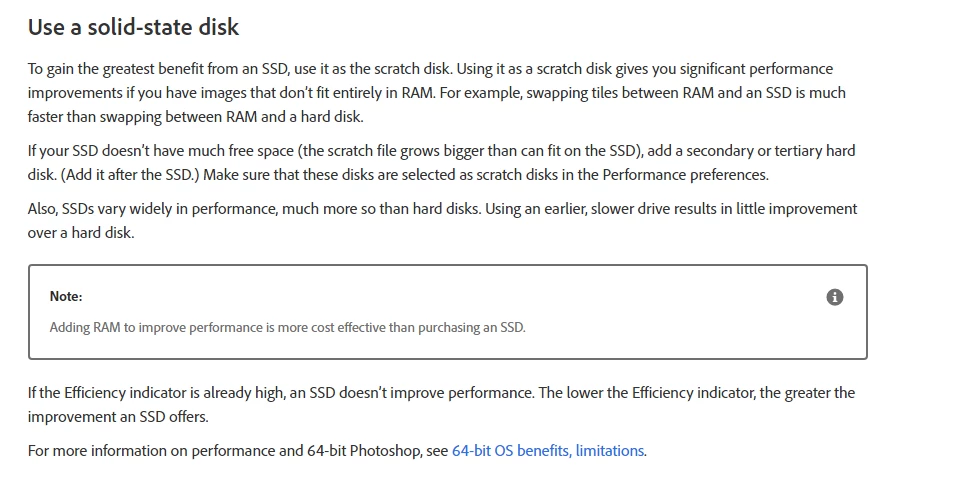
If you can manage, I'll recommend  an external hard drive (via USB) since it'll have better performance and more space.

Refer Optimize performance Photoshop CC for more information.

Thanks,

Akash

1 reply

Akash Sharma
Akash SharmaCorrect answer
Legend
February 8, 2018

Hi zainaba1462147,

Windows reads the SD card as an removable device so if you connect the SD card to your computer, remove the C: drive as a scratch disk and then restart Photoshop, the SD card should be detected.

However all cards might not be supported based on the storage, so you might have to format the card and then use it.

If you can manage, I'll recommend  an external hard drive (via USB) since it'll have better performance and more space.

Refer Optimize performance Photoshop CC for more information.

Thanks,

Akash