
Adding extension Animator's Toolbar Pro doesn't work, mac
So I spent at least 4 hours today to figure out how to make this work, and it is getting so unfortunately frustrating to make me write to a forum. I have normal photography plan, 15£ a month, nothing too fancy, but still I would expect bigger proficiency by such old and so much worked on software like photoshop...
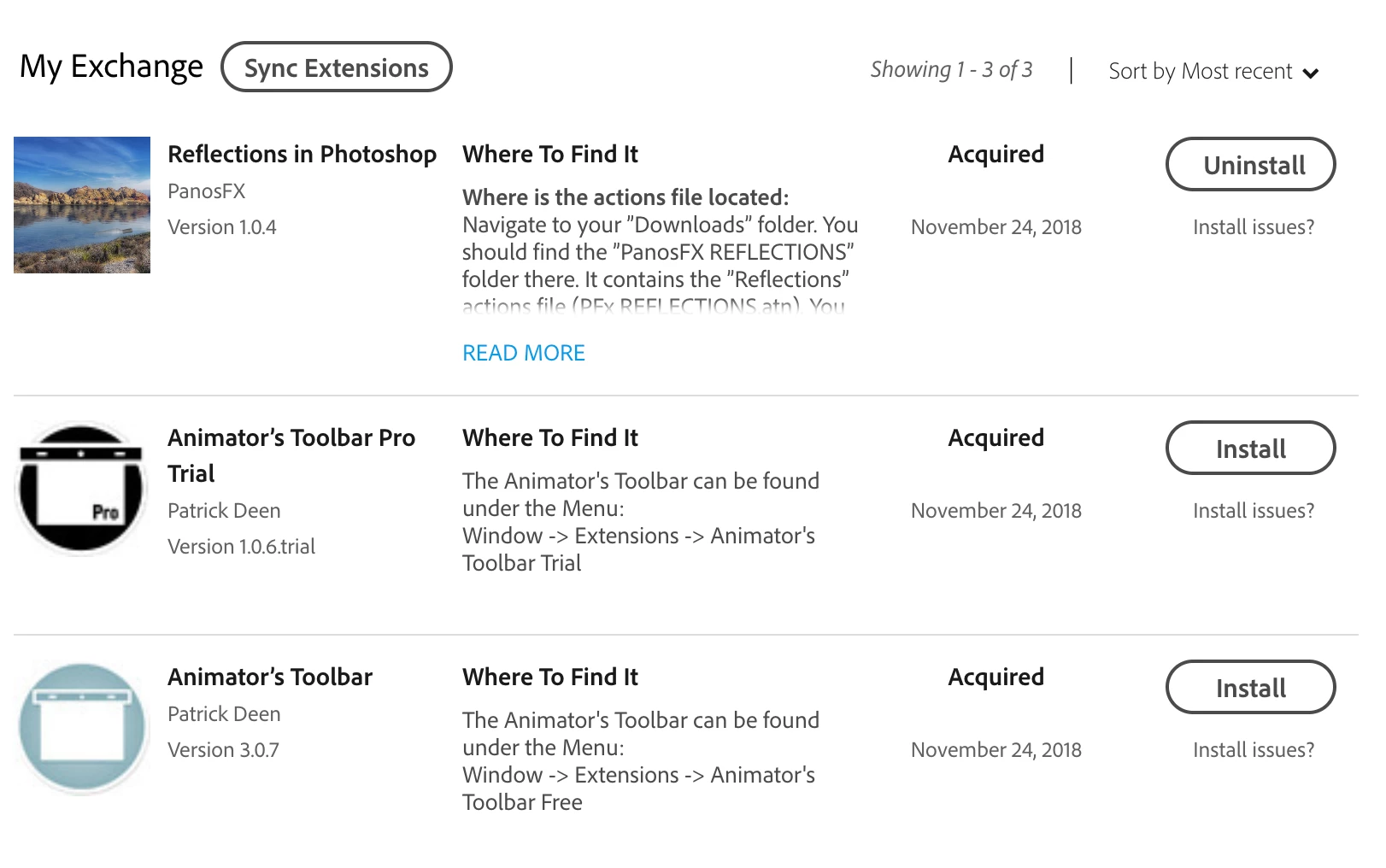
My issue is, I'm trying to add this extension to my Photoshop: Animator's Toolbar Pro , when I click "Install" in my Exchange profile's list of extensions, it pends a little and then "Uninstall" option shows telling me, that extension is on a good way to be installed or is already installed (I think it is the first one, but there are no prompts on my os to know). Apart from other extensions that I tried to install, like Reflections in Photoshop just for the sake of testing functionality of other extensions, after clicking "Install" on Animator's Toolbar, I get no pop-up notification on my mac like with other extensions (Reflections).:


These pop-ups are not showing with Animator's Toolbar (when I click either install on uninstall).
This is my list of extensions in my exchange account currently:
What makes this worse is, that my creative cloud application version (4.7.0.400) doesn't have any "Activity Stream" or "Home" tab, which would really show me what is happening with these extensions (a lot of people on internet have that option). I don't know why is it missing in this version, or if it is missing or purpose, if on purpose why? Sounds like a stupid design decision to me...
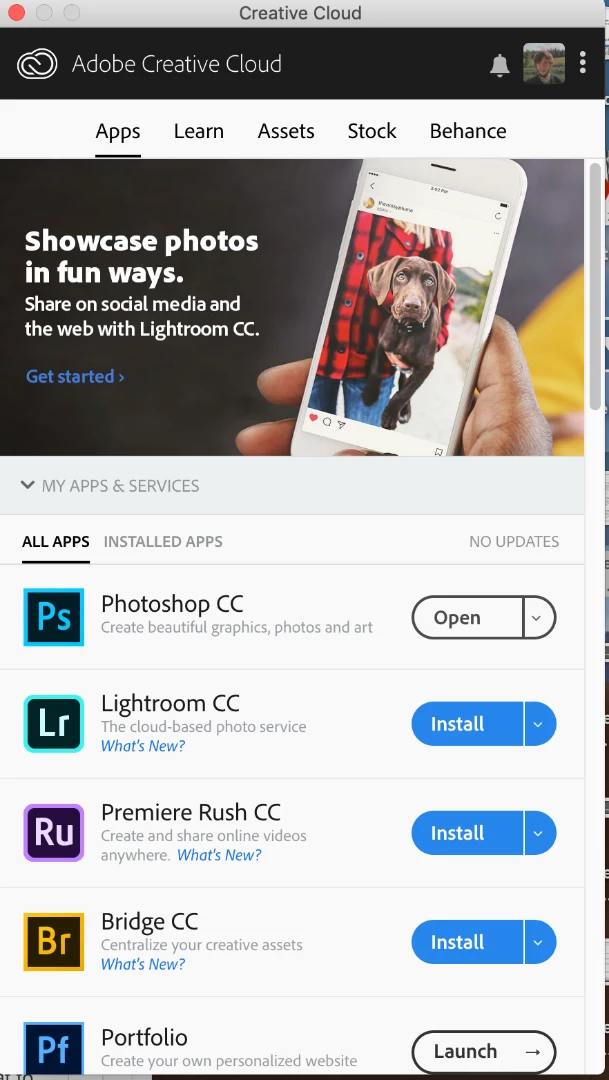
Ok. I click "Install" in my exchange on Animator's Toolbar, then wait 30 mins (you know, how unpragmatic this sounds), go to Photoshop to see, if it got installed, and:
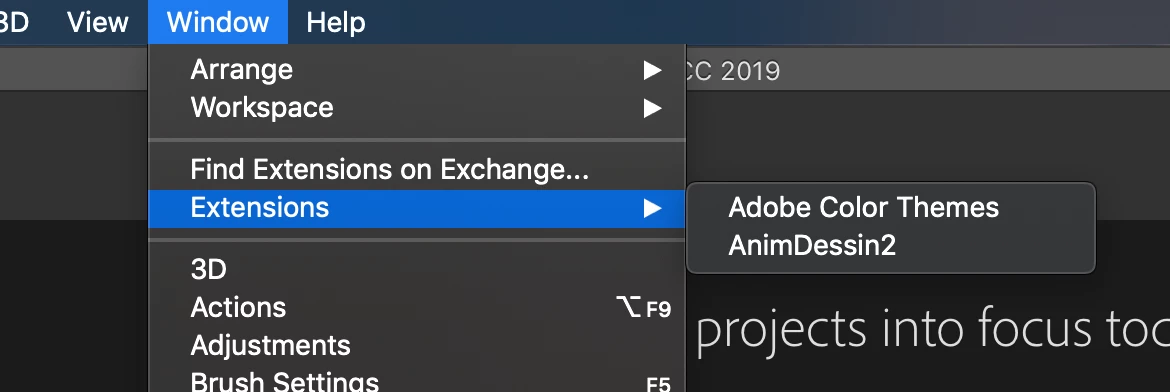
No Animation's Toolbar as you can see (AnimDesign2 is something else).
Well okay, you should try to install that with a 3rd party or some else extension/plugin installer you say? I tried three!
The recommended one by adobe, ZXP installer and PVIIexman, and these are the messages they give me when I try to install Animator's Toolbar xzp file:
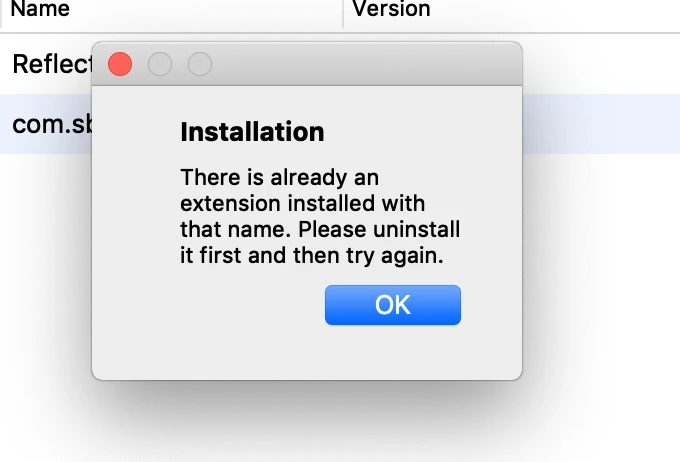
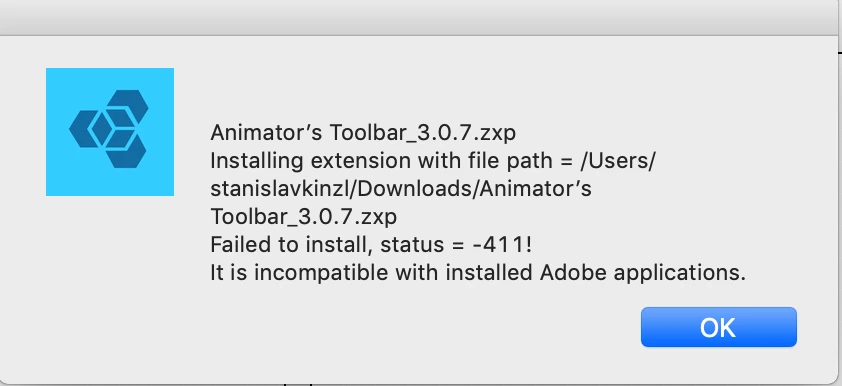
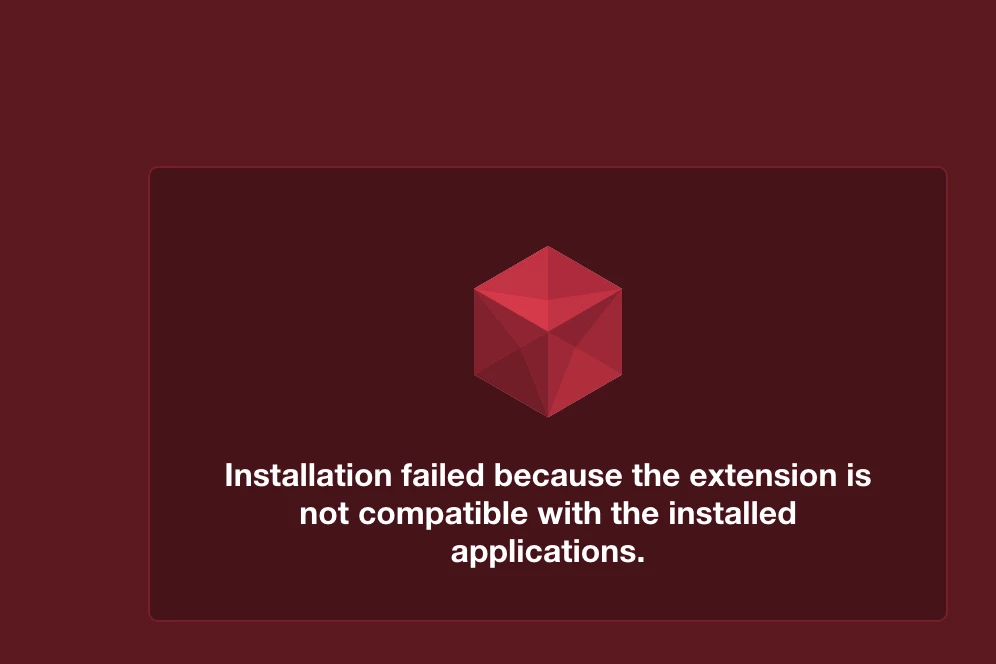
As you can see, pretty big variety of messages, but there is something hiding in it. Is it then that my adobe and photoshop thinks, that the extension is installed, but then why is it that it doesn't show in the Photoshop?
I ended up doing the ultimate solution, after like 2 hours of frustration  I tried to uninstall EVERYTHING!! (Adobe related: CC cloud, Photoshop, every adobe app and tried to clean settings in my mac). And then I installed it again and tried to install the extension. Again, no notification after clicking "Install" and the same message after passing the zxp file into the installers.
Guys do you have any idea how to make that work?
Thanks
PS: This is a funny reason why I got into all this trouble and I'm trying to install Animator's Toolbar. It is because I'm doing animations and I have a group for every frame (group with usually a lot of layers) and when I try to change a duration of that group's layers in Timeline, it doesn't work (WHICH SUCKS ADOBE!! AND DOESN'T MAKE ANY SENSE!!)
 AdChoices