


rosss52552797
Participant
December 10, 2018
Answered

Adobe Camera Raw issue when opening from Photoshop

  • December 10, 2018
  • 2 replies
  • 420 views

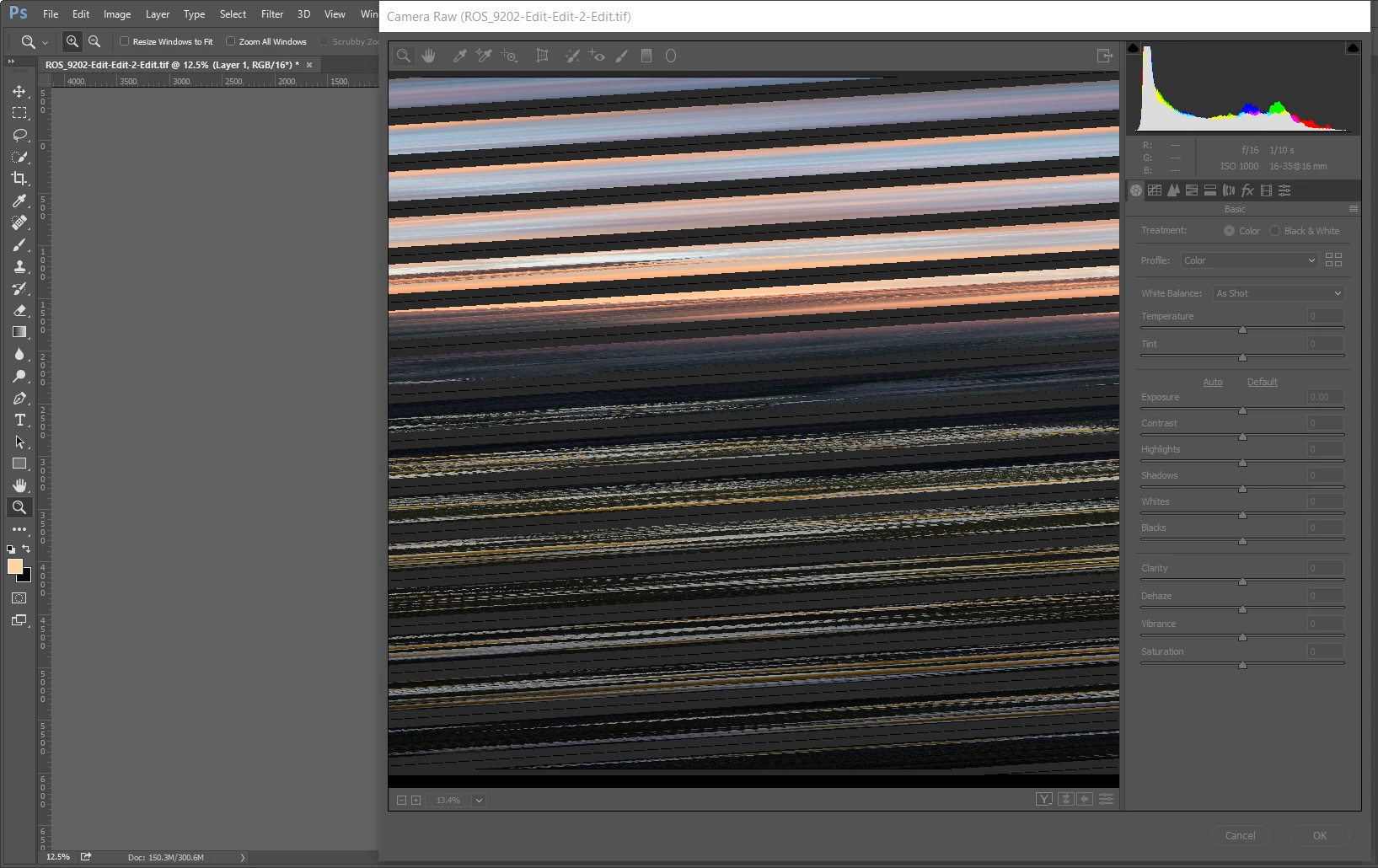
I am not sure what the issue is. I bring a photo into Photoshop from Lightroom. Then, when I try to open that file into Adobe Camera Raw using the filter option in Photoshop, this happens to the photo. Any ideas? Thanks in advance!
    This topic has been closed for replies.
    Correct answer Chuck Uebele

    Turn off, "Use GPU" in the settings.

    2 replies

    Participant
    December 15, 2022

    Adobe camera raw always returns my cursor to the bottom left corner when opened

    Chuck Uebele
    Community Expert
    Chuck UebeleCommunity ExpertCorrect answer
    Community Expert
    December 10, 2018

    Turn off, "Use GPU" in the settings.

    rosss52552797
    Participant
    December 10, 2018

    Thank you very much, this appears to have solved the issue.