
Adobe CC and Ctrl-Shift to move layers
So I've been a long term Adobe user, but I'm opposed to the CC model, however I have a bit of work on a local office machine using PS CC.
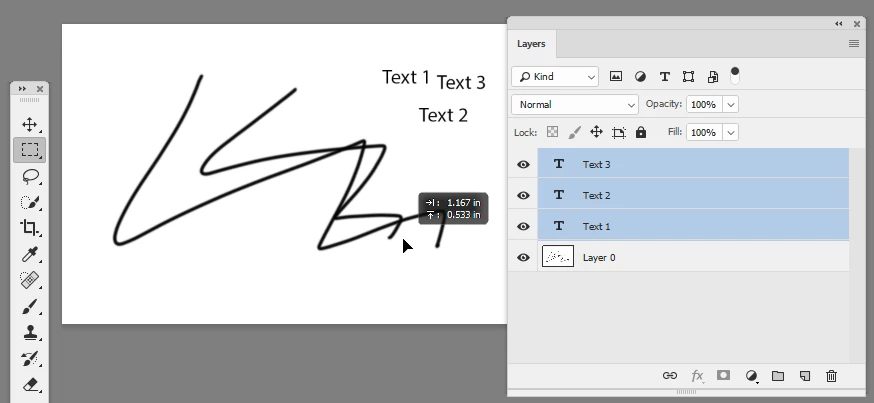
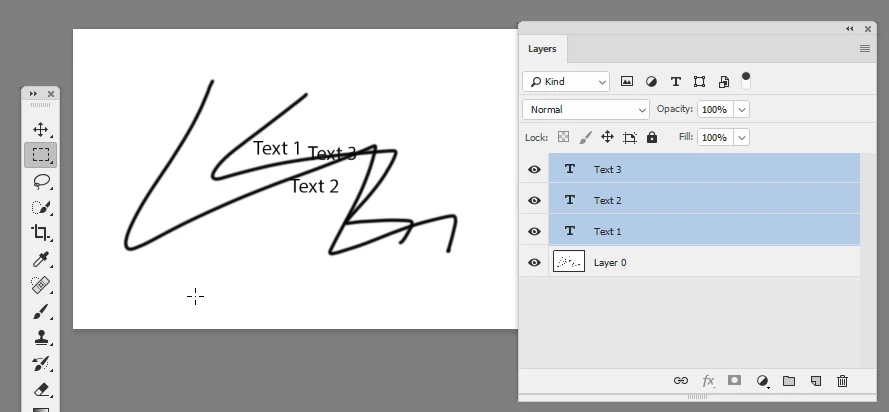
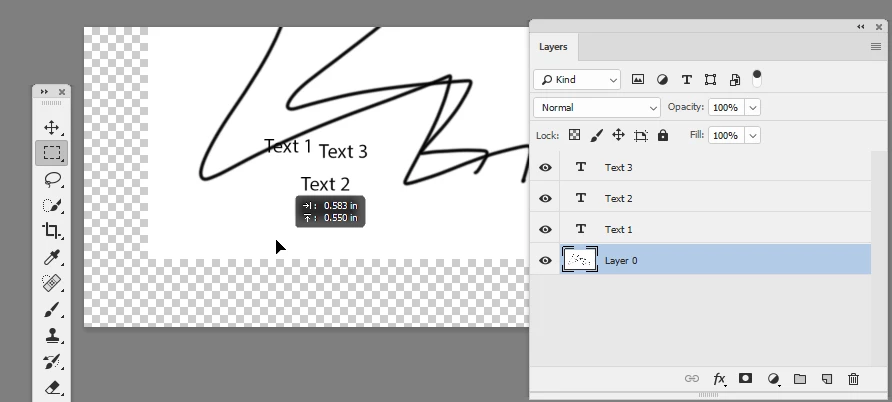
I've always used the keyboard shortcut "ctrl-shift" and click to move layers around. Usually, this works with any tool selected, just as the space bar does. However, in CC, it goes absolutely bonkers, changing the selected layers and stuff instead.
I don't know what this tool is, but I know what layers are and I know what layers I am working on. Why does the tool want to change the layers selected? How do I get rid of this ridiculously anti-logical "feature"?
Also, I never use the "move" tool, never have. Literally not even once in the 15 years I have been using PS have I ever found a cause to use that tool. But when I google this, those are all the results I can find. Is this just Adobe engineers trying to make useless functions relevant again, in the process adding previously unnecessary clicks and slowdowns to everyone's workflow?
Anyhow, I'd appreciate a bit of guidance on this. It has been well over a decade since I learned this shortcut and I don't recall the details of whether or not it had a special name, just like the space bar key allows moving around... I don't know if it has a special nomenclature, but it is definitely counter-intuitive as heck now. Do the developers not ever move layers around in projects? Or do they just think it's not something that is done very often?


 AdChoices