

All Commands Greyed Out
Ever since I upgraded to the 20.0.1 Release of Photoshop CC, I have been experiencing the following problem...
If I edit an image (or open as a SmartObject) from LR, once PS launches, all of the commands are greyed out (i.e. if I right click on the Background, the options are all greyed out; I can't even duplicate a layer). But if I close the image then do an Open from PS and select that same image, everything is working.
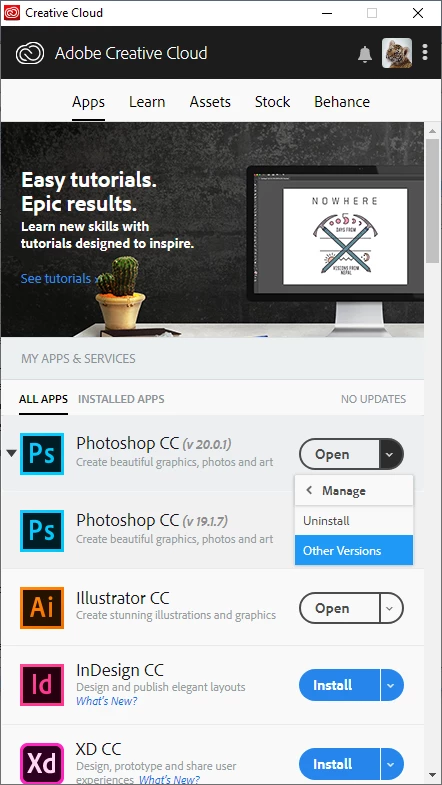
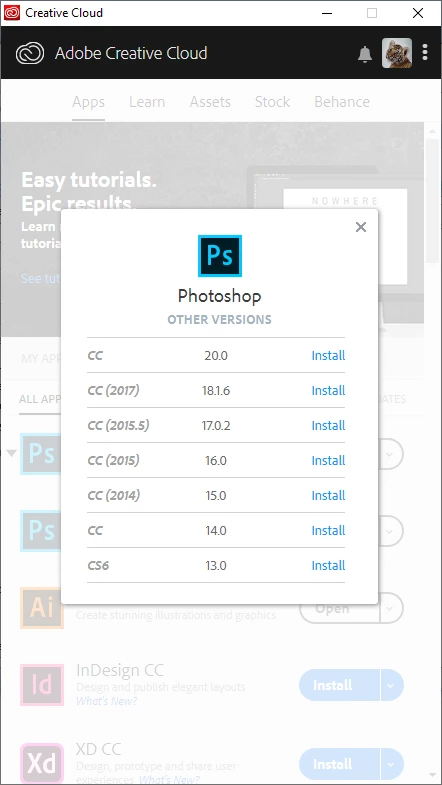
I experienced this on both my laptop and my desktop. I uninstalled PS using the Creative Cloud App then reinstalled and the same thing happened. I then downloaded the AdobeCreativeCloudCleanerTool and uninstalled everything. Reinstalled, and the same thing.
I have a work-around but was wondering if anyone else has experienced this issue. Again, the issue persists on both computers I have CC installed on, and I did a complete uninstall then a reinstall on both and the issue is still occurring.
 AdChoices