Answered
All menu options grayed out in PS
Hi I have adobe CC. I opened the following image .png in photoshop and I can't make any changes at all....everything is greyed out. Please help.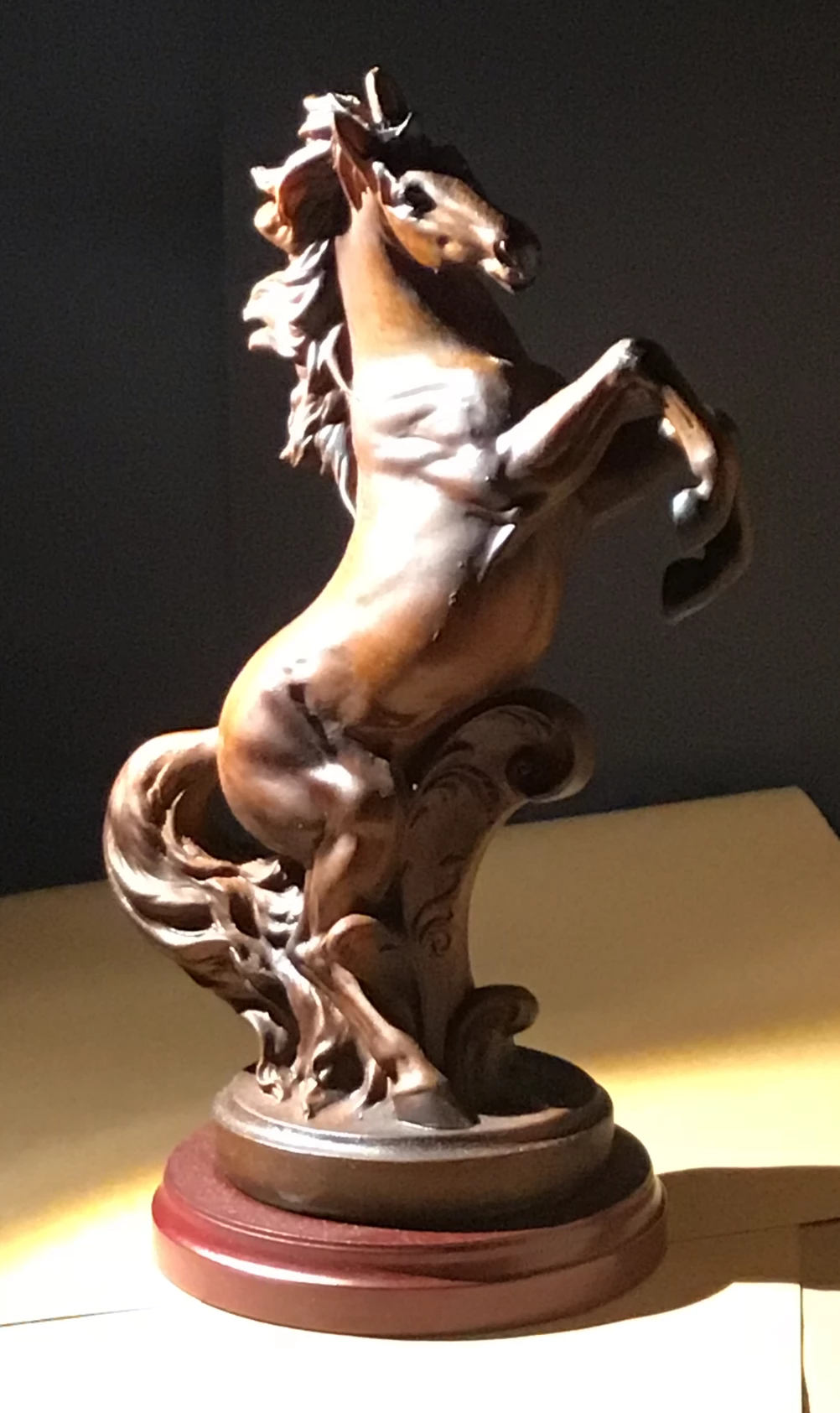

Hi I have adobe CC. I opened the following image .png in photoshop and I can't make any changes at all....everything is greyed out. Please help.
Double-click on the Layer in your Layers Panel to unlock it.
Nancy, I changed my pw on the adobe website, so it signed me out of PS creative cloud. I relaunched CC and logged in, rebooted PS and now it's working. Thanks for coming to my aid so quickly!
Already have an account? Login
Enter your E-mail address. We'll send you an e-mail with instructions to reset your password.
 AdChoices