
Question
Artboard/Canvas question
I'm working on an artboard that is 20" wide. However, the canvas says it is 34". When i save a PNG or JPG, it comes out at the 20". However, If i save it as a PDF, it saves at the 34" with the artwork floating in the middle. If I export to PDF, I can watch the process, and it trims the file down to the final 20" before it saves. IF I adjust the canvas size, it says clipping will occur. nothing changes, and then when I open it up again, it is 34" again.
What am I missing?
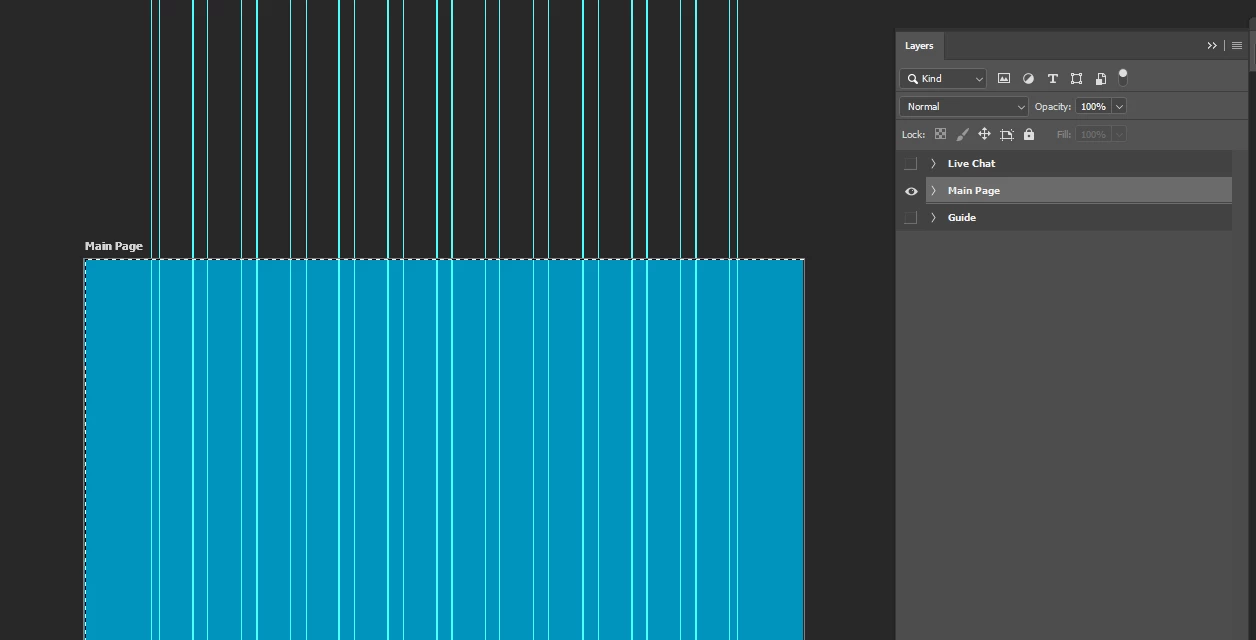
Here is the file in Photoshop
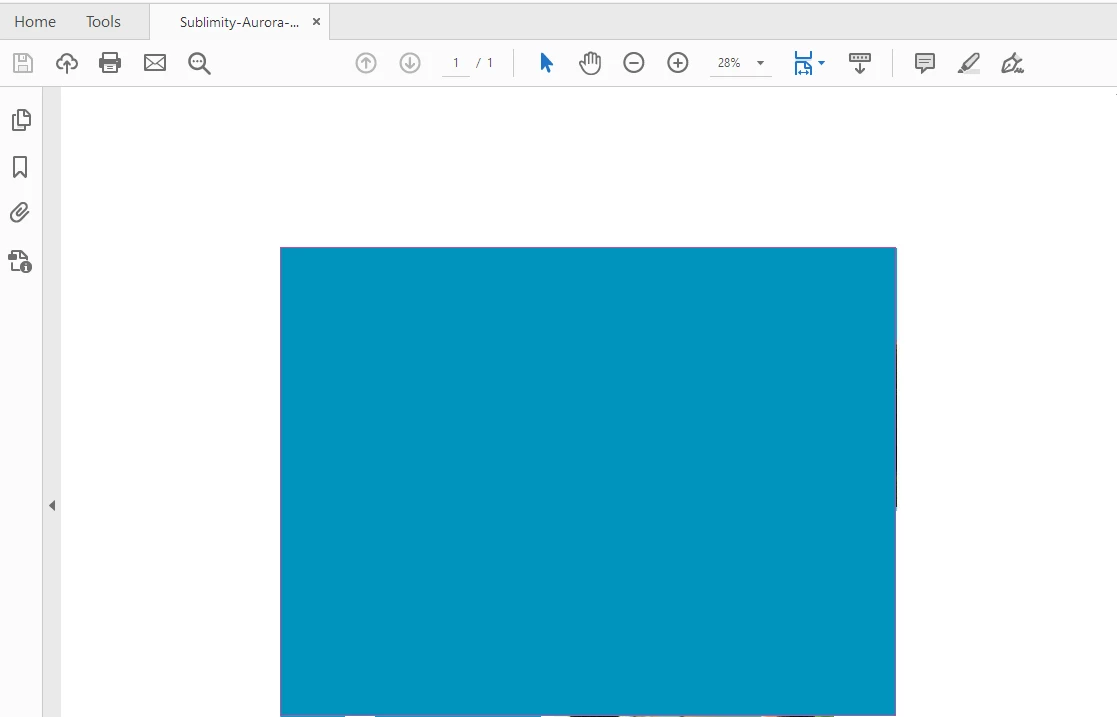
Here it is in Acrobat
Any help would be appreciated! I'm sure i'm just missing something obvious, but it's driving me up the wall!
 AdChoices