
Artifacts when scaling even with GPU acceleration off
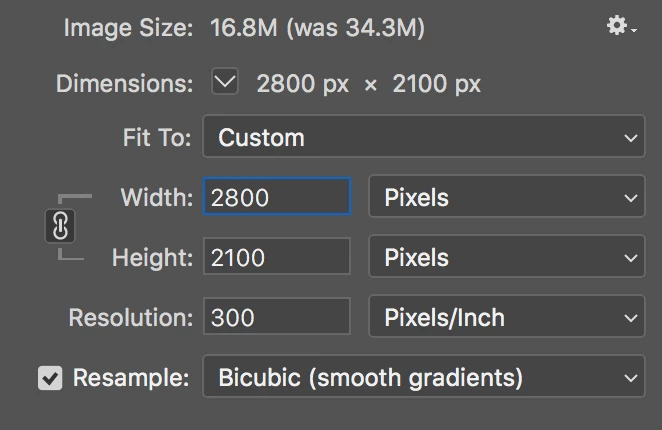
So I've been trying to scale a transparent layer that has subtle shadows in Photoshop 19.1.4 and I keep getting these horrible artifacts on the edges of the objects very much like sharpening artifacts. This happens in "Image Size" when resizing an image even with Resampling set to "Bicubic (Smooth Gradients)". It's driving me nuts as this hasn't been an issue I've hit previously. It's enough of a PITA that I've had to open the file in Affinity Photo and use that for the rescaling instead.
So far I've:
1. Turned off GPU acceleration to rule that out as an issue.
2. Tried pretty much every Resampling algorithm with no luck.
Before Image size

After Image size- Not the hard lines top and bottom of the 'D.' logo and at the bottom of the windows block.

 AdChoices