Okay. I try again.
I have rendered pictures. A diffuse and a mask separately.
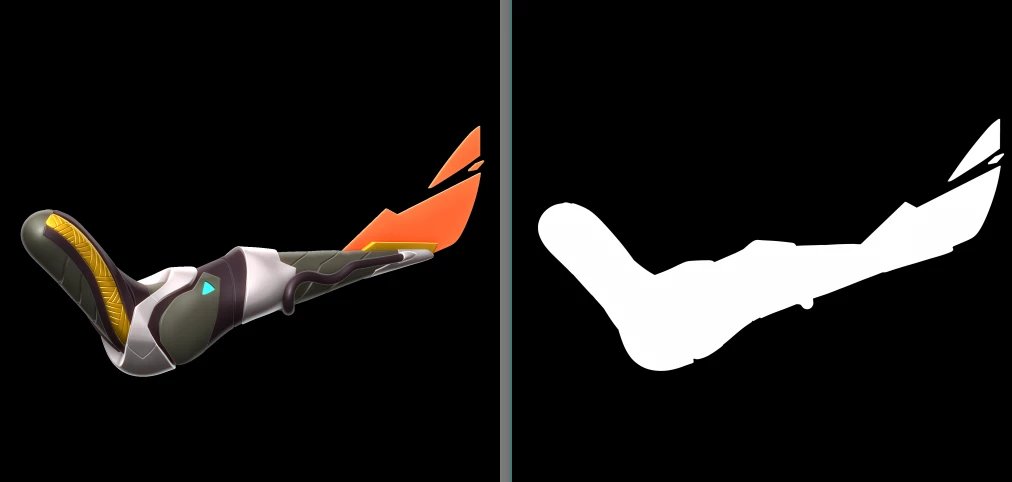
Because it is the same size and position I don't need to do anything with positioning and sizing.
A put this files to separate folders. This is a Body folder for example.
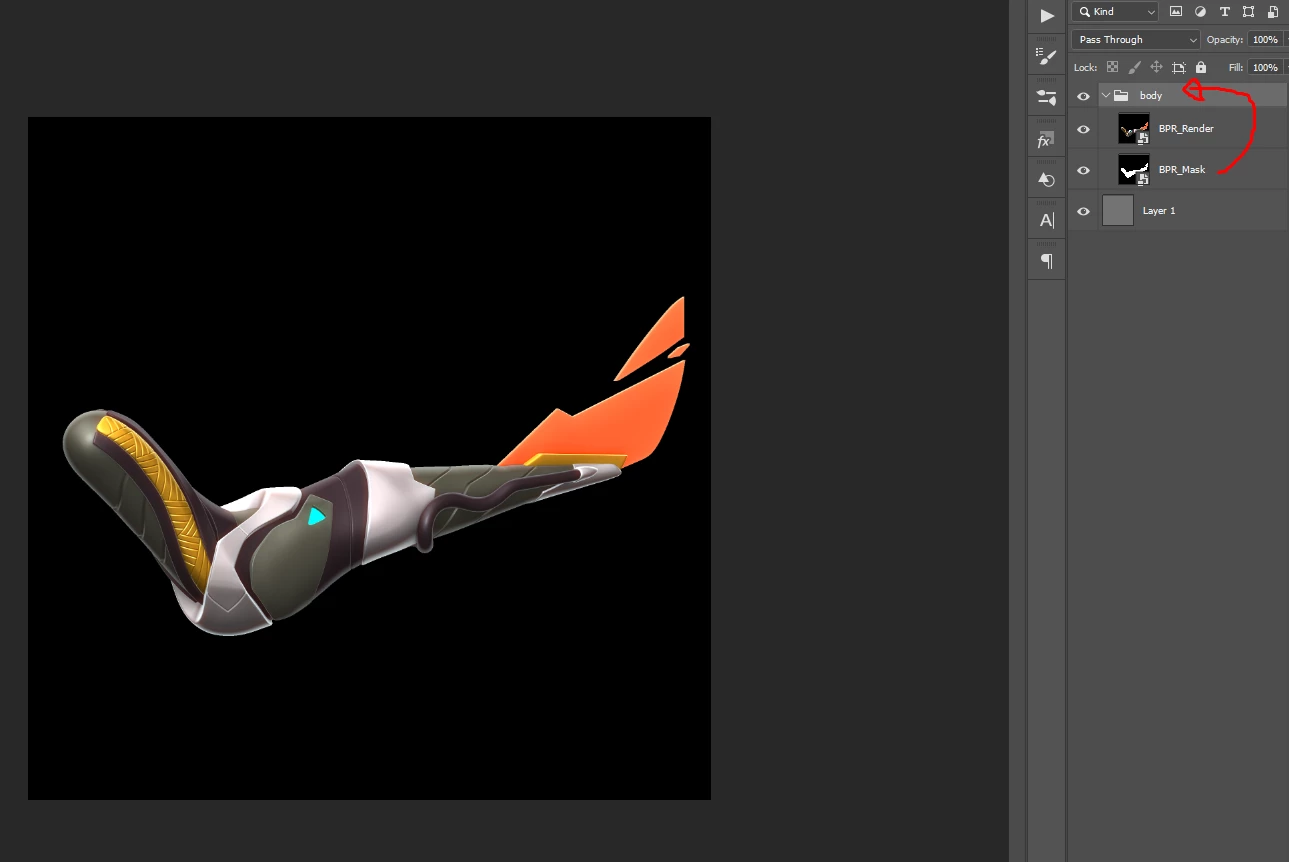
I would like to add the mask to the folder as a proper compositing software do, like Nuke.So the layer has the mask or alpha.
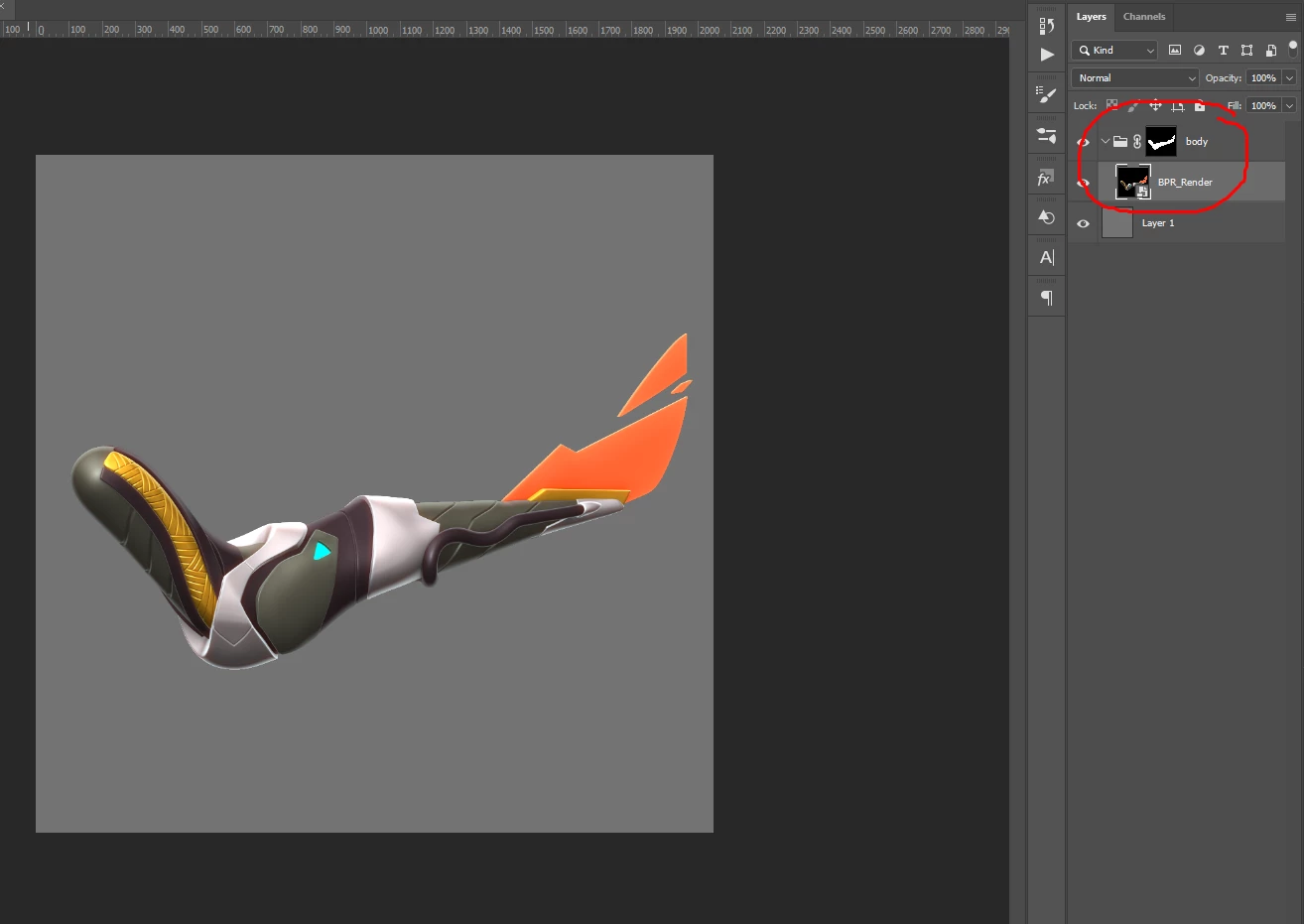
I would like a solution to add the alpha render to the corresponding layer. Beacus if I made an action from that what I do manually, that will find the name of the folder. The same nam like body. But i have a folder named as head, legs etc. I can't made it to the "currently active folder" wiht photshop actions as far as I know.
You want to put images into some document where did that document get into your work-flow. Is it a new document created the withe a canvas size size to house you the two image files your are going to put in the document. How will they be positioned for the document composition they would most like need to have the same size canvas so the would align correctly. If you want to put image files in how will the process put the correct image file in. Action step settings are recorded in the action steps in you action, File names are recorded into in the step. The step will always address the same file. Or save a file for the current document with and default the file name to the current document name. If you want to process files in a folder or folders you need to use Automate Batch or an image processor script. These Batch Processor Open files in photoshop an play your Batch actions process one file at at time not on file pairs. Or you need to Programs A Photoshop script which you do not know how to do. A script can process pairs if files. To do a Batch Automate you need to automate the all the processing that need to be done. I do not understand why you created two image file to begin with where the second image is a black and white or gray scale image the you want to turn into a layer mask for the first image you created why did you not simply mask the first image you created instead of creating a second image file. why are you crating a layer group and masking it when there will be only a single layer in the layer group like your screen capture shows. Perhaps if you describe what you are trying to automate better someone can help you design a work-flow process the can be automated with a batch action. Batch actions normal process a single document at a time they may add the same file into each document in the process process. Batch action can not add files with different names for the current document relative to the document name or layer names. Action can only test a few document and layer conditions Action conditional steps. The kind of logic you want to use in your processing would require Photoshop scripting.

 AdChoices