
Banding issues visible in photoshop CS6
I have only used this forum once before and I am hoping they can help with this query and appreciate the support.
I seem to have more banding issues when using gradients or painting solid colours after I upgraded my RAM from standard 8 mb to 24 mb. Perhaps just a coincidence or maybe something in the PS preferences needs changed ?
I have attached a file below (1) which is saved as 8 bit jpeg, it was created from 16 bit file and then I used a soft round brush to roughly paint three colours RGB 0/0/0, 65/65/65 and 128/128/128. This has more banding visible in photoshop than I expected but would appreciated the forums view ?
I then created a blank document (2 below) in photoshop, 8 bit, gradient map black to white, then added Levels layer and set output to 120 to 140, added another Levels layer and set input to 120 to 140 to see level of banding.
I then repeated this (3 below) but only difference was in a 16 bit file and I expected to see a smoother gradient and less banding but no real difference on my display in photoshop which seems strange on my iMac 27" 2013. But it does look different below when both saved as 8 bit JPEGs. I thought I would see a difference on my display rather than just when I finally saved down as 8 bit JPEG ?
Any support much appreciated.
Thanks
Mark
1) Paint 000, 65 and 128

2) 8 bit
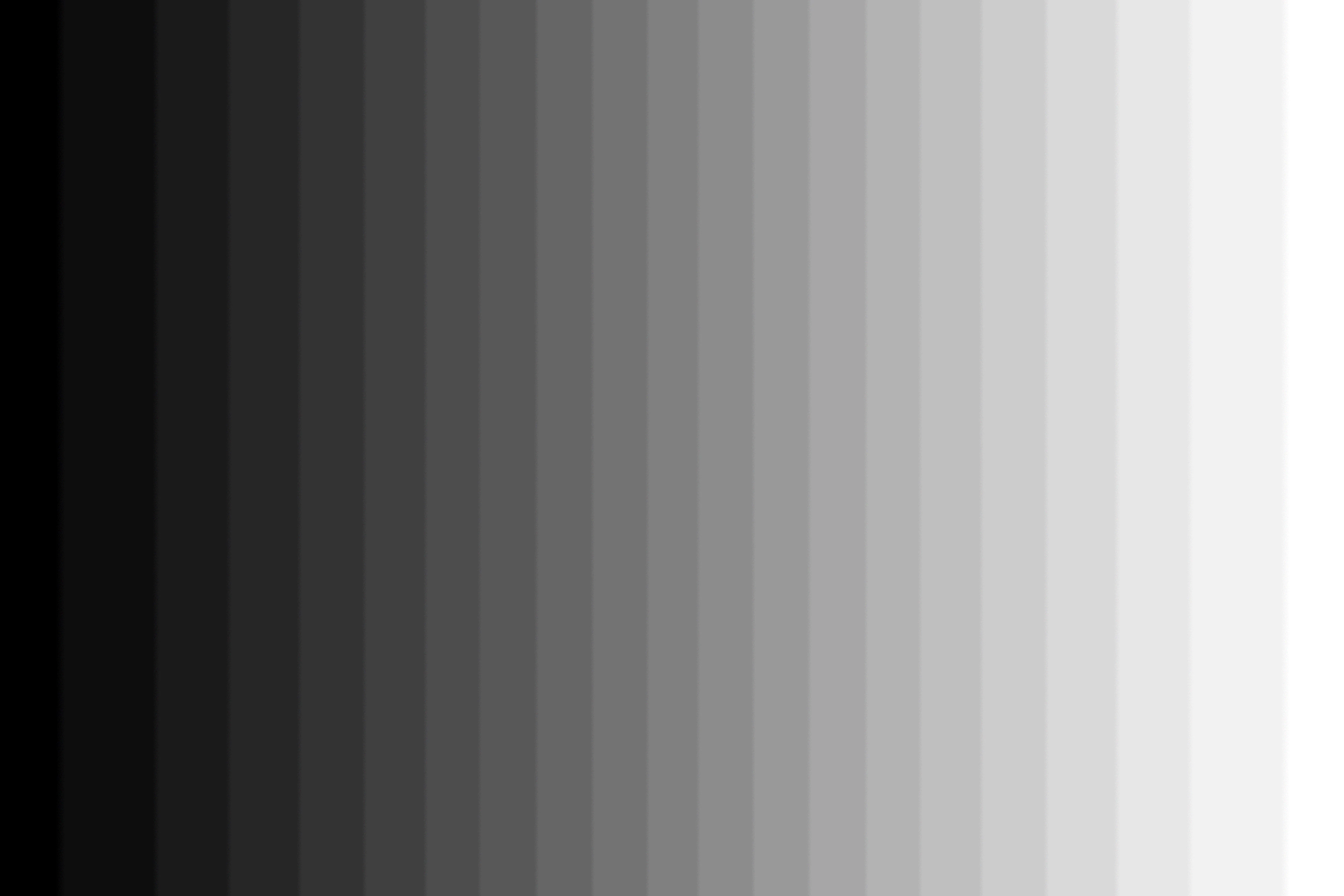
3) 16 bit

 AdChoices